

The Importance of System Visibility
Building a home laboratory is a significant investment of time and resources. Ensuring your hardware remains stable requires understanding how to monitor home lab server health effectively.
Without proper visibility, a small issue like a failing fan can lead to catastrophic hardware failure. Monitoring provides the necessary data to perform proactive maintenance before downtime occurs.
A well monitored system allows you to understand the baseline performance of your infrastructure. This baseline helps you identify anomalous behavior that could indicate a security breach or a software bug.
In this guide, we will explore the various layers of monitoring required for a professional home lab setup. We will cover hardware, operating system metrics, and network performance to give you a comprehensive overview of your environment.
Establishing a Monitoring Strategy
Before installing any software, you must define what success looks like for your laboratory. You need to decide which performance indicators are most critical for your specific use cases.
For some, storage integrity is the highest priority due to precious family photos. Others might focus on network latency for gaming or media streaming services.
Your strategy should include a mix of real time tracking and historical data analysis. Historical data allows you to see growth trends in your storage and resource consumption over several months.
Core Hardware Metrics to Track
The foundation of any server is the physical hardware that runs the code. Monitoring the physical state of your components is the first step in a healthy home lab.
Central processing units generate significant heat when under heavy load. Tracking processor temperatures ensures that your cooling solutions are functioning correctly and efficiently.
If temperatures exceed safe limits, the system may throttle performance to protect the silicon. This results in a sluggish experience for all applications hosted on that machine.
You should also monitor the rotational speed of your system fans. A sudden drop in fan velocity often precedes a total bearing failure or a physical blockage.
- Core temperature per socket
- Voltage stability for the motherboard
- Fan revolutions per minute
- Chassis ambient temperature
Power Supply and Energy Consumption
Servers in a home environment can consume a surprising amount of electricity. Monitoring power consumption helps you manage your utility bills and detect hardware inefficiency.
If your server is connected to an uninterruptible power supply, you must monitor its battery health. Knowing the remaining runtime during a power outage is critical for a graceful shutdown.
Fluctuations in input voltage can also indicate issues with your home electrical wiring. Consistent voltage monitoring protects your expensive components from unexpected electrical surges.
Understanding Storage Health
Storage is often the most vulnerable part of a home lab server. Hard drives and solid state drives have a finite lifespan that must be monitored closely.
Self Monitoring Analysis and Reporting Technology provides a window into the internal health of a drive. You must track reallocated sectors as an early warning sign of drive failure.
If the count of bad sectors begins to rise, you should replace the drive immediately. Waiting for a total failure puts your data at unnecessary risk of loss.
Solid state drives have different wear metrics compared to traditional spinning disks. You should monitor the percentage used attribute to understand the remaining life of the flash memory.
- Drive temperature
- Power on hours
- Uncorrectable error counts
- Write endurance levels
File System and Partition Capacity
Running out of disk space can cause applications to crash or databases to corrupt. Monitoring partition usage ensures you have enough room for logs and temporary files.
You should set alerts to trigger when a disk reaches eighty percent capacity. This gives you ample time to expand storage or delete unnecessary files.
Inodes are another critical metric that many beginners overlook. A system can run out of available inodes even if there is plenty of raw gigabytes remaining.
This usually happens when millions of tiny files are created by a misconfigured application. Tracking inode consumption prevents mysterious file system errors that are hard to diagnose.
Memory and CPU Utilization
The operating system manages resources between various competing processes. Monitoring memory pressure tells you if your server needs a physical RAM upgrade.
When physical memory is exhausted, the system begins using swap space on the disk. This leads to a performance collapse because disks are much slower than volatile memory.
Tracking the swap in and swap out rates is more important than looking at free memory alone. High swap activity is a clear indicator that your workloads are oversized for the hardware.
CPU utilization should be broken down into user, system, and wait states. A high input output wait percentage suggests that your processor is idling while waiting for the disks.
- Total RAM utilization
- Available swap space
- CPU load averages
- Individual core usage
Analyzing Process Behavior
Sometimes a single application can behave erratically and consume all available resources. You need to identify rogue processes that impact the rest of the laboratory environment.
Monitoring the top consumers of memory and CPU helps you optimize your software stack. You might find that a containerized app has a memory leak that requires a restart.
Zombie processes can also accumulate over time and clutter the process table. Effective monitoring detects these defunct tasks so you can investigate the root cause of their failure.
Network Performance and Connectivity
A home lab is only useful if it is accessible over the network. Monitoring network throughput allows you to see if your backbone is congested.
You should track both internal speeds and your external internet connection. This helps distinguish between a local bottleneck and an issue with your service provider.
Packet loss is a silent killer of application performance. Even a small percentage of dropped packets can cause significant lag in web interfaces and streaming services.
Latency to key internal and external points should be measured constantly. Significant latency spikes often indicate a failing cable or a misconfigured network switch.
- Interface bandwidth usage
- Error rates on physical ports
- DNS resolution time
- Ping response times
Monitoring Network Services
Infrastructure services like DHCP and DNS are the glue of your home network. If these services fail, the entire home lab ecosystem becomes unreachable and broken.
You should monitor the availability of these services using simple probes. A probe can check if a port is open or if a specific query returns the correct result.
Monitoring SSL certificate expiration is also vital for modern labs. Nothing is more frustrating than a blocked connection because a certificate expired in the middle of the night.
Logging and Data Aggregation
Metrics tell you what is happening, but logs tell you why it happened. Log management is the process of collecting and storing text based records from your servers.
System logs contain information about kernel errors, hardware events, and user logins. Aggregating these into a central location makes troubleshooting much easier during a crisis.
Application logs provide insights into the internal state of your software. You can search for error codes or specific keywords that indicate a service is struggling to function.
Log rotation is a necessary task to prevent your storage from filling up. An unmanaged log file can grow to massive sizes and eventually crash the entire operating system.
- Kernel ring buffer messages
- Authentication and security logs
- Web server access logs
- Database transaction logs
Security Auditing Through Logs
Monitoring your home lab also involves keeping an eye on security. You should track failed login attempts to identify potential brute force attacks on your infrastructure.
If you expose services to the internet, this becomes even more critical. Analyzing traffic patterns can help you block malicious IP addresses before they find a vulnerability.
Tracking changes to sensitive configuration files is another key practice. Knowing who changed what and when is the hallmark of a professional system administrator.
Visualizing Your Data
Numbers on a screen can be difficult to interpret quickly. Creating a visual dashboard transforms raw data into actionable intelligence for the home lab owner.
Graphs allow you to see the relationship between different metrics. For example, you might see that CPU usage spikes exactly when a backup task starts.
Dashboards should be designed for high level overview at a glance. Use color coding to highlight metrics that have exceeded their healthy thresholds or limits.
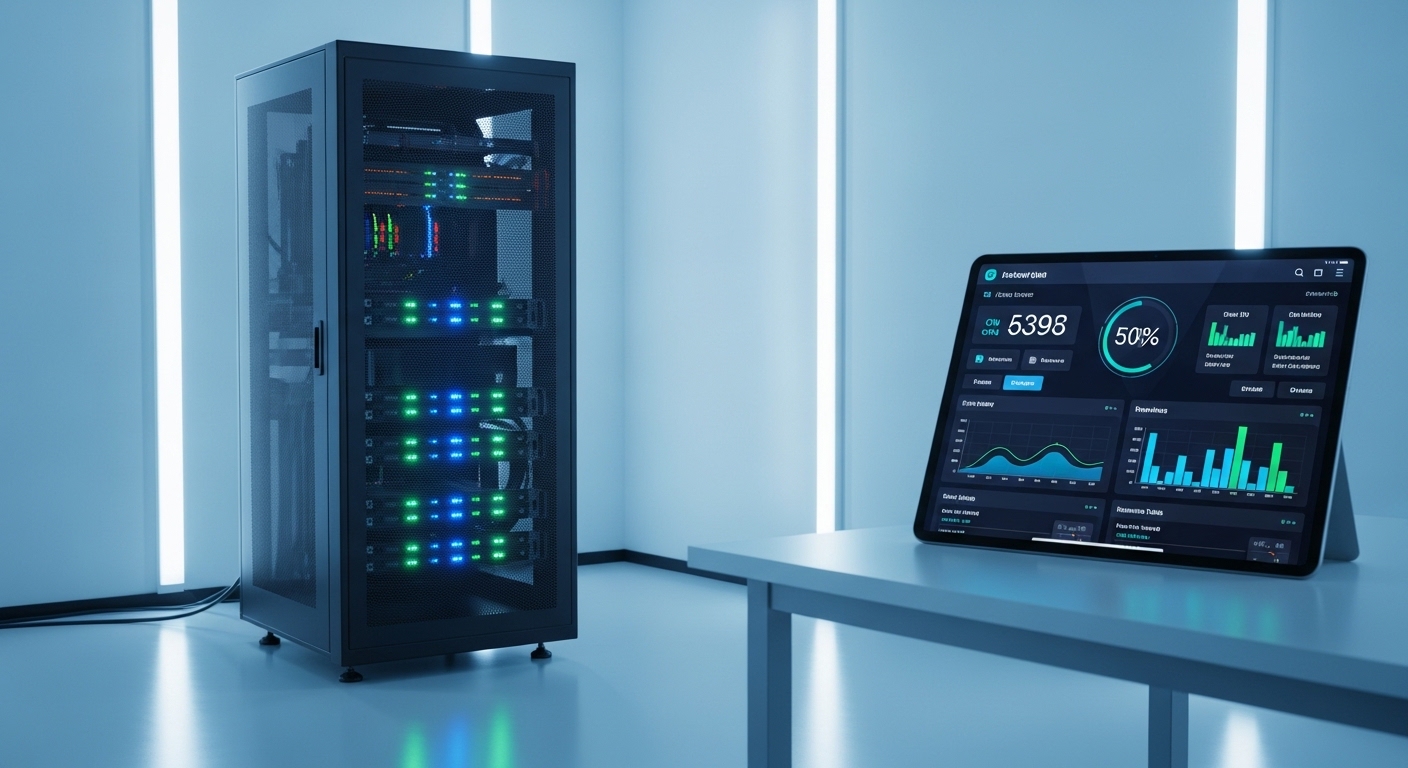
In 2026, many enthusiasts use dedicated tablets as permanent monitoring displays. This provides a constant window into the health of the rack without needing to open a laptop.
Designing Effective Graphs
When building your dashboard, avoid cluttering the view with too much information. Focus on the essential metrics that reflect the overall stability of the host machine.
Stacked area charts are great for visualizing memory distribution. Gauges are effective for showing real time values like current power draw or temperature.
Ensure your time scales are appropriate for the data you are viewing. A short window is good for troubleshooting, while a long window shows seasonal patterns.
Alerting and Notification Strategies
You cannot stare at a dashboard all day and night. An alerting system notifies you when something requires your immediate attention or intervention.
Thresholds should be carefully tuned to avoid alert fatigue. If you receive too many notifications, you will eventually start ignoring the important ones.
Consider using different channels for different levels of severity. A minor issue might send an email notification, while a critical failure sends a push alert to your phone.
Escalation policies are also useful in a complex home lab. If a service stays down for an hour, the alerting frequency could increase to ensure you notice the problem.
- Critical hardware failure alerts
- High disk usage warnings
- Service downtime notifications
- UPS battery low alerts
Automating Responses to Alerts
Advanced users can implement automated scripts to handle common issues. This is known as self healing infrastructure and it reduces the manual workload of lab ownership.
If a service stops responding, an automated trigger can attempt to restart it. This can resolve temporary glitches without any human intervention required at all.
Automation can also be used to prune old backups if storage is low. Always ensure these automated actions are logged so you can review them later for transparency.
Maintaining Your Monitoring System
The monitoring tools themselves require maintenance and occasional updates. A broken monitor is worse than no monitor because it gives a false sense of security.
Regularly verify that your alerts are still functioning as expected. You can simulate a high load condition to check if the notification triggers correctly.
Update your monitoring software to benefit from new features and security patches. Keeping your tools current ensures compatibility with newer operating system versions and hardware drivers.
Documenting Your Infrastructure
Monitoring data provides the perfect source for your lab documentation. Note down the normal ranges for each of your servers for future reference.
This documentation is invaluable when you decide to upgrade or migrate your hardware. It helps you size the new equipment based on actual historical usage data from your lab.
Keep a record of all major incidents and their resolutions. This creates a knowledge base that makes future troubleshooting much faster and more efficient.
Conclusion
Learning how to monitor home lab server health is a continuous process of refinement. As your lab grows, your monitoring needs will become more complex and sophisticated.
By focusing on hardware health, storage integrity, and network performance, you create a stable foundation. This stability allows you to focus on innovative projects rather than constant fire fighting.
Invest the time today to set up comprehensive visibility. Your future self will thank you when you avoid a major data loss event or a long weekend of downtime.
Frequently Asked Questions
What is the most critical metric to monitor in a home lab?
Storage health is generally considered the most critical metric. Hardware can be replaced, but lost data is often gone forever without backups.
How often should I check my server logs?
You should automate the log checking process using search patterns. Only manually review logs when you notice unusual behavior or after a system crash.
Can monitoring software slow down my server?
Yes, every monitoring agent consumes some resources. You should choose lightweight tools that provide high visibility with minimal impact on system performance.
Should I monitor my home lab from an external network?
External monitoring is useful for checking internet connectivity. However, most health checks should stay within your network for security and speed purposes.
Is it worth monitoring power usage for a single server?
Monitoring power is very helpful for understanding your costs. It also helps you determine if your power supply is operating within its efficiency curve.