

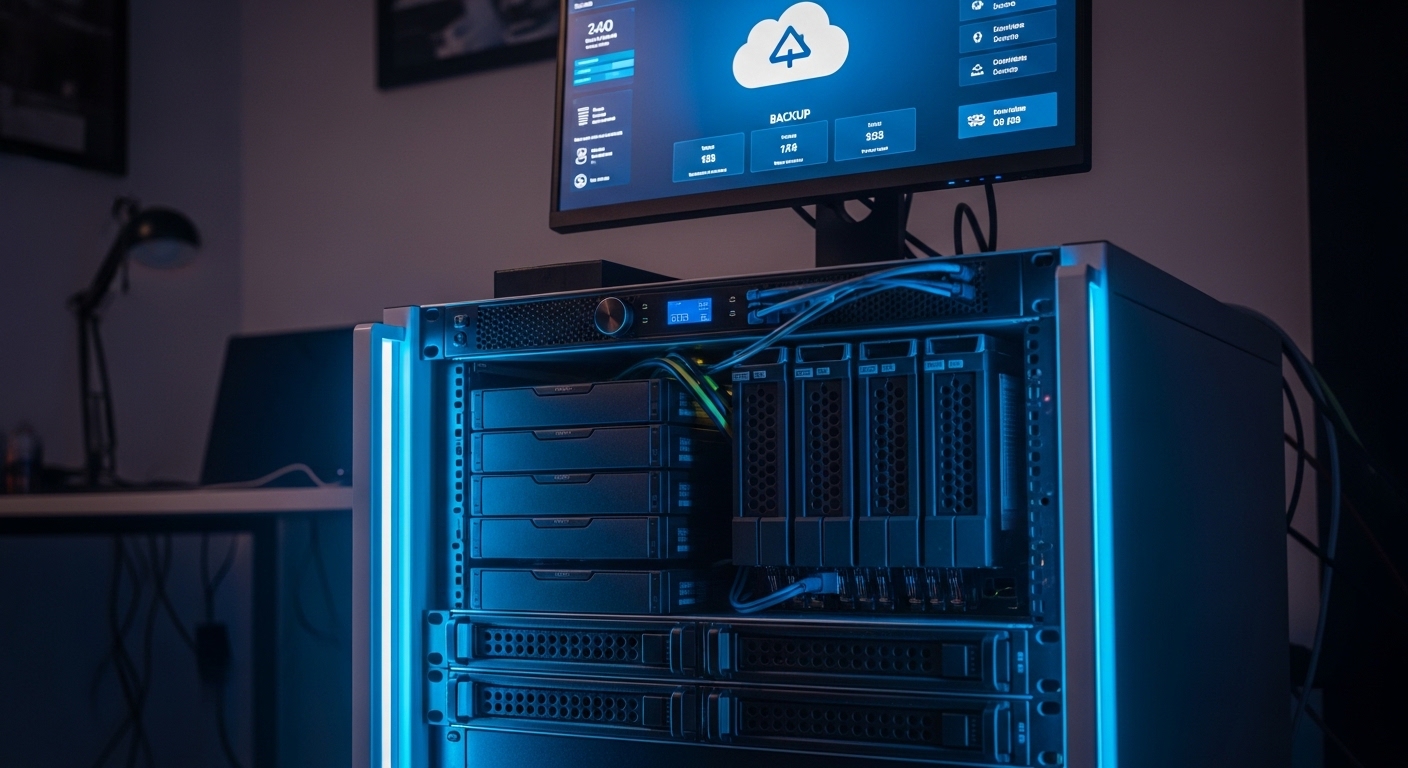
The Importance of Data Protection in Home Labs
Creating a home lab involves a significant investment of time and intellectual effort. This environment serves as a playground for learning new technologies and hosting critical personal services.
Losing this data due to a hardware failure or software error can feel devastating. This is why data protection should be the foundation of your server architecture.
One of the most effective frameworks for safeguarding information is a structured backup plan. This plan ensures that your configurations and databases remain recoverable under any circumstances.
The primary goal is to minimize the risk of a total loss scenario. By following a proven methodology, you can sleep soundly knowing your digital life is secure.
Defining the Three Copies Rule
The first digit in this strategy represents the total number of data versions you maintain. You should always have at least three distinct copies of your important files.
The primary copy is the live data currently in use on your production server. This is the version you interact with daily for your projects.
The second and third copies are the actual backups stored on separate systems. Having multiple versions reduces the probability of simultaneous data corruption.
Statistically, the chance of three separate storage devices failing at once is extremely low. This redundancy creates a safety net for your most vital home lab projects.
Why Two Backups Are Better Than One
If one backup drive fails during a restore process, you still have another source. This situation is more common than many users realize during high stress recovery events.
Relying on a single backup creates a dangerous single point of failure. Maintaining triple redundancy is the gold standard for professional and enthusiast labs alike.
Choosing Two Different Storage Media
The second part of the rule focuses on the physical hardware used for storage. You must store your backups on two different media types to avoid common failure modes.
If you keep all copies on the same brand of mechanical hard drive, they might fail together. Manufacturing defects often affect entire batches of hardware at the same time.
Consider using a mix of traditional spinning disks and solid state drives. Each technology has different strengths and vulnerability profiles regarding heat or electrical surges.
Some lab owners choose to use network attached storage for one copy and optical discs for another. This diversity ensures that a specific hardware flaw does not destroy your entire archive.
Diversity in Storage Technology
Using magnetic tape or external flash drives can also provide the necessary variety. The goal is to avoid homogenous hardware environments for your backup repository.
Even different file systems can provide an extra layer of logical protection. Formatting one drive with ZFS and another with EXT4 can prevent specific software bugs from spreading.
The Vital Importance of Offsite Storage
The final digit in the strategy refers to the location of your data. You must keep at least one copy offsite to protect against physical disasters.
A house fire or flood could destroy every piece of equipment in your home lab. Local backups are useless if the physical drives are physically incinerated or water damaged.
Offsite storage provides a geographic buffer between your primary data and your recovery source. This is the ultimate insurance policy for your digital assets.
In the past, this meant carrying hard drives to a friend’s house or a bank vault. Today, the process is much simpler thanks to modern connectivity options.
Cloud Storage as a Remote Anchor
Many home lab enthusiasts utilize cloud providers for their offsite requirements. These services offer unmatched durability and high availability for long term storage.
Sending encrypted data to a remote server ensures it stays safe from local events. It is the most convenient way to fulfill the final requirement of the framework.
Assessing Home Lab Data Priority
Not every file in your lab requires the same level of protection. You should categorize your data to optimize storage efficiency and costs.
Operating system files can often be reinstalled quickly from an image. However, unique configuration files and personal databases are much harder to replace.
Focus your backup resources on data that is truly irreplaceable. This includes personal photos, custom scripts, and docker compose files.
Large media libraries might not need triple redundancy if they can be sourced elsewhere. Assigning priority levels helps you manage the total volume of backup traffic.
Implementing Local Redundancy First
Your first line of defense is usually a local backup server or a dedicated drive. This allows for rapid recovery speeds over a local area network.
Restoring a terabyte of data from the internet can take days. Restoring the same amount over a gigabit connection takes only a few hours.
High speed local access is essential for maintaining high uptime for your lab services. It provides the immediate convenience required for daily operations.
Ensure this local copy is stored on a device separate from your main server. A secondary server or an external enclosure connected via USB are popular choices.
Leveraging Network Attached Storage
A dedicated storage appliance is an excellent tool for managing local versions. These devices often include built in tools for automated snapshots and versioning.
Using a centralized storage hub makes it easier to manage backups for multiple virtual machines. It simplifies the logical map of your data flow.
Secondary Local Storage Solutions
After your primary local backup, consider a second local medium. This could be a removable drive that you only plug in during the backup window.
Keeping a drive disconnected protects it from electrical surges or ransomware attacks. This is often referred to as an air gapped or offline backup.
External drive docks are affordable and allow you to swap disks easily. This hardware flexibility is perfect for growing home lab environments.
You can rotate multiple disks through this dock to maintain a deep history of changes. It provides a physical sense of security that cloud storage lacks.
The Role of Optical Media
For small sets of extremely critical data, Blu ray discs offer long term stability. They are immune to electromagnetic interference and cannot be overwritten once finalized.
Archiving your most important keys and documents to physical discs is a wise move. This represents a perfect example of using a different media type.
Automating the Backup Workflow
Manual backups are prone to human error and forgetfulness. You must strive for complete automation to ensure consistency across your environment.
Use cron jobs or specialized software to trigger your backup tasks. Automation ensures that your data protection remains active even when you are busy.
A backup that never runs is useless in a crisis. Reliable scheduling is the secret ingredient to a successful strategy in 2026.
Monitor your automated tasks to ensure they complete successfully. Set up email or mobile notifications to alert you of any failures in the pipeline.
Scripting for Custom Environments
Many lab owners write custom scripts to handle specific application data. This allows for granular control over how databases are dumped and compressed.
Custom scripts can also handle the mounting and unmounting of backup targets. This adds a layer of logic that off the shelf tools might lack.
Securing Backups via Encryption
Backups contain all your private information and secrets. You must use strong encryption to protect this data from prying eyes.
If you store data in the cloud, ensure it is encrypted before it leaves your network. This is known as client side encryption and is vital for privacy.
Local backups should also be encrypted to protect against physical theft of the drives. Losing a backup drive should not mean compromising your privacy.
Keep your encryption keys in a safe, separate location. Losing the keys is equivalent to losing the data itself, so manage them carefully.
Validating Backups with Regular Testing
A backup is only a collection of bits until it is successfully restored. You must test your restores frequently to ensure the data is actually valid.
Corruption can happen during the backup process without being noticed immediately. Verification checks help identify these issues before you need the data in an emergency.
Perform a full restore of a non critical system once every few months. This practice builds operational confidence and verifies your procedures.
Testing also helps you understand how long a full recovery will take. Knowing your recovery time objective is critical for planning and expectations.
Integrity Checks and Checksums
Modern backup tools often include automated integrity checks. These tools compare cryptographic hashes of the source and the backup to detect bit rot.
Enabling these features adds a layer of mathematical certainty to your strategy. It ensures that every byte matches the original perfectly.
Dealing with Ransomware Risks
Ransomware is a significant threat to modern home labs. These malicious programs attempt to encrypt your files and demand payment for the key.
Sophisticated malware also looks for connected backup drives to destroy them. This is why having an offline or immutable copy is so important.
Immutable storage prevents data from being deleted or modified for a set period. This feature is a powerful defense against unauthorized encryption or deletion.
Ensure your backup user accounts have the minimum necessary permissions. This restricts the potential damage if a single service is compromised.
The Role of Versioning and Retention
Backups should not just be a mirror of your current state. You need version history to recover from accidental deletions that happened weeks ago.
A good retention policy keeps daily backups for a week, weekly backups for a month, and monthly backups for a year. This provides a deep timeline for recovery.
Versioning allows you to go back in time to a known good state. This is essential for debugging software issues or configuration mistakes.
Be mindful of the storage space required for deep versioning. Incremental backups help save space by only storing the changes made since the last run.
Managing Incremental Backups
Incremental methods reduce the amount of data transferred and stored. They make implementing 3 2 1 backup strategy for home lab more sustainable for large datasets.
Ensure your software can consolidate these increments over time. This prevents the backup chain from becoming too long and fragile.
Managing Large Data Volumes Efficiently
As your home lab grows, your data footprint will expand. Managing multi terabyte archives requires efficient compression and deduplication techniques.
Deduplication identifies identical chunks of data and only stores them once. This can drastically reduce the storage required for multiple virtual machines.
Compression further shrinks the files to save space on your local and remote targets. Choose a compression level that balances CPU usage with storage savings.
Be aware that high compression levels can slow down the backup and restore process. Test different settings to find the sweet spot for your specific hardware.
Common Mistakes to Avoid
One common error is assuming that RAID is a backup. RAID provides hardware redundancy for uptime, but it does not protect against accidental deletion or corruption.
Another mistake is ignoring the logs of your backup software. Small errors can escalate into total failure if they are not addressed promptly.
Avoid keeping all your backups in the same physical room. This negates the benefits of the offsite rule and leaves you vulnerable to fire.
Finally, never share the same credentials for your production and backup systems. Isolating your backup infrastructure is key to maintaining a secure environment.
Neglecting the Human Element
Documentation is often overlooked in the heat of a project. Write down your recovery procedures clearly so you can follow them while under pressure.
Ensure that a family member or trusted friend knows how to access the backups if necessary. Shared knowledge is a form of social redundancy.
Future Proofing Your Backup Plan
Technology evolves rapidly, and your backup strategy should evolve with it. Periodically review your hardware and software choices to ensure they remain supported.
Old backup formats might become unreadable as software versions change. Migrating your archives to modern standards is a necessary maintenance task.
Keep an eye on emerging storage technologies like cloud cold storage tiers. These can offer significant cost savings for data you rarely need to access.
Stay informed about new security threats and update your encryption protocols accordingly. A proactive approach is the best way to maintain long term data safety.
FAQ
How often should I run my backups? Daily backups are recommended for active projects, while weekly schedules might suffice for static archives.
Is cloud storage expensive for home labs? Many providers offer affordable tiers designed specifically for archival and backup purposes.
What is the best media for long term storage? Optical discs and specialized enterprise grade hard drives are excellent choices for longevity.
Should I encrypt my local backups? Yes, encryption is a critical requirement for protecting your data from physical theft or unauthorized access.
Conclusion
Successfully implementing 3 2 1 backup strategy for home lab provides peace of mind. It transforms your data protection from a guesswork exercise into a professional standard.
By maintaining three copies, using two media types, and keeping one offsite, you minimize every major risk. Your lab becomes a resilient platform for innovation and learning.
Start small if you must, but begin the journey toward full redundancy today. Your future self will thank you when the inevitable hardware failure occurs.