

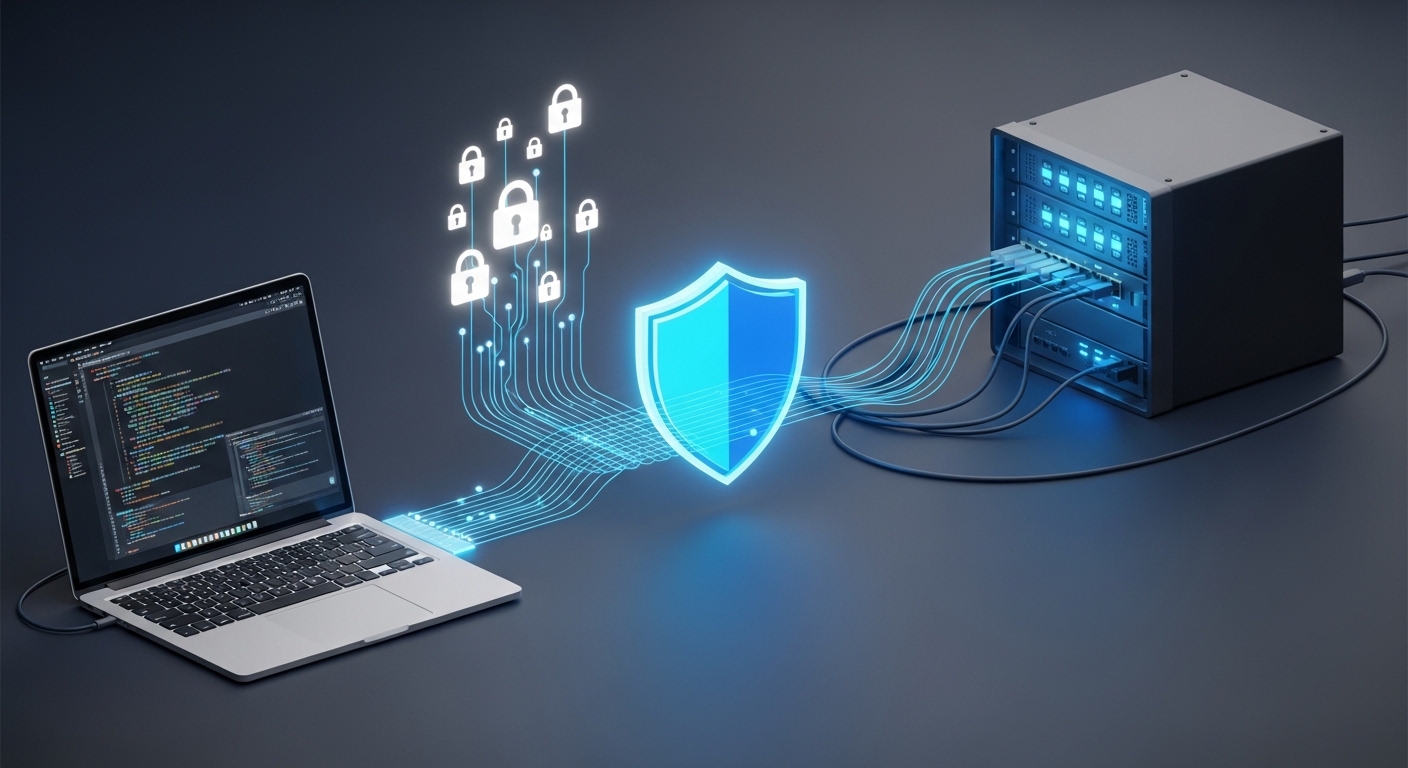
Building a home lab is one of the most rewarding projects for any technology enthusiast. It provides a playground for learning new software, testing network configurations, and hosting personal data.
However, the true power of a home lab is often realized when you can reach it from anywhere. This creates a significant challenge regarding how to maintain network integrity while away from home.
Understanding the Risks of Remote Connections
Opening your home network to the internet is inherently risky. Hackers constantly scan the web for open ports and vulnerable services to exploit.
If you do not follow best practices, your private data could be exposed to malicious actors. This is why learning how to secure remote access to home lab environments is a fundamental skill for every lab owner.
Many beginners start by simply forwarding ports on their router to reach a specific service. This approach is often called port forwarding, and it is frequently the least secure method available.
Every open port is a potential doorway for an attacker. Automated bots can discover these doors in seconds and begin brute force attacks against your login pages.
The Concept of Defense in Depth
To stay safe, you should adopt a strategy known as defense in depth. This means using multiple security layers so that if one fails, others remain to protect your systems.
Relying on a single password is never enough in the modern landscape. You must combine network barriers, strong identity verification, and continuous monitoring to be truly secure.
As we move into a more connected era, these principles become even more vital for personal privacy. Implementing these layers will ensure your lab stays your own through 2026 and beyond.
The Gold Standard: Virtual Private Networks
A Virtual Private Network, or VPN, is widely considered the best way to bridge the gap between your mobile devices and your home server. It creates an encrypted tunnel between your device and your home network.
When you are connected to your VPN, your device acts as if it is physically plugged into your home router. This allows you to access services using local IP addresses without exposing them to the public internet.
Modern protocols have made VPNs faster and more reliable than ever before. You no longer have to sacrifice speed for the sake of data protection.
WireGuard is a protocol that has gained massive popularity due to its simplicity and high performance. It uses state of the art cryptographic primitives to secure your traffic.
Comparing VPN Protocols
While OpenVPN was the industry standard for years, it is often slower and more complex to configure. WireGuard offers leaner code which reduces the attack surface significantly.
Setting up a VPN server at home can be done on a dedicated router or a small server. This ensures that you have complete control over the encryption keys and logs.
- Use keys instead of passwords for VPN authentication
- Restrict VPN access to specific internal IP ranges
- Always keep your VPN software updated to the latest version
- Monitor your VPN logs for any unrecognized connection attempts
By keeping the VPN server as the only gateway, you hide all other services from public view. This is a massive step in learning how to secure remote access to home lab infrastructure properly.
Exploring Mesh VPN and Overlay Networks
Sometimes setting up a traditional VPN is difficult due to restrictive internet providers or complex firewall rules. This is where mesh VPN solutions provide a powerful alternative.
These tools create a peer to peer network between your devices regardless of their physical location. They use overlay networking to route traffic through the most efficient path possible.
The beauty of this approach is that you do not need to open any ports on your router. The software handles the nat traversal automatically using secure coordination servers.
This effectively removes the need for port forwarding entirely. It simplifies the process of achieving secure connectivity for users who are not networking experts.
Zero Trust Networking Principles
Many of these mesh tools are moving toward a zero trust model. This model assumes that no device should be trusted by default, even if it is on the private network.
Every connection must be authenticated and authorized based on strict identity policies. This ensures that a compromised device cannot move laterally through your home lab easily.
Using these tools is an excellent way to manage remote identities without complex hardware setups. It allows for granular control over which device can talk to which server.
If you prefer to stay in full control, you can host your own coordination server. This keeps your metadata private and avoids reliance on third party cloud providers.
The Role of Reverse Proxies and SSL
If you must host services that are accessible via a web browser without a VPN, a reverse proxy is mandatory. A reverse proxy acts as a front desk for all incoming web traffic.
Instead of exposing every individual service, you only expose the proxy. It then directs traffic to the appropriate internal server based on the domain name used.
This centralization makes it much easier to manage security and logging. You only have to harden one point of entry instead of ten different servers.
Encryption is the next vital component of this setup. You must use SSL or TLS certificates to ensure that data sent between you and your lab is encrypted.
Implementing Automated Certificate Management
In the past, getting certificates was expensive and manual. Today, tools like Let’s Encrypt offer free certificates that can be renewed automatically.
Your reverse proxy can handle these renewals behind the scenes. This ensures that your connections are always verified and secure without any manual intervention.
A reverse proxy also allows you to implement additional security headers. These headers tell the browser how to handle your data safely and prevent common web attacks.
For example, you can prevent your site from being loaded in a frame. This helps protect your home lab from clickjacking attempts by malicious websites.
Multi Factor Authentication is Not Optional
Even with a VPN or a proxy, your account credentials are a primary target. Implementing multi factor authentication is the single most effective way to stop account takeovers.
MFA requires a second form of verification after you enter your password. This could be a code from an app or a physical security key.
If an attacker manages to steal your password, they will still be blocked without the second factor. This creates a critical safety net for your remote access points.
Avoid using SMS for your second factor whenever possible. SMS messages are vulnerable to sim swapping and other interception techniques.
Hardware Keys and Authenticator Apps
Using a dedicated authenticator app is a much better choice. These apps generate time based codes locally on your smartphone device.
For the highest level of security, consider using physical hardware keys. These devices use public key cryptography to prove your identity to the server.
- Enable MFA on your VPN gateway for maximum security
- Force MFA on your reverse proxy for all exposed web panels
- Use hardware keys for your most sensitive administrative accounts
- Keep recovery codes in a safe, physical location or vault
Integrating MFA into your workflow is a core pillar of how to secure remote access to home lab services. It turns a weak password into a formidable barrier against unauthorized entry.
Hardening the SSH Protocol
Secure Shell, or SSH, is the most common way to manage servers remotely. Because it is so powerful, it is also a major target for automated attacks.
By default, SSH often allows password authentication. This makes it vulnerable to automated scripts that try thousands of common passwords every hour.
The first step in hardening SSH is to disable password authentication entirely. You should use SSH key pairs instead, which are virtually impossible to brute force.
A key pair consists of a public key on the server and a private key on your laptop. Only the person holding the private key can gain access to the terminal.
Advanced SSH Configuration Tips
You can further secure SSH by changing the default port from 22 to a random high number. While this is security through obscurity, it stops the most basic automated bots from finding you.
Disabling root login is another essential step for server safety. You should log in as a standard user and use specialized commands for administrative tasks.
This prevents an attacker from gaining full control of the system immediately. It adds an extra layer of permission checks that can stop a breach in its tracks.
Using a tool like a jumper box or bastion host is also a great idea. This is a single, highly hardened server that you must log into before reaching any other lab machine.
Intrusion Detection and Prevention Systems
Knowing who is trying to access your network is just as important as blocking them. Intrusion detection systems monitor your logs for suspicious patterns and activities.
Fail2Ban is a classic tool that works by scanning log files for failed login attempts. If it sees too many failures from one IP, it blocks that address at the firewall level.
This is extremely effective at stopping brute force attacks in real time. It ensures that your resources are not wasted by bots trying to guess your credentials.
CrowdSec is a newer, community driven alternative that shares blocklists between users. If a bot attacks one person, its IP is shared with everyone using the software.
Analyzing Network Traffic Logs
Monitoring your traffic allows you to see if data is being exfiltrated. Large spikes in upload traffic at odd hours can indicate a security breach.
You should regularly review your connection logs to identify any anomalies. Modern dashboards can help you visualize this data and spot trends before they become problems.
Setting up alerts for successful logins is also a wise move. Receiving a mobile notification every time someone logs in as root provides immediate situational awareness.
This proactive approach is what separates a casual user from a senior lab operator. It creates a culture of vigilance that protects your digital assets around the clock.
Remote Desktop Gateways and Browser Access
Sometimes you need more than just a terminal; you need a full desktop environment. Protocols like RDP or VNC are useful but notoriously insecure when exposed directly.
Instead of opening RDP ports, you should use a remote desktop gateway. These gateways wrap the desktop protocol inside a secure web connection.
This allows you to access your desktop through a standard web browser. It simplifies the client requirements while maintaining a high level of security.
Apache Guacamole is a popular open source choice for this task. It supports RDP, SSH, and VNC without needing specialized software on your remote device.
The Security Benefits of Gateway Proxies
By using a gateway, you can enforce MFA and logging at the web layer. This protects the vulnerable desktop protocols from direct exposure to the public web.
It also allows you to share access with others without giving away your main passwords. You can create temporary accounts with limited permissions for specific tasks.
This method is highly recommended for those who need a graphical interface on the go. It balances usability and safety in a way that direct RDP simply cannot match.
Always ensure the gateway itself is behind a reverse proxy with a valid certificate. This ensures that every part of the communication chain is encrypted and authenticated.
Practical Actionable Advice for Your Home Lab
To summarize, securing your lab requires a multi faceted approach. Start by closing all unnecessary ports on your home router and disabling universal plug and play.
Choose a primary method for remote access, such as a VPN or a secure reverse proxy. Never use default passwords for any service, especially those that face the outside world.
Implementing a password manager will help you maintain unique, complex credentials for every service. This prevents credential stuffing attacks from compromising your entire network.
Regularly update your operating systems and applications. Most security breaches exploit known vulnerabilities that have already been patched by the developers.
Final Security Checklist
- Audit your router configuration for hidden port forwards
- Set up a WireGuard VPN for direct administrative access
- Implement a reverse proxy with SSL for web services
- Enable two factor authentication on every possible account
- Install an intrusion prevention tool like Fail2Ban
- Schedule regular backups of your configuration files
Following this checklist will significantly harden your lab against threats. It provides a solid foundation for anyone wondering how to secure remote access to home lab setups effectively.
Remember that security is a journey, not a destination. You must stay informed about new vulnerability disclosures and adapt your defenses as the landscape evolves.
Frequently Asked Questions
Is port forwarding ever safe for a home lab?
It can be acceptable for very specific services if you use advanced firewall rules to limit who can connect. However, for most users, a VPN is a much safer and more robust solution.
Can I use a free VPN service for my home lab?
It is better to host your own VPN server to ensure complete privacy. Free services may log your traffic or sell your data, which defeats the purpose of securing your lab.
What is the most secure MFA method?
Hardware security keys are currently the most secure option. They are immune to phishing and interception, providing a physical layer of protection for your digital identity.
Do I need a static IP address for remote access?
No, you can use a dynamic DNS service to map a permanent domain name to your changing home IP. Most modern routers and servers have tools to update this automatically.
Conclusion
Securing your home lab is a vital part of the self hosting experience. By following the steps outlined today, you can enjoy the freedom of remote access without the fear of compromise.
Whether you choose a VPN, a mesh network, or a hardened reverse proxy, the key is consistency. Always prioritize identity verification and encryption in every layer of your setup.
With the right tools and a cautious mindset, your home lab will remain a secure and powerful resource. Thank you for reading The Home Office Lab, and stay safe in your digital explorations.