

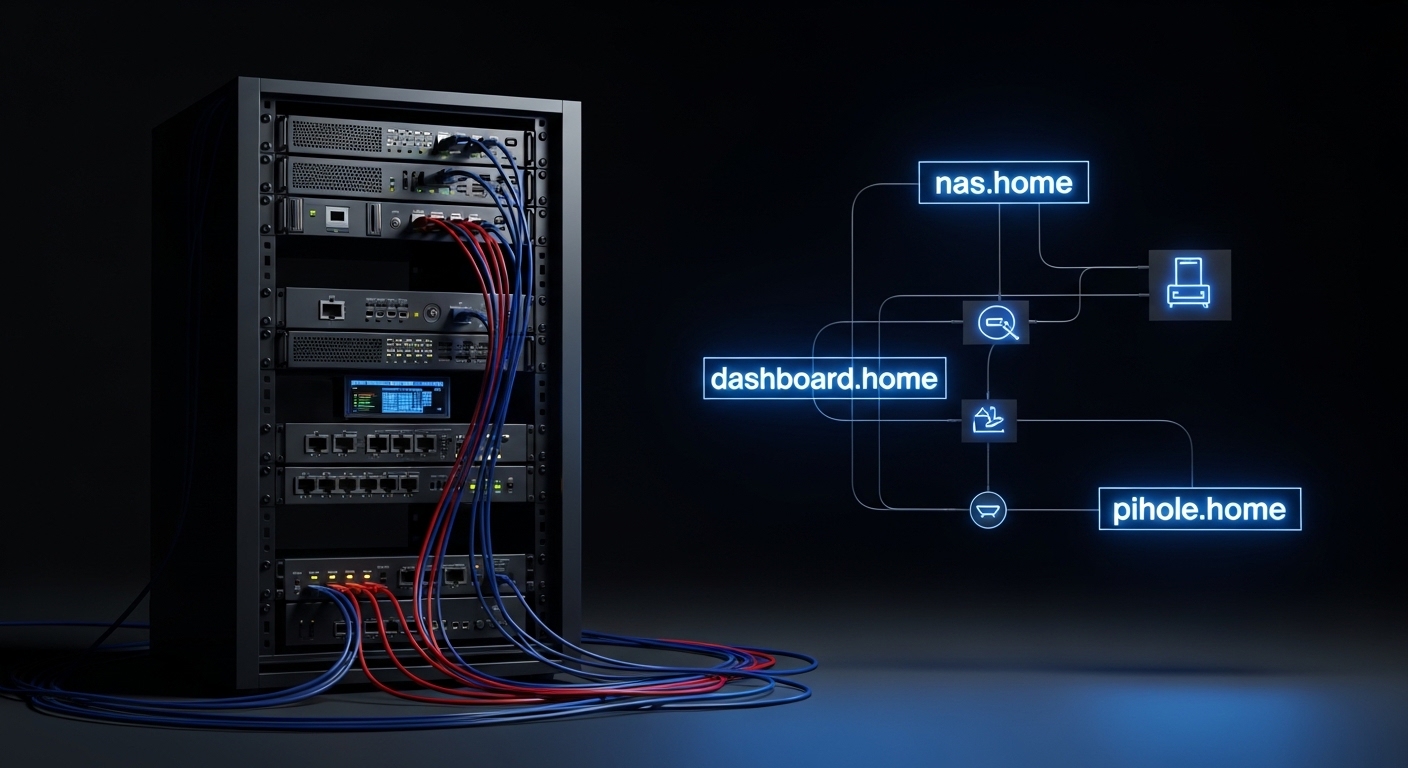
Understanding the Power of Local Name Resolution
Navigating a modern digital environment requires more than just hardware and cables. It demands a logical structure that allows you to find your services without memorizing complex strings of numbers.
Local DNS servers provide this structure by translating human readable names into the IP addresses used by your servers. This process eliminates the frustration of typing numeric sequences every time you want to access a dashboard.
When you start setting up local dns for home lab, you are taking a major step toward professional networking. You move away from the chaotic nature of basic consumer setups into the realm of enterprise grade management.
This guide will explore the technical foundations of name resolution within a private network. We will cover everything from software selection to advanced record management for your internal services.
The Limitations of IP Based Access
Relying on IP addresses is a common starting point for many beginners. However, this method quickly becomes unsustainable as your collection of virtual machines and containers grows larger.
Static IP addresses are difficult to track manually across dozens of different applications. If you change your network subnet, you must remember every single assignment or risk losing access to your data.
DNS resolution solves this by providing a centralized directory for your entire infrastructure. You simply point a name like nas.home to the correct address and let the server handle the rest.
Benefits of Setting Up Local DNS for Home Lab
The most immediate advantage is the ease of use for you and your family members. Instead of explaining how to reach a media server via a port number, you can provide a simple web address.
Security also sees a significant improvement when you control your own name resolution. You can implement filtering policies that block tracking domains and malicious websites at the network level.
Managing SSL certificates becomes much simpler with a dedicated local domain. It allows you to use valid certificates for internal services, removing those annoying browser security warnings.
Furthermore, a local server keeps your internal traffic data private. Your internet service provider will not see the names of the specific devices you access inside your own home.
Enhanced Network Stability
A dedicated DNS server can cache external queries to speed up internet browsing for everyone in the house. This reduces the latency involved in looking up common websites like news portals or social media.
By caching records locally, your network remains responsive even during periods of high external traffic. This is especially useful for high performance home offices where every millisecond counts.
Choosing the Right Software for Your Environment
There are several excellent software packages available for managing local records. Each offers a different balance between ease of use and advanced configuration options.
Pihole is perhaps the most famous choice among enthusiasts. While primarily known for blocking ads, it serves as a robust internal DNS manager with a very friendly user interface.
Another strong contender is AdGuard Home. It provides a polished dashboard and includes built in support for encrypted protocols like DNS over HTTPS.
For those who want professional grade features, Technitium is an outstanding choice. It offers support for complex record types and advanced logging that rivals enterprise solutions.
Traditional Server Options
If you prefer a more traditional Linux approach, you might consider BIND or Unbound. These tools have powered the internet for decades and offer unmatched flexibility and control.
CoreDNS is another modern alternative that is particularly popular in the world of containers. It uses a simple configuration file and supports many plugins for extended functionality.
Selecting Your Hardware Platform
The beauty of a DNS server is that it does not require massive amounts of computing power. You can run these services on very modest hardware without experiencing any performance issues.
A Raspberry Pi is a classic choice for this task. It consumes very little electricity and is powerful enough to handle hundreds of queries per second.
Virtual machines are another excellent option if you already have a hypervisor running. This allows you to take snapshots before making major configuration changes.
Containers are increasingly popular due to their efficiency and ease of updates. Running your DNS in a Docker environment makes the deployment process remarkably fast.
Redundancy Considerations
DNS is a critical service for any network. If your primary server goes down, your entire internet connection will appear to be broken.
It is wise to deploy a secondary DNS server to ensure high availability. Most routers allow you to specify two different addresses for name resolution tasks.
Defining Your Internal Naming Convention
Before you start creating records, you must decide on a domain name for your network. This choice will impact how you access your services for years to come.
Avoid using the .local suffix if possible. This suffix is reserved for Multicast DNS protocols and can cause connectivity conflicts on some operating systems.
Many experts recommend using .home or .lan for private environments. These are widely recognized as non routable suffixes that stay within your local walls.
Using a subdomain of a domain you actually own is the most professional approach. For example, using lab.yourdomain.com allows you to integrate with public certificates easily.
Standardizing Hostnames
Consistency is key when naming your physical and virtual machines. Choose a pattern like function based names or location based names.
A name like srv,web,01 is much easier to identify than a random string of characters. Organized hostnames make troubleshooting much faster when things eventually go wrong.
Mastering Common DNS Record Types
To fully utilize your new server, you must understand the different types of records available. Each serves a specific purpose in the world of network communication.
The A record is the most common type you will use. It maps a hostname directly to an IPv4 address on your network.
If you use IPv6, you will need to use AAAA records. These perform the same function but for the newer, longer address format.
CNAME records allow you to create aliases for existing names. This is perfect for pointing multiple services like wiki.home and blog.home to the same physical server.
Pointer and Service Records
PTR records are used for reverse lookups. They allow a device to ask which name belongs to a specific IP address.
Reverse DNS is often required for certain network services to function correctly. It adds another layer of professional configuration to your environment.
TXT records can be used for storing administrative notes or verification strings. They are versatile and helpful for managing internal metadata.
Configuring Upstream Providers for External Queries
A local server cannot know the address of every website on the internet. It must know where to send requests for domains it does not manage itself.
These are known as upstream providers. You can choose from popular public options like Cloudflare or Google.
Some users prefer providers that focus on privacy and security. Services like Quad9 offer built in protection against known malicious domains at the source.
Alternatively, you can configure your server to perform recursive lookups. This means it talks directly to the root servers of the internet rather than relying on a third party.
Implementing DNS Encryption
Privacy is a growing concern for many home lab owners. Standard queries are sent in plain text, meaning anyone on the path can see your browsing habits.
Using DNS over TLS or DNS over HTTPS encrypts these requests. This keeps your data safe from prying eyes, including your own internet service provider.
Integrating DNS with DHCP for Automation
Manually updating records every time a device joins the network is tedious. Integration between your DNS and DHCP services can automate this process entirely.
When a new device receives an IP address, the DHCP server informs the DNS server of the new hostname. This dynamic update ensures your directory is always current.
Many all in one solutions like Pihole or pfSense handle this coordination automatically. It creates a seamless experience where every device is reachable by its name instantly.
This level of automation is essential for growing networks. It allows you to focus on building services rather than managing spreadsheets of IP assignments.
Troubleshooting Your Name Resolution Setup
Problems with name resolution can be difficult to diagnose because the symptoms often look like general internet failure. You need the right tools to identify the root cause.
The nslookup command is a classic tool available on almost every operating system. It allows you to query a specific server for a specific record to verify accuracy.
For more detailed information, the dig command is the industry standard. It provides comprehensive details about the response codes and timing of each query.
Checking your server logs is the most direct way to see what is happening. Logs will show you if a request was blocked, forwarded, or if the server is experiencing errors.
Checking Client Configuration
Sometimes the server is working perfectly, but the client is not using it. Verify that your router is handing out the correct DNS IP address via DHCP.
Operating systems often cache old records for a long time. You may need to flush the DNS cache on your computer to see recent changes you made on the server.
Advanced Strategies for Power Users
Once your basic setup is running, you can explore more advanced concepts. Split horizon DNS is a powerful technique for handling services that are accessible both internally and externally.
This method allows you to point a domain to a local IP when you are home. When you are away, the same domain points to your public IP or reverse proxy.
This creates a seamless user experience regardless of your physical location. It also optimizes traffic by keeping local data on the local network whenever possible.
You can also implement policy based routing for your queries. This allows you to send certain devices to a filtered server while giving others unrestricted access.
Monitoring Query Statistics
A well configured dashboard provides fascinating insights into your network behavior. You can see which devices are the most active and which domains are being blocked.
Analyzing traffic patterns helps you identify suspicious activity or misconfigured applications. It is a vital part of maintaining a healthy and secure digital environment.
Practical Tips for Long Term Success
Always document your naming conventions and IP ranges. As your lab expands, you will appreciate having a clear map of your logical infrastructure.
Keep your software updated to ensure you have the latest security patches. Vulnerabilities in network services can be exploited if left unpatched for too long.
- Use two servers for redundancy to avoid total network outages.
- Test every new record using tools like dig or nslookup immediately.
- Stick to a consistent naming scheme for all your hostnames.
- Backup your configuration files before making major architecture changes.
- Avoid using .local to prevent conflicts with apple or linux services.
The Importance of Network Documentation
A home lab is a journey of constant change and improvement. Without proper documentation, you may forget why certain decisions were made months ago.
Maintain a simple text file or a private wiki with your DNS zones. List the purpose of each CNAME and the hardware associated with each A record.
This habit will save you hours of work when you decide to upgrade your hardware or migrate to a new server platform in the future.
Frequently Asked Questions
Can I use my router as a local DNS server? Many consumer routers have very basic capabilities that might not support custom internal records. Using a dedicated server offers much more control and flexibility.
Why is my computer ignoring my local records? Your device might be configured with a hardcoded DNS address like 8.8.8.8. Check your network adapter settings to ensure it is set to obtain the address automatically.
Is it safe to run a DNS server on a Raspberry Pi? Yes, it is a very popular and stable choice for home networks. Just ensure you use a high quality SD card to prevent data corruption over time.
What happens if my DNS server crashes? If you do not have a secondary server, your devices will be unable to resolve any names. This makes the internet appear to be down even if the physical connection is active.
Final Thoughts on Network Management
The process of setting up local dns for home lab environments is a rewarding technical challenge. It transforms a collection of gadgets into a cohesive and professional system.
By taking control of your name resolution, you improve both the speed and security of your digital life. You gain the power to manage your services with ease and elegance.
As we look toward the network standards of 2026, having a firm grasp of these fundamentals will remain essential. Whether you choose Pihole or a full BIND implementation, your lab will be better for it.
Start with a simple plan and expand your configuration as your confidence grows. The clarity provided by human readable names is worth every minute of the setup process.