

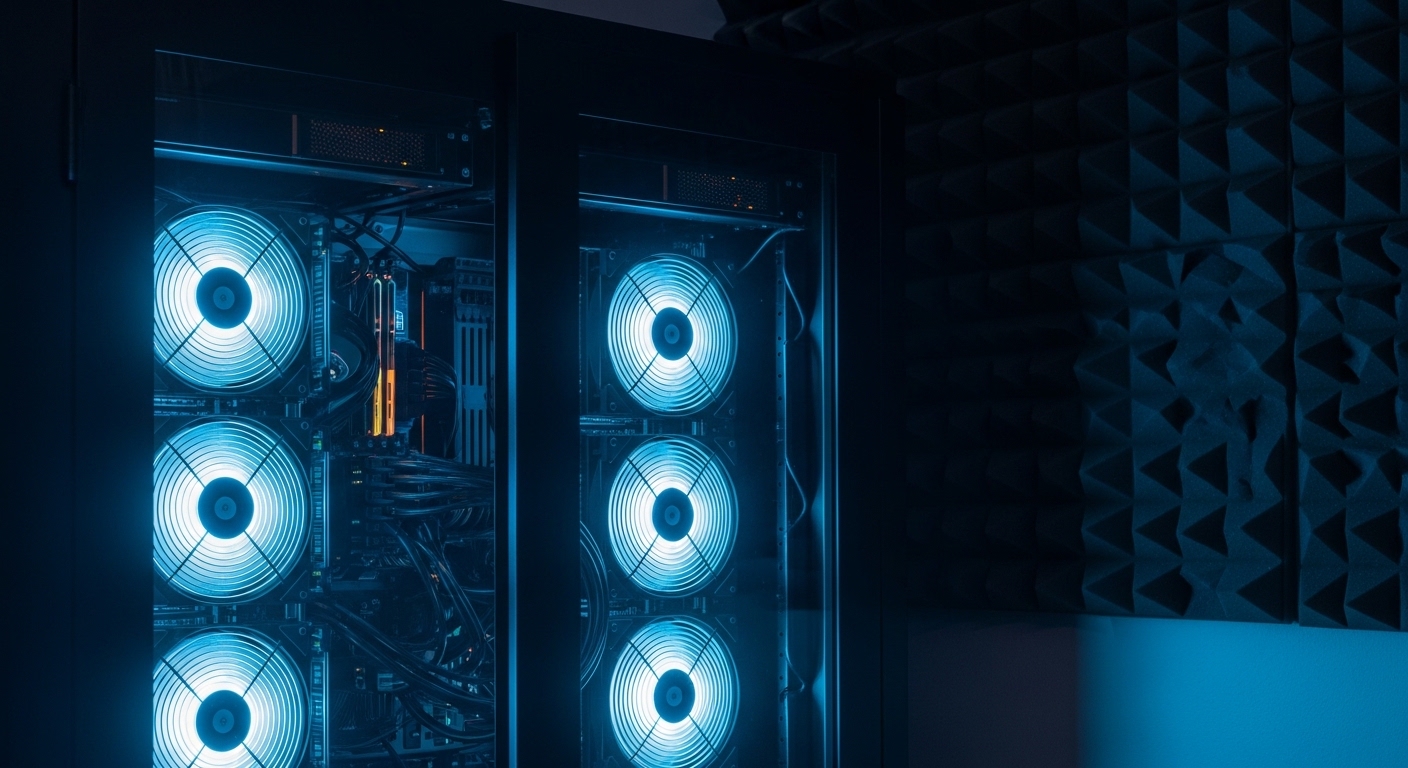
Silencing the Screaming Rack
Owning a home lab is a badge of honor for many tech professionals and hobbyists. It provides a playground for testing software, hosting services, and learning complex networking concepts.
However, enterprise grade equipment is rarely designed for residential environments. These machines are built for data centers where noise levels matter little compared to cooling efficiency.
When you bring a 1U or 2U server into a bedroom or office, the high pitched whine of 40mm fans can become unbearable. Finding ways to manage this acoustic output is essential for a productive work environment.
In this guide, we will explore every technical avenue to solve this problem. You will learn how to reduce home lab server noise levels without compromising the safety of your hardware.
We will cover everything from simple software tweaks to advanced hardware modifications. Let us transform your loud server closet into a whisper quiet sanctuary.
The Science of Server Noise
To solve the noise problem, we must first understand its origins. Most server noise comes from the cooling fans spinning at extremely high speeds.
Smaller fans must rotate faster to move the same volume of air as larger ones. In a thin 1U chassis, fans often reach speeds of fifteen thousand rotations per minute.
This creates a high frequency sound that penetrates walls and causes mental fatigue. Mechanical hard drives also contribute to the noise through constant vibrations against the metal chassis.
Power supply units often contain the smallest and most aggressive fans in the entire system. These components work together to create a cacophony of mechanical sound that disrupts your home life.
Understanding these sources allows us to target our mitigation strategies effectively. We can prioritize the loudest components first to achieve the greatest noise reduction.
Upgrading to Larger Fans
The most effective physical change you can make is increasing fan size. If your chassis allows it, moving from 40mm fans to 80mm or 120mm fans makes a massive difference.
Larger blades can move more air while spinning at a much lower velocity. This shift significantly lowers the decibel output of the system while maintaining thermal safety.
Many lab owners choose to modify their server lids to accommodate larger fans. While this may void warranties, it is a common practice in the home lab community.
When selecting fans, look for models with high static pressure ratings. These are designed to push air through dense internal components and cable bundles.
Ensure your new fans use a four pin pulse width modulation connection. This allows the motherboard to control speeds dynamically based on actual temperature readings.
Using Low Noise Adapters
If you cannot replace the fans, you might consider using inline resistors. These are often called low noise adapters and they function by reducing the voltage supplied to the fan.
Reducing voltage lowers the maximum speed the fan can achieve. This is a cost effective way to instantly quiet a loud machine.
However, you must monitor your temperatures closely after installing these adapters. A slower fan might not provide enough static pressure to cool a fully loaded CPU.
Check your system logs for any thermal throttling events. If the server starts slowing down, the noise reduction is coming at the cost of performance.
Optimizing BIOS Fan Profiles
Many servers come with aggressive fan curves set by default. Manufacturers prioritize hardware longevity over acoustic comfort in almost every scenario.
Access your BIOS or UEFI settings during the boot process to find cooling options. Look for profiles labeled as quiet or power saver modes.
These settings instruct the baseboard management controller to allow slightly higher temperatures before ramping up fan speeds. This alone can solve noise issues for lightly used servers.
In some cases, you can set manual thresholds for specific temperature sensors. This gives you granular control over acoustics based on your specific workload.
Always perform a stress test after changing these settings to ensure stability. You do not want your server to overheat during a critical task.
Controlling Fans via IPMI
For advanced users, the Intelligent Platform Management Interface offers a powerful way to manage noise. You can send raw hex commands to the controller to override fan speeds.
This is particularly useful for enterprise servers from major brands like Dell or HP. Many community scripts exist to automate fan speed adjustments based on drive temperatures.
By using a command line tool, you can set a static fan percentage. This prevents the fans from surging and hunting for the right speed, which is often more annoying than a constant hum.
Be careful when using raw commands, as errors can lead to hardware damage. Always keep a backup of your original configuration before making changes.
Monitoring tools can help you visualize the relationship between fan speed and component heat. This data is vital for finding the perfect balance for your lab.
Transitioning to Solid State Storage
Mechanical hard drives are surprisingly loud when they are grouped together in an array. The constant seek noise and platter motor hum create a persistent background drone.
Moving your operating system and active virtual machines to solid state drives can eliminate this sound. SSDs have no moving parts and are completely silent during operation.
While large capacity SSDs are more expensive, they offer significant benefits beyond noise reduction. They also generate less heat than mechanical drives, which reduces the need for high fan speeds.
If you must use hard drives for bulk storage, look for helium filled models. These units are typically quieter and run cooler than traditional air filled drives.
Damping Case Vibrations
Sometimes the noise is not the air itself but the vibration of the server chassis. Metal panels can act like a speaker, amplifying the internal mechanical energy.
Applying butyl rubber sheets to the interior of the case can deaden these vibrations. This material adds mass to the panels and shifts their resonant frequency.
You can also use rubber grommets for mounting your fans and hard drives. These small buffers prevent vibrational energy transfer from the component to the frame.
Ensure that all screws are tightened properly and that there are no loose panels. Even a slightly loose drive tray can create a frustrating rattle.
Implementing Acoustic Enclosures
If the hardware itself cannot be quieted further, you should look at the environment. Placing your server inside a dedicated rack with sound dampening features is a great solution.
Specialized acoustic racks use thick insulation and baffled air paths to trap sound. This can reduce the perceived noise by several decibels.
If a professional rack is too expensive, you can build a custom enclosure. Line the interior with open cell foam to absorb high frequency sounds effectively.
When building an enclosure, you must prioritize airflow. Use large, quiet intake and exhaust fans to ensure the server does not bake in its own heat.
Position the enclosure away from corners, as walls can reflect and amplify sound waves. A carpeted floor or a thick rubber mat can also help absorb noise.
Environmental Temperature Management
The speed of your fans is directly tied to the temperature of the air entering the server. If your room is hot, the server must work harder to stay cool.
Improving the ambient air temperature in your office can lead to lower fan speeds. Use a dedicated air conditioning unit or improve the room ventilation.
Keep your servers off the floor where dust accumulates quickly. Dust buildup on heat sinks acts as an insulator and forces fans to spin faster.
Regularly cleaning your hardware with compressed air is a simple way to maintain silence. A clean server is a cool and quiet server over the long term.
Choosing Efficient Components
When planning your next upgrade, consider the thermal design power of your components. Lower wattage CPUs produce significantly less heat.
In 2026, many home labbers are opting for high efficiency chips that deliver great performance per watt. Choosing a processor with a lower power envelope reduces the cooling demand.
You can also undervolt your existing hardware using software tools. This process involves lowering the voltage supplied to the CPU while maintaining its clock speed.
Undervolting is a safe way to reduce heat output without losing performance. Less heat means your fans can stay at their lowest possible speeds most of the time.
The Role of Rack Placement
Where you place your equipment in the room makes a huge difference in acoustics. Avoid placing the back of the server against a flat wall.
This creates a sound chamber that bounces the noise back into the room. Instead, aim the exhaust toward sound absorbing materials like curtains or acoustic panels.
If possible, move the lab to a closet or a basement. Physical distance is the most effective way to manage noise levels in a home environment.
If the lab must stay in your office, use a desk with a solid back. This acts as a physical sound barrier between the server rack and your ears.
Replacing Power Supplies
Power supplies are often the loudest part of a refurbished enterprise server. They use tiny fans that spin at extreme speeds to stay cool.
Some servers allow you to swap these for platinum rated units which are more efficient. Higher efficiency means less energy is wasted as heat, allowing for quieter operation.
In some custom builds, you can use fanless or passive power supplies. These units rely on large heat sinks and natural convection to stay within safe temperatures.
Always ensure the power supply is rated for your maximum load. A power supply running at full capacity generates much more noise than one running at half load.
Liquid Cooling for Servers
While rare in enterprise racks, liquid cooling is becoming more popular in home labs. It allows you to move heat to a large external radiator with slow fans.
A liquid cooled server can be virtually silent even under heavy workloads. This approach requires more maintenance and carries a risk of leaks.
For many, the silence is worth the extra effort and complexity. It is the ultimate solution for those who want extreme performance and silence simultaneously.
Custom water blocks can be found for many popular server motherboards. This setup represents the pinnacle of home lab noise reduction technology.
Frequently Asked Questions
Will reducing fan speed damage my server?
It can if you do not monitor temperatures. Always keep your components within the manufacturer specified ranges to prevent hardware failure.
Are quiet fans as effective as industrial ones?
They move less air per rotation. However, you can often achieve the same cooling performance by using multiple quiet fans instead of one loud one.
What is the best material for soundproofing?
Mass loaded vinyl and dense acoustic foam are excellent. These materials are designed to block and absorb different sound frequencies effectively.
Can I use a normal PC case for a server?
Yes, and it is often quieter. Many tower cases are designed with silence as a priority, unlike rack mount chassis.
Conclusion
Managing the sound of your equipment is a vital part of maintaining a healthy home office. We have explored many ways on how to reduce home lab server noise levels through hardware and software.
From fan replacements to BIOS tuning, each step brings you closer to a peaceful work environment. Remember that cooling must always be your primary concern when making modifications.
A quiet lab allows you to focus on your projects without the constant distraction of a jet engine. Take the time to implement these strategies and enjoy a more professional lab experience.
The Home Office Lab is here to help you build the best environment possible. Start with the easiest tweaks and work your way toward a completely silent rack system.