

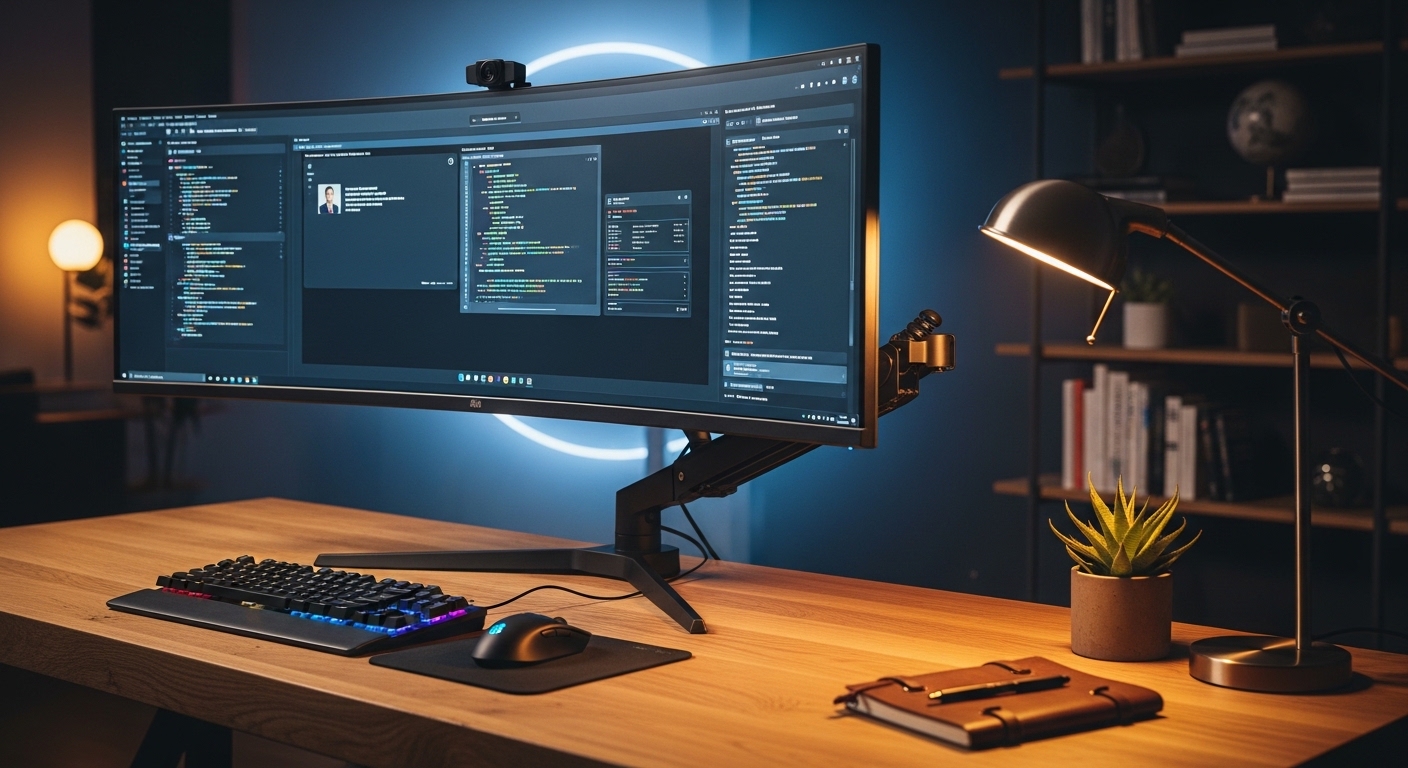
The Science of Supporting Ultrawide Displays
Upgrading to a massive ultrawide display transforms your productivity by providing an expansive canvas for multitasking and creative work. However, these panels introduce a unique engineering challenge because their weight and extreme width create significant leverage against standard mounting solutions.
Most basic arms are designed for standard monitors and will often sag or tilt forward when faced with a thirty four or forty nine inch screen. This happens because the center of gravity for curved displays sits much further forward than flat panels which increases the stress on the internal tilt mechanism.
Investing in a professional grade mounting solution ensures that your expensive hardware remains stable and safe from accidental falls. A high quality arm also allows you to reclaim valuable desk real estate while providing the ergonomic flexibility needed to maintain a healthy posture throughout the long work day.
The internal components of these premium mounts use reinforced steel and heavy duty springs to counteract the downward force of the screen. This allows for smooth adjustments and prevents the frustrating monitor shake that often occurs when typing on a less stable setup.
Choosing the right mount requires an understanding of weight capacity and VESA compatibility to avoid damaging your equipment. In this guide, we will explore the most robust options available to ensure your large screen setup remains perfectly aligned and visually stunning.
Quick Buying Guide
The first factor you must evaluate is the specific weight of your monitor without its original factory stand. Most manufacturers list this as the net weight, and you should compare this against the maximum load capacity of the arm you intend to purchase.
Pay close attention to the tilt mechanism because this is often the first point of failure for ultrawide setups. You need a mount with a heavy duty tilt joint that can be tightened sufficiently to hold the screen at a perfect vertical angle without drooping over time.
Verify the desk mounting options as well because a heavy screen requires a very stable base. Most arms offer a c clamp or grommet mount, but you must ensure your desk material can handle the concentrated pressure at the attachment point.
Consider the range of motion including the height adjustment and the depth of the reach. A deeper arm allows you to position a large screen at the correct focal distance to prevent eye strain and neck discomfort during extended sessions.
Check the VESA pattern on the back of your monitor to ensure it matches the mounting plate of the arm. While most use a standard 100×100 pattern, some massive displays require specialized adapters or larger plates to distribute the load effectively.
The 8 Best heavy duty monitor arms for ultrawide screens
The following selection represents the absolute pinnacle of engineering for large screen mounting solutions available today.
Maintaining Stability with Large Displays
When you install a massive screen, the vibrations from your desk can travel up the arm and cause visible shaking. High end arms use vibration dampening materials to minimize this effect and keep your focus on the work at hand.
The tension adjustment is critical for achieving a floating sensation where the monitor stays exactly where you move it. Always use the provided hex tools to fine tune the spring tension based on the specific weight of your display.
Understanding Gas Spring Longevity
Gas springs provide a smoother movement profile than traditional mechanical springs but can lose pressure over many years. Premium brands use high grade cylinders to ensure that the lifting force remains consistent throughout the life of the product.
If you notice the arm becoming harder to move, you may need to adjust the internal valve to rebalance the pressure. This simple maintenance task keeps the motion fluid and prevents the arm from jumping or dropping suddenly.
Optimizing Your Desk Surface
A heavy monitor arm exerts a significant amount of force on a very small area of your desk. Consider using a reinforcement plate if you are mounting the arm to a desk made of particle board or thin wood.
This distribution of weight prevents the clamp from crushing the desk material and ensures the entire assembly remains level. A stable base is the foundation of a safe and reliable monitor mounting system.
The Importance of Cable Slack
When setting up a heavy duty arm, you must ensure there is enough slack in your cables to allow for full rotation. Pulling a cable too tight can damage the ports on your expensive monitor or even tip the arm if moved suddenly.
Use high quality velcro ties to secure the wires along the arm while leaving a loop at the pivot points. This smart cable routing prevents tension and keeps the movement of the arm smooth and unrestricted.
Ergonomic Alignment for Ultrawides
The sheer width of an ultrawide screen means that the edges of the display are much further from your eyes than the center. Using a curved monitor arm setup allows you to pull the screen closer to maximize your peripheral vision.
Adjust the height so that the top third of the screen is at eye level to prevent neck strain. A properly positioned monitor reduces the need for constant head movement which improves long term comfort during work.
Maximizing Desktop Real Estate
By lifting a massive monitor off the desk, you create a large area underneath for your keyboard and mouse devices. This extra space is crucial for productivity as it allows you to keep notebooks or reference materials directly in front of you.
Large ultrawide stands are often very deep and take up half of the usable desk depth. A clamped arm completely removes this physical barrier and makes your workspace feel much more open and organized.
The tension on a mechanical spring can be precisely calibrated to the ounce to ensure the monitor stays 100 percent level. This precision tuning is what separates a professional tool from a generic consumer product.
Managing Peripheral Space
When your monitor is securely mounted, you can optimize the placement of your mechanical keyboards and mouse devices. A clutter free environment reduces mental fatigue and allows you to focus more effectively on complex tasks.
Consider the placement of the arm base to ensure it does not interfere with your mouse pad or other desktop accessories. A side mounted arm often provides the best range of motion while keeping the center of the desk completely clear.
Comparison
Below is a detailed breakdown of how these industry leading heavy duty arms compare in terms of capacity and intended use case.
| Product Name | Key Feature | Best For | Price Range |
|---|---|---|---|
| Ergotron HX | Constant Force Tech | Samsung Odyssey G9 | Premium |
| AVLT Heavy Duty | 43 Inch Support | Creative Professionals | Mid Range |
| VIVO Premium Aluminum | Quick Release VESA | Sleek Home Offices | Mid Range |
| Mount-It! MI-1771 | All Steel Build | Industrial Stability | Budget |
| WALI Gas Spring | Wide Tilt Range | Value Seekers | Budget |
| Dell MSA20 | Toolless Mount | Dell Ecosystem Users | Mid Range |
| Humanscale M10 | Mechanical Spring | Luxury Setups | High End |
| Kanto DM2000 | Tall Dual Pole | Tall Users | Mid Range |
Final Verdict
After a comprehensive analysis of the current market, the Ergotron HX remains the undisputed champion for the best heavy duty monitor arms for ultrawide screens category. Its ability to support the heaviest curved displays with zero sag makes it a mandatory purchase for owners of extreme gaming monitors or large professional panels. The combination of its long warranty and the optional heavy duty tilt pivot ensures it will remain a staple of your setup well into the year 2026 and beyond.
For those who require professional performance but are working within a more modest budget, the AVLT Heavy Duty arm is a spectacular alternative that does not sacrifice safety. It provides the necessary tension to keep thirty four and forty nine inch screens stable while offering a more modern aesthetic than the strictly utilitarian models. Choosing either of these top picks will significantly improve your ergonomic health and provide a cleaner workspace for your daily productivity sessions.