

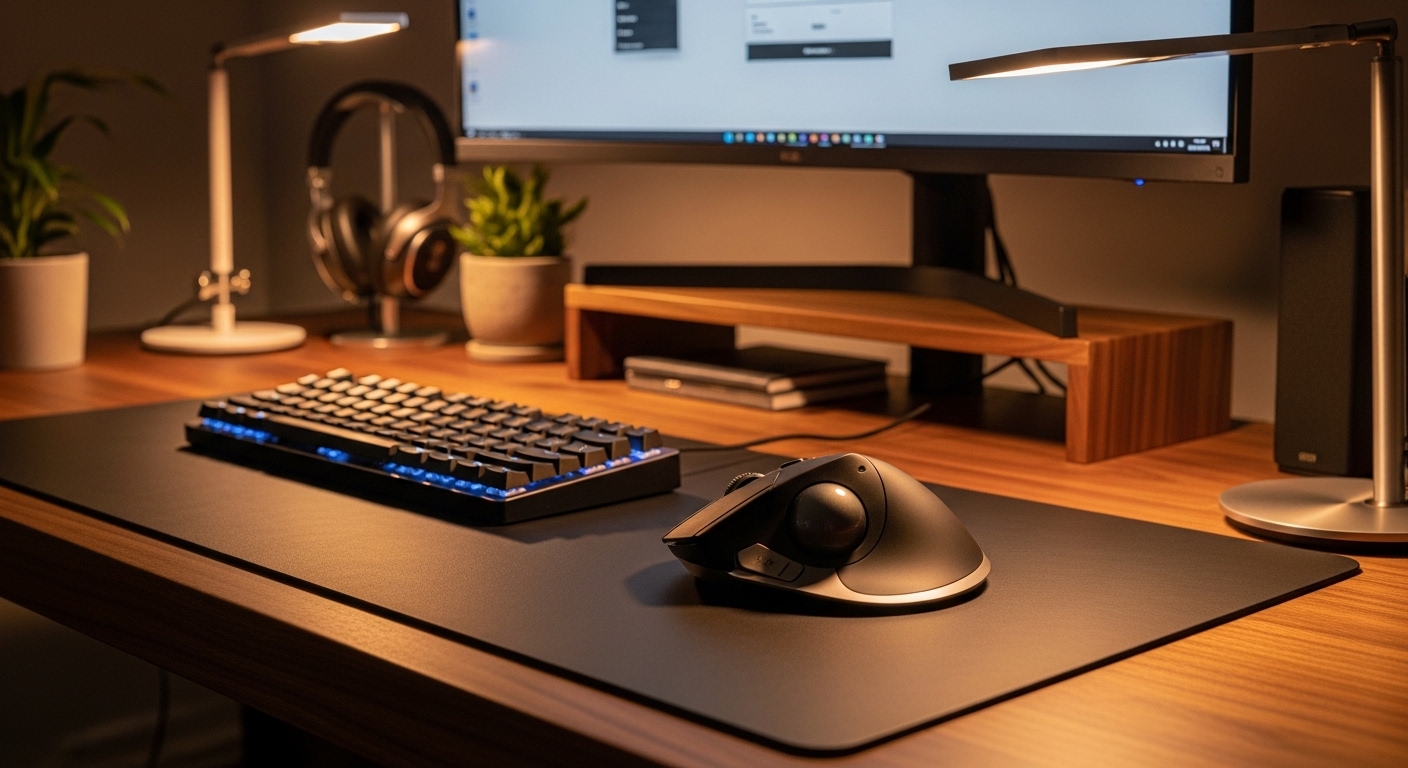
The Science of Ergonomics and Trackball Solutions
Many modern professionals suffer from chronic discomfort due to the repetitive nature of computer work. Traditional optical mouse devices require constant movement of the shoulder, elbow, and wrist to navigate across the screen.
This repetitive motion often leads to conditions like carpal tunnel syndrome or general repetitive strain injuries. By contrast, a trackball device remains stationary on your desk and allows you to control the cursor using only your thumb or fingers.
The elimination of broad arm movements significantly reduces the mechanical stress placed on your joints and tendons. Trackball mouse devices promote a neutral forearm position that mimics a relaxed handshake rather than a forced flat posture.
Switching to this peripheral type can be a transformative experience for anyone dealing with localized nerve compression or muscle fatigue. Science suggests that maintaining a static hand position while using a high precision sphere for navigation provides the ultimate wrist relief for office workers.
Furthermore, these devices require less physical space than a standard mouse because they do not need to slide around a pad. This makes them perfect for cramped workstations where ergonomic efficiency is a primary concern for the user.
In the evolving landscape of digital health, adopting a trackball is more than a preference. It is a proactive step toward long term wellness and continued productivity without physical pain.
Understanding Wrist Anatomy and Strain
Your wrist contains a narrow passage of bones and ligaments that protect vital nerves. Traditional mouses force the hand into a pronated position that puts pressure on these delicate structures over time.
Trackball mouses allow the hand to rest at more natural angles. This reduces the risk of inflammation in the median nerve which is the primary cause of carpal tunnel symptoms.
Quick Buying Guide
When selecting a trackball, the most important factor is the orientation of the ball itself. You must choose between thumb operated designs and finger operated designs based on your personal comfort preferences.
Thumb operated models are often easier for traditional mouse users to transition to because the button layout remains familiar. Finger operated models offer a larger sphere which can provide greater cursor precision for creative tasks like video editing or graphic design.
In the landscape of office technology for 2026, connectivity options have become a critical consideration for every buyer. Most modern trackballs offer both Bluetooth and 2.4GHz wireless connections to ensure seamless device switching between multiple computers.
You should also pay close attention to the adjustable tilt features found on premium models. Being able to change the angle of the device by twenty degrees can make a massive difference in how your forearm muscles feel after an eight hour shift.
Consider the physical size of the device in relation to your hand size to ensure all buttons are reachable. A device that is too large or too small will force your fingers into awkward positions that might negate the ergonomic benefits of the trackball.
Finally, examine the software customization options provided by the manufacturer. The ability to remap buttons and adjust tracking speeds allows you to tailor the experience to your specific workflow requirements.
Choosing Between Optical and Laser Tracking
Most modern trackball mouse devices utilize advanced optical sensors to monitor the movement of the sphere. These sensors are incredibly reliable and do not require the frequent cleaning that older mechanical trackballs once did.
High quality sensors allow for adjustable dots per inch settings. This means you can move the cursor across a large screen with a very small movement of your thumb.
The 8 Best Ergonomic Trackball Mouses for Wrist Pain Relief
Explore our curated selection of the finest stationary navigation tools designed to eliminate workstation discomfort.
1. Logitech MX Ergo Wireless Trackball
The Logitech MX Ergo is widely considered the gold standard for professional trackball mouse devices due to its exceptional build quality and heavy base. It features a unique metal hinge that allows the user to adjust the angle of the device from zero to twenty degrees.
This adjustable tilt provides a customizable ergonomic experience that specifically targets tension in the wrist and forearm. The soft rubber grip feels premium to the touch and ensures that your hand remains stable even during intense work sessions.
Technical performance is top tier with a dedicated precision mode button that instantly slows down the cursor for pixel perfect accuracy. The integrated rechargeable battery provides up to four months of usage on a single charge and supports fast charging technology for quick top ups.
This mouse is best for professionals who need a durable and highly customizable tool for daily office tasks. It offers superior comfort levels though it comes with a higher price tag compared to entry level competitors.

Maximizing Productivity with Flow Technology
Logitech devices often include software that allows you to control multiple computers simultaneously. This makes it incredibly easy to move files between a laptop and a desktop without needing extra cables.
The MX Ergo is particularly effective for this because its heavy weight keeps it firmly in place while you switch focus. It is a tool built for high efficiency environments.
2. Kensington SlimBlade Pro Trackball
The Kensington SlimBlade Pro offers a distinct aesthetic with its low profile design and massive center mounted ruby red trackball. It is engineered to sit flat on the desk which allows the wrist to remain in a neutral and unbent position.
This finger operated device uses dual sensors to track the large ball with incredible accuracy and smoothness. The build quality is robust and features a sleek finish that fits perfectly into a modern and minimalist office setup.
What sets this device apart is the unique twist to scroll mechanism that allows you to scroll through documents by rotating the ball. This eliminates the need for a traditional scroll wheel and provides a highly tactile and engaging user experience.
This product is ideal for users who prefer finger navigation over thumb navigation and want a device that supports ambidextrous use. It is a premium ergonomic solution for those who find traditional mouse shapes too restrictive.

3. Logitech Ergo M575 Wireless Trackball
The Logitech Ergo M575 serves as an excellent entry point for those looking to transition away from standard mouse devices. It features a classic thumb operated design that feels immediately familiar and comfortable for most users.
The sculpted shape supports your palm and allows your hand to rest in a relaxed position throughout the day. It is constructed with recycled plastic materials which makes it a more sustainable choice for the environmentally conscious consumer.
Performance is reliable with a high precision optical sensor that works perfectly on almost any surface. The device is powered by a single AA battery that can last up to two years which minimizes maintenance and downtime.
This trackball is the perfect choice for budget conscious buyers or students who want a simple and effective ergonomic upgrade. It lacks the advanced tilt features of the MX Ergo but provides excellent value for its price point.

Sustainability in Home Office Tech
Choosing peripherals made from recycled materials helps reduce the carbon footprint of your home office. Many brands are now prioritizing post consumer resin in their manufacturing processes.
The M575 is a great example of how performance does not have to be sacrificed for environmental responsibility. It remains one of the most popular trackballs on the market today.
4. Kensington Expert Mouse Wireless Trackball
The Kensington Expert Mouse is a legendary peripheral known for its large ball and signature scroll ring surrounding the sphere. This design allows for incredibly fast and precise navigation through long documents and massive spreadsheets.
It comes with a detachable padded wrist rest that ensures your hand is at the optimal height for comfort. The four buttons are fully programmable using the proprietary Kensington software to suit your specific shortcuts.
The wireless connectivity options include both Bluetooth and a 2.4GHz nano receiver for maximum compatibility with different hardware. It utilizes diamond eye technology for smooth tracking that remains consistent over years of heavy daily use.
This device is specifically designed for power users and creative professionals who require a high degree of control. It is the best for productivity in environments where rapid scrolling and custom macros are essential.

Kensington Expert Wireless Trackball Mouse (K72359WW) Black, 3.5″ x 6.1″ x 8″
Check Price on Amazon
5. Elecom HUGE Wired Trackball
The Elecom HUGE earns its name by featuring one of the largest trackballs available and an integrated palm rest that covers a massive surface area. The palm rest is made of a high quality memory foam material that provides unrivaled cushion support for the entire hand.
This finger operated device includes eight programmable buttons and a tilt wheel for horizontal scrolling capabilities. The wired connection ensures that there is zero latency and no need to worry about battery levels during critical work tasks.
The hardware includes a high performance gaming grade sensor that allows you to switch between three different levels of sensitivity. This makes it versatile enough to handle everything from detailed design work to fast paced navigation across multiple monitors.
This trackball is best for users with larger hands who have struggled to find a comfortable fit with standard sized ergonomic devices. It provides a stable and supportive platform that truly minimizes muscular effort.

The Importance of Palm Support
Adequate palm support is vital for preventing the hand from clawing or tensing during use. Memory foam rests found on larger trackballs help distribute pressure evenly across the palm.
This distribution of weight prevents localized hot spots of pain that can develop after hours of typing and clicking. The Elecom HUGE excels in this particular area of ergonomic design.
6. ProtoArc EM01 Wireless Trackball
The ProtoArc EM01 offers a feature rich experience at a highly competitive price point that challenges more established brands. It includes an adjustable hinge that allows for a twenty degree tilt to reduce forearm muscle strain.
The design includes integrated RGB lighting that adds a touch of modern flair to your desktop environment. It supports connection to up to three different devices simultaneously which is ideal for multitaskers who use both a tablet and a desktop.
The buttons are designed to be silent which makes this an excellent choice for shared office spaces or quiet home environments. The internal battery is rechargeable via a USB C port and provides weeks of power on a single charge cycle.
This product is best for users who want the premium features of an adjustable trackball without paying a premium brand tax. It is a versatile and stylish option for the modern professional.

7. Sanwa Supply Ergonomic Trackball Mouse
The Sanwa Supply Ergonomic Trackball features a unique vertical tilted design that encourages a more upright handshake grip. This specific angle is engineered to further reduce the twisting of the radius and ulna bones in the forearm.
The sphere is positioned for thumb operation and offers a very smooth gliding sensation thanks to high quality internal bearings. The device is compact enough to be portable but large enough to feel substantial and secure under the hand.
It offers several levels of adjustable resolution ranging from 400 to 1600 counts per inch. This allows users to find the perfect balance between speed and control for their individual screen setups.
This mouse is best for people who suffer from severe forearm pain and need the most extreme ergonomic angles possible. It provides a specialized orthopedic approach to desktop navigation.

The Benefits of Vertical Orientation
While many trackballs are relatively flat, those with a vertical tilt focus on preventing forearm pronation. This is the act of turning your palm downward which is a primary source of stress for the elbow.
Combining the stationary nature of a trackball with the vertical angle of a handshake mouse offers a powerful dual benefit. Sanwa Supply has refined this niche design for maximum user comfort.
8. Gameball Trackball Mouse
The Gameball is a unique entry in the market that focuses on high performance tracking and an ambidextrous symmetrical design. It is one of the few high quality trackball mouses that can be used effectively by both left and right handed individuals.
It features a touch sensitive scrolling area and uses premium components including Omron switches for the buttons. The optical sensor is capable of high polling rates which ensures that the cursor moves with absolute fluid precision.
The device is built by enthusiasts for enthusiasts and emphasizes long term durability and repairability. The smooth red ball is positioned for finger operation and the lack of a traditional mechanical scroll wheel reduces the number of moving parts that could fail.
This is the best choice for users who want a high performance tool that does not look like a medical device. It is an elite navigation tool for both productivity and casual gaming.

Kensington Orbit Trackball Mouse with Scroll Ring (K72337US), 4 1/2X5 1/2X2″
Check Price on Amazon
Comparison
Review the technical specifications and primary benefits of each trackball mouse device to help you make an informed decision for your home office lab.
| Product Name | Key Feature | Best For | Price Range |
|---|---|---|---|
| Logitech MX Ergo | Adjustable 20 degree tilt | Professional productivity | Premium |
| Kensington SlimBlade Pro | Twist to scroll ball | Minimalist aesthetics | Premium |
| Logitech Ergo M575 | 2 year battery life | Budget conscious buyers | Affordable |
| Kensington Expert Mouse | Physical scroll ring | Power users | Mid Range |
| Elecom HUGE | Memory foam palm rest | Users with large hands | Mid Range |
| ProtoArc EM01 | Tri mode connectivity | Multitasking professionals | Affordable |
| Sanwa Supply | High vertical angle | Forearm pain relief | Mid Range |
| Gameball | Ambidextrous design | Left handed users | Premium |
Final Verdict
Selecting the right peripheral is a deeply personal decision that depends on your specific hand size and the nature of your wrist pain. However, after extensive analysis, the Logitech MX Ergo stands out as the overall best pick for most users due to its adjustable hinge and superior software ecosystem. The ability to shift the angle of the device throughout the day allows you to vary the muscle groups being used which is a key principle in ergonomic health.
For those who prefer a finger operated experience or have a limited budget, the Kensington Expert Mouse remains a timeless and reliable alternative. Its large ball and intuitive scroll ring provide a level of tactile control that is hard to match with thumb operated designs. Ultimately, any of these high quality trackball mouses will provide significant relief from the standard strain caused by traditional optical mouse devices.