

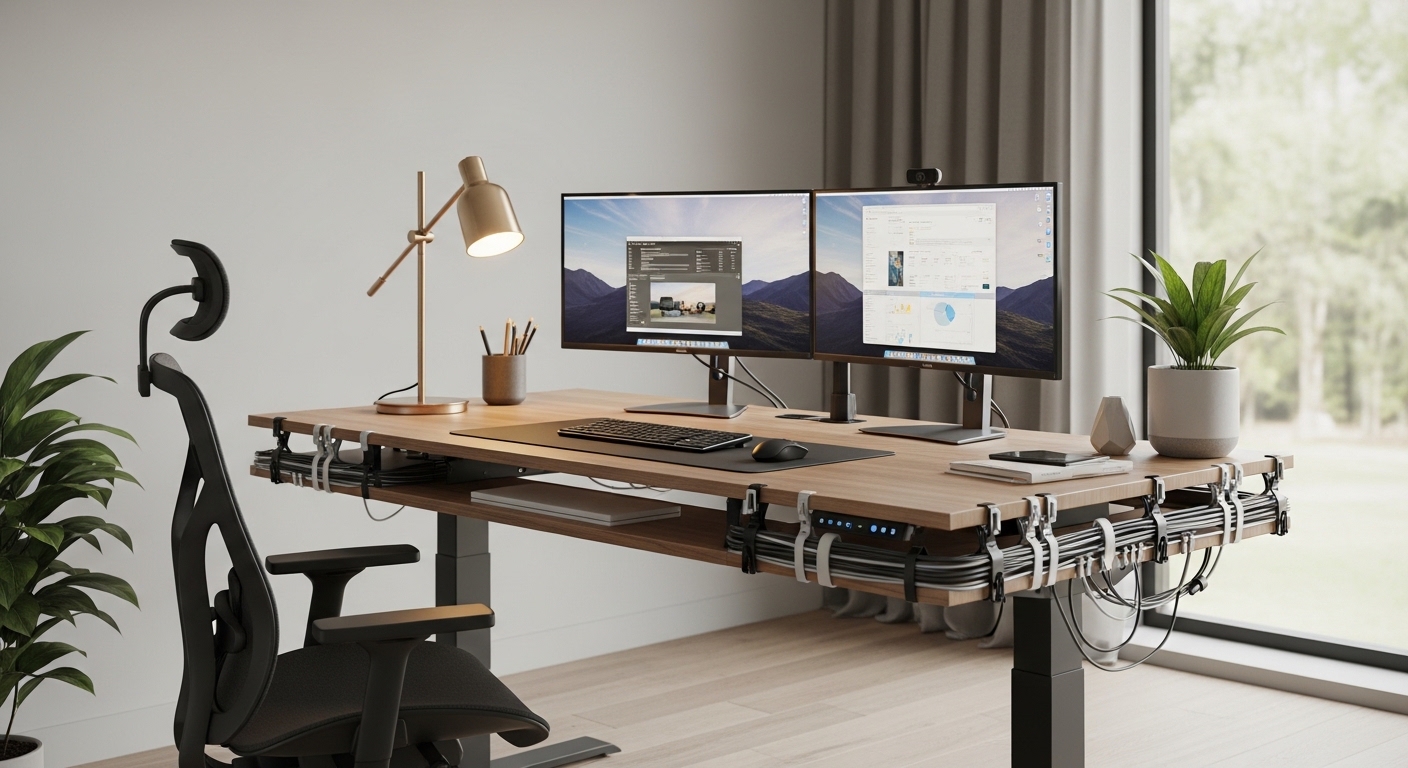
An active workspace can transform your productivity and health. However, a swaying monitor can quickly disrupt your focus and ruin the experience.
If you find your screens vibrating with every keystroke, you need to address the root causes of the movement. Understanding how to stop standing desk shaking is crucial for maintaining an ergonomic, quiet workspace.
This comprehensive guide will walk you through every step to stabilize your setup. We will examine the mechanics of standing desks and practical ways to eliminate unwanted motion.
Understanding Standing Desk Mechanics
To fix a problem, you must first understand why it happens in the first place. Standing desks are naturally more prone to movement than traditional static desks.
This vulnerability comes down to basic physics and structural design. A tall frame behaves differently than a low frame when lateral forces are applied.
The Role of Column Overlap in Tall Desks
Lifting columns consist of multiple nested segments that slide inside each other. To allow smooth movement, manufacturers must leave tiny gaps between these telescoping stages.
These gaps are known as engineering tolerances. High quality desks use precision plastic glides to minimize this play, but some movement is almost inevitable at full extension.
When the desk is raised, the overlap between these metal column segments decreases. With less overlapping metal to support the joints, the columns become more flexible.
This reduced support allows small forces to create a noticeable swaying motion at the top of the desk. This is why a desk that feels completely solid when lowered starts to wobble when raised.
How Lateral Force Triggers Wobbling
As you raise your desk, you change its center of gravity. The legs act as long levers, magnifying even the smallest forces applied at the desktop level.
A small nudge at typing height creates a significant lever effect at the floor base. Typing on a keyboard or moving a mouse generates lateral kinetic energy that travels down the legs.
If the frame cannot absorb or deflect this energy, it results in a visible sway. The higher the desk, the longer the lever arm, and the more severe the shaking becomes.
Initial Diagnosis: Finding the Wobble Source
Before applying any fixes, you must identify where the movement originates. Shaking can stem from the floor, the frame joints, or even the desk accessories.
A systematic diagnosis prevents you from wasting time on incorrect solutions. Let us isolate the root cause of your desk instability.
To perform a proper system diagnostic, look for these key indicators of instability.
- Unbalanced weight distribution across the desktop
- Loose bolts connecting the columns to the frame
- Uneven floor contact under the leveling feet
The Floor Test
First, verify if the floor underneath your workspace is perfectly flat and rigid. Walk around the desk and observe if the floorboards flex or bend under your footsteps.
If your desk is placed on thick carpet, the soft fibers will compress unevenly. This compression creates an unstable foundation that allows the entire desk base to rock.
Gently push down on each corner of the desk frame while it is lowered. If you feel any rocking or see one foot lifting off the ground, your floor is uneven.
Isolating Frame Sway from Monitor Shaking
Sometimes, the desk frame is perfectly still, but your screens are vibrating wildly. You must determine if the wobble is structural or accessory based.
Place a glass of water on the desktop and tap the surface gently. If the water stays relatively calm but the monitors shake, your monitor mounting system is the primary culprit.
If the water splashes and the entire frame sways, you are dealing with structural desk instability. Knowing this distinction helps you target the correct components for repair.
Structural Fixes: Tightening and Aligning
A standing desk is held together by dozens of screws, bolts, and mounting plates. Over time, the vibrations from daily typing and motor movement can loosen these connections.
Following a regular maintenance schedule is essential for keeping your desk solid. Let us secure the frame to restore its rigidity.
Verifying Every Joint and Fastener
Grab your hex keys and screwdrivers to check every single fastener on the frame. Pay special attention to the leg to top connections and the center crossbar bolts.
A single loose bolt can allow the entire frame to shear and wobble under pressure. Tighten each fastener firmly, but be careful not to strip the threads in wooden tops.
Perform this structural check every few months to keep the frame tight. This simple habit prevents microscopic movements from turning into major shakes.
Perfecting Floor Glide Levelling
Most floors are not perfectly flat, even if they look seamless to the eye. An uneven floor causes one corner of your desk to hang slightly in the air.
This gap creates a pivoting point that allows the frame to rock back and forth. You must adjust the adjustable leveling glides under each foot to ensure equal contact.
Use a high precision bubble level to check the desk surface along both axes. Rotate the leveling feet manually until the bubble rests perfectly in the center.
The Science of Desk Loading and Center of Gravity
How you place your equipment on the desktop has a massive impact on stability. An imbalanced desk will tilt and vibrate much more easily than a balanced one.
You can resolve many stability issues simply by rearranging your gear. Understanding weight distribution is key to a quiet desk.
Distributing Weight to Minimize Leverage
Heavy items like desktop computer towers, large monitors, and heavy book piles should never sit on the outer edges. Placing heavy objects far from the legs increases the rotational force on the frame.
Instead, position your heaviest equipment directly over the columns. This directs the downward force straight through the metal legs into the floor.
Keeping the weight centralized prevents the desktop from acting as a giant see saw. It also reduces strain on the lifting motors, prolonging their lifespan.
Managing Heavy Under Desk Computers
If you use a heavy computer tower, consider placing it on the floor rather than on the desk surface. This simple change reduces the overall load and lowers the center of gravity.
A high center of gravity makes any object unstable. By keeping your desktop setup light and streamlined, you reduce the kinetic energy of any potential sway.
Try to keep the total weight on your desk well below the rated capacity. While motors can lift the weight, a heavily loaded desk will always sway more than a lightweight one.
Eliminating Wobble from Mounts and Accessories
Sometimes, the desk frame itself is stable, but your accessories are magnifying the movement. Monitors mounted on cheap, flexible arms are notorious for shaking.
Let us look at how to isolate your screens from the natural movement of the desk. Choosing the right mounting hardware makes a massive difference.
Rigidity Secrets for Monitor Arms
A long monitor arm acts as another lever, multiplying the vibrations of your typing. If your monitor arm is thin or loose, your screen will bounce constantly.
Ensure all tension joints on your monitor mount are tightened securely. Consider using stiff mechanical mounts rather than cheap gas spring arms.
You can also position the monitor arm so that the elbows are folded close to the main pole. Keeping the arm compact reduces the leverage and dampens vibrations quickly.
Keyboard and Desk Mat Dampening
Heavy typists who bottom out their mechanical keyboards transfer a lot of force into the desk. Try practicing a lighter typing style to reduce this impact.
You can also place a thick felt desk mat under your keyboard. This mat acts as a shock absorber, dampening the vibrations before they reach the desktop.
Using silent mechanical switches or adding rubber o rings can also soften the impact of your typing. This simple change keeps your screens steady during intense typing sessions.
Advanced Engineering Upgrades for Maximum Rigidity
If you have tried the basic steps and still experience sway, you may need to add structural support. Some desk frames are simply too light to handle tall standing heights without help.
Here are some advanced methods to reinforce your setup. These techniques can turn a budget frame into a rigid workstation.
Installing a Crossbar System
Many modern minimalist standing desks omit a traditional lower crossbar to maximize legroom. While this looks clean, it removes a critical stabilizing element.
A lower cross brace connects the two legs near the bottom, preventing them from moving independently. If your desk allows it, look into adding a retrofit cross brace to the frame.
This simple metal brace turns a flexible two legged frame into a rigid, box like structure. It is the most effective way to eliminate lateral swaying.
Wall Cushioning and Dampening Techniques
If you work in a high vibration environment or need absolute stability, you can anchor your desk. While this limits mobility, it completely eliminates sway.
You can use a flexible wall strap or a rubber spacer between the desk edge and the wall. This design absorbs lateral kinetic energy without putting excessive strain on your drywall.
Make sure to leave a tiny amount of slack in the strap so the desk can still move up and down freely. This ensures safety while providing a rock solid typing experience.
Flooring Dynamics and Structural Support
The surface underneath your desk plays a silent but major role in its stability. A soft, squishy surface will allow the entire desk base to rock.
Let us explore how different flooring materials affect desk performance. Choosing the right placement can save you hours of troubleshooting.
Transitioning from Carpet to Solid Bases
Thick carpets and plush rugs are comfortable for your feet, but they are terrible for standing desks. The soft fibers compress unevenly under the weight of the desk feet.
This compression allows the desk to sway whenever you apply lateral pressure. Placing your desk on a hardwood or tiled floor provides a much more stable foundation.
If your office is carpeted, place a rigid plastic chair mat or a thin wooden board under the desk feet to distribute the weight evenly. This creates a hard surface that prevents the feet from sinking.
Separating Comfort Mats from Load Bearing Feet
Using an anti fatigue standing mat is great for comfort. However, you should never place your standing desk feet directly on top of a soft standing mat.
The soft foam of the mat will compress under the desk, making the entire structure highly unstable. Keep your standing mat completely separate from the desk base, placing it only where you stand.
Future Proofing: Choosing a Highly Stable Desk
If you are planning to upgrade your office setup, stability should be a top priority. In the year 2026, stability is a key differentiator among standing desks.
Let us look at how the design of a frame affects its long term performance. Investing in the right structure from the start saves future headaches.
Leg Geometry and Foot Spacing
The physical size of the desk feet plays a huge role in preventing tipping and swaying. Wider and longer feet distribute the forces over a larger surface area.
Look for desks that feature heavy steel feet with a wide base of support. Desks with extended feet assemblies offer much better resistance to front to back shaking.
The Mechanical Edge of Four Legged Frames
Most standard standing desks use a two legged design. While convenient and affordable, they will always have some inherent sway at tall heights.
If stability is your top priority, consider a four legged standing desk for your next upgrade. Four lifting columns distribute the load and provide unmatched structural stability at any height.
Four legged designs eliminate the front to back rocking motion completely. They are perfect for users with multi monitor setups or heavy recording equipment.
Frequently Asked Questions
Here are quick answers to some of the most common questions about standing desk stability. Let us address the most common concerns.
Is some wobble normal?
Yes, a small amount of movement is normal when a two legged desk is fully extended. However, it should not be severe enough to distract you or make your monitors bounce wildly.
Will a thicker desk top reduce shaking?
A thicker, heavier desktop adds mass, which can help dampen micro vibrations. However, if the underlying frame is weak, a heavy wood top can actually increase the sway by raising the center of gravity.
Does the weight of the legs matter?
Yes, heavier steel legs keep the center of mass lower to the ground. This structural weight acts as a natural anchor, making the desk much more stable.
Can wall bumpers stop vertical travel?
As long as the bumpers are not physically attached or bolted to the wall, they will not restrict movement. They should simply guide the desk and dampen lateral vibrations as it moves.
Conclusion
Achieving a stable standing desk setup requires a systematic approach to balance and structure. By starting with the foundation and securing every joint, you can eliminate most distracting vibrations.
Remember to optimize your weight distribution and choose rigid accessories to keep your screens steady. A rock solid desk is the foundation of a healthy, productive ergonomic setup that keeps you focused all day long.