

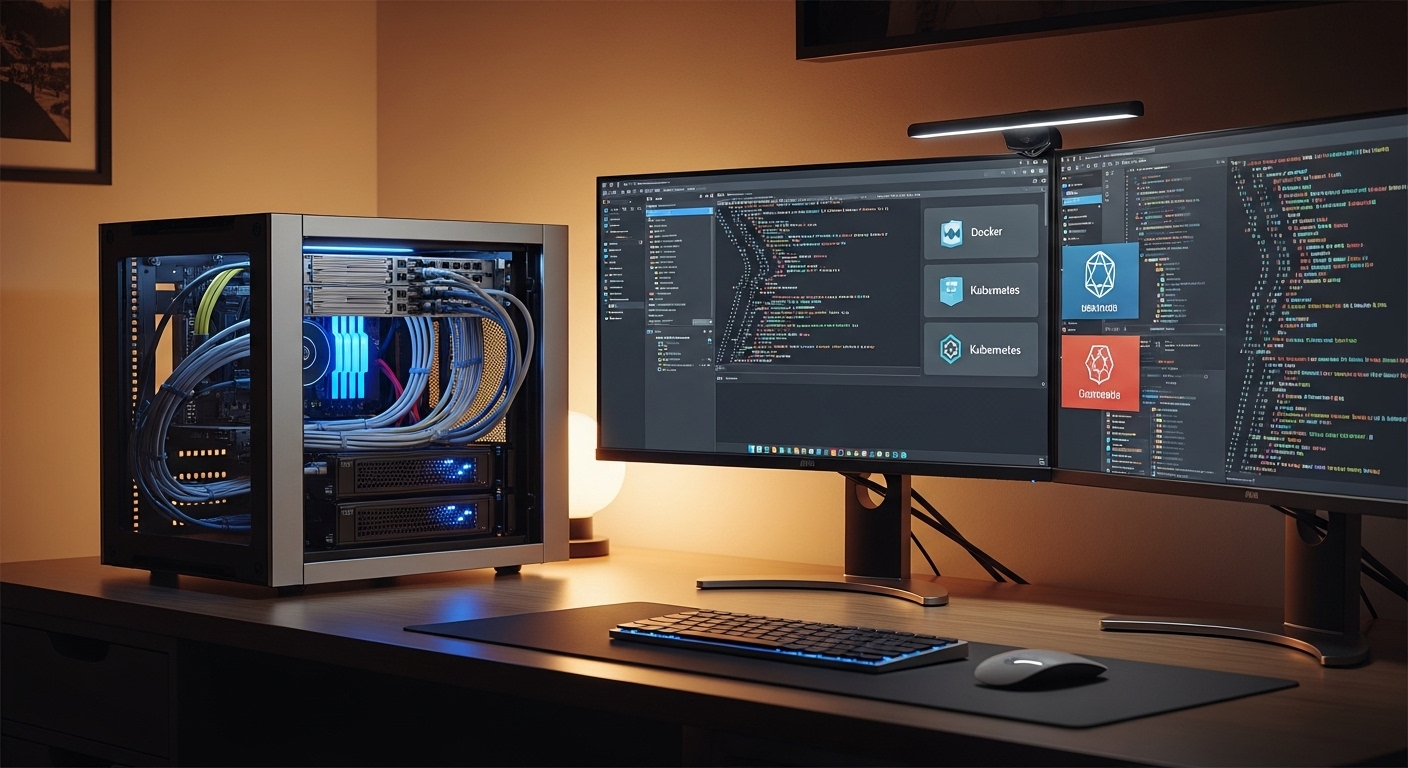
The Philosophy of Container Management at The Home Office Lab
Establishing a robust environment for your digital projects requires more than just installing software. You need a systematic approach to ensure your services remain manageable as they grow.
Docker has revolutionized the way enthusiasts build their local infrastructure by providing isolation and portability. Learning how to organize home lab services with docker is the first step toward a professional grade setup.
At The Home Office Lab, we view the home server as a living ecosystem that demands order. Without a clear structure, you will quickly find yourself lost in a sea of nameless containers and messy configuration files.
This guide will walk you through the essential strategies for maintaining a clean and efficient container environment. We will focus on directory structures, networking logic, and long term sustainability for your home server ecosystem.
Establishing a Centralized Directory Structure
The foundation of any organized lab is the filesystem where your configuration data lives. You should never scatter your Docker files across random locations in your home folder.
We recommend creating a single root directory specifically for your containerized services. Many professionals prefer using a folder named docker or opt located in the root of their primary storage drive.
Creating Subfolders for Service Data
Within your main directory, you should create individual folders for every application you host. Each application folder should contain a dedicated subfolder for persistent configuration data often called config.
This separation ensures that you can back up individual services without grabbing unnecessary system files. It also makes it much easier to migrate your services to a new machine in the future.
If you have a media server, for example, your folder structure might look like docker then media server then config. This hierarchical organization pattern keeps your host machine clean and predictable.
By keeping all your YAML files and data volumes in one place, you simplify your backup routine. You can simply point your backup software to one single parent folder.
The Power of Docker Compose for Service Definitions
While running containers via the command line is possible, it is not sustainable for a complex lab. You should always use Docker Compose files to define your services and their relationships.
Compose allows you to document your entire infrastructure as code. This means you can recreate your entire lab from scratch if your hardware ever fails unexpectedly.
Modular vs Monolithic Compose Files
There are two main schools of thought when it comes to organizing your Compose files. Some users prefer one giant file for everything, while others prefer individual files per service.
We strongly recommend the modular approach for home labs. Having one file per application folder makes it easier to troubleshoot specific services without restarting your entire stack.
If you need to update your password manager, you only interact with that specific folder. This reduces the risk of introducing syntax errors that could take down your whole lab.
Modular files also allow you to use version control systems like Git more effectively. You can track changes to each service independently over time.
Standardizing Container Naming and Labels
Consistency is key when you are managing dozens of different applications. You should implement a strict naming convention for all your containers and images.
Avoid using default names generated by the system as they are often confusing. Instead, use clear and descriptive service names that reflect the function of the application.
Using Metadata for Better Tracking
Docker allows you to add labels to your containers which act as metadata. You can use these labels to categorize services by priority or function.
For example, you might label some services as core and others as experimental. This helps you identify which containers are critical for your network at a glance.
Proper labeling is also useful when you use automated monitoring tools. These tools can group services based on your custom label definitions automatically.
In the year 2026, the complexity of home automation will likely increase significantly. Using smart labeling strategies now will save you countless hours of maintenance in the future.
Designing a Logical Networking Architecture
By default, Docker places containers on a shared bridge network which can be messy. To truly organize your lab, you must implement custom bridge networks for different groups of services.
Isolating your services into logical zones increases security and reduces noise. You might have a dedicated database network that is not accessible from the public internet.
Internal Service Discovery
When services share a custom network, they can talk to each other using their container names. This eliminates the need to track volatile IP addresses within your configuration files.
If your web application needs to reach a database, it simply looks for the name database. This internal DNS resolution is a core feature of well organized Docker environments.
You should also consider creating a separate network for your reverse proxy. Only the proxy container should be exposed to the outside network traffic directly.
This layered approach ensures that a breach in one application does not compromise your entire server backend. Security and organization go hand in hand in a professional lab.
Managing Volumes and Persistent Data
Containers are ephemeral by nature, meaning they lose all data when they are deleted. To prevent data loss, you must use external volumes or bind mounts for anything important.
Bind mounts are generally preferred for home labs because they map directly to your folders. This makes it easy to edit configuration files using your favorite text editor on the host.
Handling Permissions with PUID and PGID
One of the biggest headaches in home lab management is file permissions. You should use environment variables for PUID and PGID to map container users to host users.
This ensures that the files created by a container are owned by your primary user account. It prevents the common permission denied errors that plague many new lab owners.
Always verify that your host folders have the correct permissions before starting your containers. A well prepared filesystem is the secret to a smooth Docker experience.
Consistency in how you map these IDs across all your services will minimize troubleshooting during updates. Every container should follow the same permission logic for simplicity.
Environment Variables and Secret Management
Hardcoding passwords and API keys inside your Compose files is a dangerous practice. Instead, you should use environment variable files to store sensitive information safely.
Create a file named dot env inside each service folder to hold your variables. This keeps your main configuration clean and easier to read for others.
Centralizing Global Variables
If you have variables that are used across many different services, consider a global file. Things like your local time zone or your primary domain name belong here.
Referencing these central variables ensures that you only have to change them in one place. It provides a single source of truth for your entire home lab configuration.
Using environment variables also makes it easier to share your Compose files with the community. You can scrub your personal data simply by removing the variables file before sharing.
This practice is a hallmark of an organized tech expert who values security and portability. Your secrets should always be treated with the highest level of care.
Implementing a Proactive Maintenance Routine
An organized lab is a healthy lab, and health requires regular maintenance. You should develop a consistent update strategy for your container images and host system.
Do not simply update every container as soon as a new version is released. Instead, test updates in a dedicated staging environment if your services are critical for your daily work.
Cleaning Up Unused Resources
Docker can consume a lot of disk space over time by keeping old images and stopped containers. You should periodically run system prune commands to reclaim your storage space.
Set a schedule to check for dangling volumes that are no longer attached to any service. A cluttered storage drive can lead to performance degradation and unexpected system crashes.
Automating these cleanup tasks with simple scripts or cron jobs is a great idea. It allows you to focus on building rather than cleaning up digital debris every weekend.
Keeping your host system lean ensures that your hardware resources are used efficiently. Every gigabyte saved is a gigabyte available for new lab services.
Monitoring and Health Checks
Knowing how to organize home lab services with docker also involves knowing when they fail. You should implement basic health checks for every critical service in your stack.
Health checks allow Docker to monitor whether the application inside the container is actually working. If a service becomes unresponsive or unstable, Docker can attempt to restart it automatically.
Visualizing Your Lab Status
While the command line is powerful, a visual dashboard can provide a quick overview of your lab. Using container management dashboards helps you spot issues before they become major problems.
These tools allow you to see CPU usage, memory consumption, and network logs in real time. They are invaluable for optimizing your resource allocation across multiple different services.
Visualizing your networks can also reveal misconfigured connections or unintended exposures. A clear bird’s eye view of your infrastructure is essential for long term lab management.
Monitoring should be seen as the final layer of your organizational strategy. It provides the necessary feedback loop to keep your home office lab running smoothly.
Frequently Asked Questions
Many beginners wonder if they should use a GUI or stick to the command line. While GUIs are excellent for monitoring, we recommend using YAML files for the actual configuration and deployment.
Another common question is whether to use Docker or virtual machines for a home lab. Docker is generally more resource efficient and easier to manage for most home office applications.
Should I use one large network for everything? No, because separating your networks improves security and makes it easier to manage service discovery without conflicts.
Is it necessary to back up the entire container image? No, you only need to back up your data and your Docker Compose files to recreate the service elsewhere.
Conclusion
Organizing your home lab is an ongoing journey that evolves as your needs change. By following a structured directory approach, you ensure that your services remain portable and easy to maintain.
Docker provides the tools to build a world class infrastructure right in your home office. With consistent naming and networking, you can turn a chaotic server into a professional grade environment.
Remember that the key to success is documentation and persistence. Keep your Compose files organized and your data volumes mapped correctly for the best possible experience.Thank you for following this guide at The Home Office Lab. We hope these strategies help you master how to organize home lab services with docker and elevate your local hosting capabilities.