

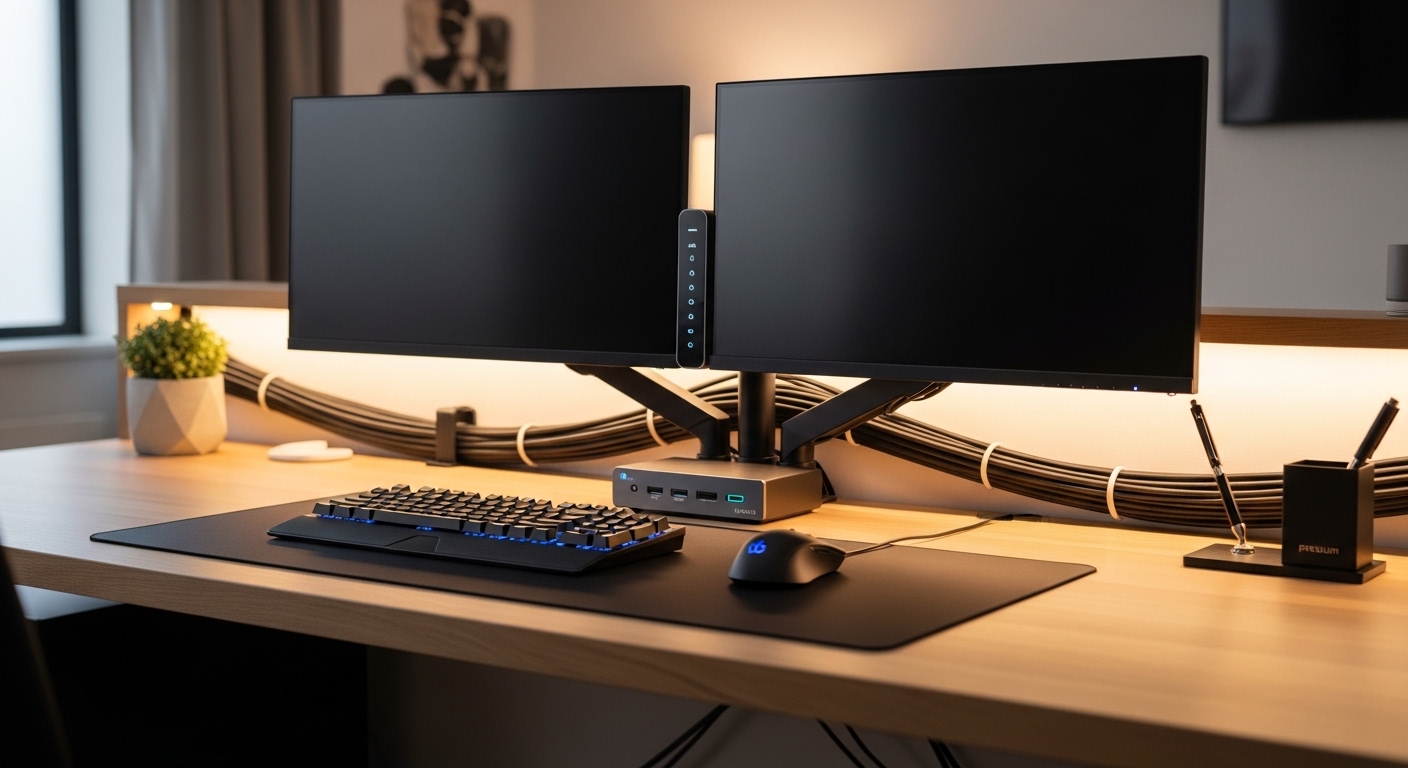
The Evolution of the Modern Home Workspace
The modern home office has transformed from a simple corner desk into a complex hub of digital activity. Many professionals now find themselves balancing multiple machines, such as a corporate laptop and a powerful personal desktop.
Managing these devices separately often leads to a chaotic mess of cables and peripherals. This is where the importance of choosing the right kvm switch for home office becomes evident for any serious professional.
A KVM switch, which stands for Keyboard, Video, and Mouse, is a hardware device that allows you to control multiple computers through a single set of inputs. It acts as a central brain for your workspace, routing signals to the active machine at the touch of a button.
By utilizing this technology, you can maintain a clean desk while enjoying the power of several computers. This guide will walk you through every technical detail to ensure your investment provides maximum value and longevity.
Understanding Your Core Connectivity Needs
Before browsing for hardware, you must evaluate the specific video outputs on your various computers. Not all video standards are created equal, and mismatching them can lead to significant performance issues.
HDMI and DisplayPort are the two most common standards found in professional equipment today. Each protocol has different capabilities regarding resolution, refresh rates, and data bandwidth for high resolution displays.
HDMI Versus DisplayPort Standards
HDMI is ubiquitous and found on almost every consumer device, from laptops to gaming consoles. However, DisplayPort is often preferred by professionals because it offers higher bandwidth for multi monitor setups.
If you use high refresh rate monitors, you must ensure the switch supports DisplayPort 1.4 or HDMI 2.1. These versions provide the necessary throughput for smooth visual performance without flickering or lag.
- Check the version of your graphics card output
- Verify the maximum resolution of your monitors
- Confirm the cable length requirements for your desk
- Look for gold plated connectors for durability
The Importance of USB Peripheral Support
A KVM switch does more than just toggle your video signal between computers. It also manages your USB devices, including your keyboard, mouse, webcam, and external storage drives.
Older switches often utilize USB 2.0, which is sufficient for basic typing but fails when using high speed peripherals. For modern workflows, seeking a switch with USB 3.0 or higher is essential for data transfers.
Managing High Bandwidth Peripherals
If you plan to share a 4K webcam or an external hard drive, the total bandwidth of the USB bus becomes critical. A switch with a dedicated USB hub allows you to connect these devices once and access them from any machine.
Some advanced models even offer USB C connectivity with power delivery. This allows you to charge your laptop while it is connected to the switch, reducing the number of needed power cables.
Keep in mind that some keyboards with specialized lighting or macro keys require specific bypass ports. These ports ensure the computer recognizes the keyboard as a direct connection rather than a generic device.
This compatibility is vital for gamers or programmers who rely on custom hardware configurations to perform their daily tasks effectively.
Resolution and Refresh Rate Considerations
In 2026, working on a low resolution screen is no longer the standard for productive professionals. Most users now aim for 4K or even 8K displays to maximize their screen real estate and visual clarity.
When you are choosing the right kvm switch for home office, you must verify that the hardware can handle your specific pixel count. A switch rated for 1080p will not function correctly with a high end 4K monitor.
Frame Rates and Visual Fluidity
Refresh rates, measured in Hertz, determine how many times per second the image on your screen updates. While 60Hz is standard for office work, many people prefer 120Hz or 144Hz for a smoother experience.
High refresh rate support requires significant bandwidth through the KVM internals. Ensure the technical specifications explicitly list support for your desired frame rate and resolution combination to avoid disappointment.
- 4K at 60Hz is the minimum for professional use
- 144Hz is ideal for reducing eye strain
- Ultra wide monitors require specific aspect ratio support
- HDR support is necessary for creative video work
Audio Integration and Management
Managing audio across multiple computers can be a frustrating experience without the right tools. A high quality KVM switch often includes 3.5mm audio jacks or supports audio over HDMI and DisplayPort.
This feature allows you to use one set of speakers or headphones for all your connected devices. You can switch your audio source simultaneously with your video, or sometimes independently for better multitasking.
Dedicated Audio Ports vs Digital Audio
Digital audio passed through the video cable is convenient because it reduces the number of wires on your desk. However, audiophiles might prefer dedicated analog ports to connect to a high fidelity amplifier.
Consider whether you need a microphone input for video calls. Having a reliable microphone connection across all computers ensures you are always ready for an unscheduled meeting.
Switching Methods and User Experience
The physical way you interact with the switch significantly impacts your daily satisfaction. Most basic units feature a simple button on the front of the device.
While functional, reaching for a button hidden behind your monitors can become annoying. Advanced switches offer several different methods to toggle between systems with ease.
Hotkeys and Remote Control Options
Keyboard hotkeys allow you to switch computers by pressing a specific sequence of keys. This keeps your hands on the keyboard and your focus on the screen for maximum efficiency.
Some models also include a wired remote button that you can place anywhere on your desk. This is particularly useful if the main KVM unit is mounted under your desk for cable management purposes.
Software based switching is another option, though it requires installing drivers on every machine. Hardware based switching remains the most reliable method as it works even before the operating system boots up.
This reliability is crucial when you need to access the BIOS or troubleshoot a computer that is not starting correctly. Always prioritize hardware level switching for the most stable experience.
The Role of EDID Emulation
One of the most common complaints with cheap KVM switches is the window resizing issue. When you switch to another computer, the inactive machine may think the monitor has been disconnected.
This causes all your open windows to jump to the corner of the screen or change size. To prevent this, you need a switch that features EDID emulation technology.
Maintaining Your Desktop Layout
EDID emulation tricks the computer into thinking the monitor is always connected. This ensures that your carefully organized desktop layout remains perfectly intact when you switch back and forth.
For professionals who manage dozens of open applications, this feature is a non negotiable requirement. It saves hours of frustration over the course of a standard work week.
- Prevents icons from moving on the desktop
- Keeps application windows in their original positions
- Reduces the delay when switching between machines
- Ensures consistent color profiles across devices
Comparing Different KVM Switch Types
KVM switches come in various configurations to suit different needs and budgets. Understanding these categories will help you narrow down your choices quickly.
The most basic version is the single monitor KVM, designed for those who only use one screen. These are compact and generally the most affordable option for simple home setups.
Dual and Triple Monitor KVMs
For users with multiple displays, a dual or triple monitor KVM is necessary. These devices feature multiple video inputs and outputs for each computer, allowing you to switch your entire multi screen environment at once.
These units are more complex and require a significant amount of cabling. However, the productivity boost from having two or three screens available on all machines is immense for data heavy tasks.
Matrix KVM switches are the most advanced and allow you to display different computers on different monitors simultaneously. For example, you could see your work laptop on the left screen and your personal PC on the right.
While expensive, matrix switches offer the ultimate flexibility for power users. They are the pinnacle of workspace control and customization.
Pros and Cons of KVM Switches
Like any technology, KVM switches have their advantages and potential drawbacks. Being aware of these will help you set realistic expectations for your new setup.
The primary benefit is the dramatic reduction in desk clutter. You no longer need two keyboards or two mice taking up valuable workspace area.
Analyzing Potential Tradeoffs
One downside is the complexity of the initial setup. You will need many cables, including video and USB leads for every computer you connect to the switch.
High quality cables are essential, as poor shielding can lead to signal degradation or interference. Budgeting for premium cable options is a wise decision during the planning phase.
Another consideration is the potential for input lag, although this is rare in modern hardware. Professional grade switches are designed to provide a near zero latency experience for the user.
Ensure you choose a reputable brand that focuses on professional users rather than just low price points. Quality internals are what separate a reliable tool from a frustrating gadget.
Budgeting for Your KVM Switch
Price points for KVM switches vary wildly based on features and build quality. You can find basic models for a low cost, while professional units can cost several hundred dollars.
It is tempting to choose the cheapest option, but this often leads to compatibility issues with modern computers. Investing in a mid range or premium model usually pays for itself in reliability.
Where to Allocate Your Funds
Prioritize spending on the features that impact your daily life the most, such as resolution support and EDID emulation. A metal chassis is also preferable over plastic for better heat dissipation and durability.
Consider the warranty and customer support offered by the manufacturer. Since this device sits at the center of your work life, having reliable technical support is a major advantage.
- Entry level switches are best for basic office tasks
- Mid range units offer better resolution and USB 3.0
- Premium models provide dual monitor support and EDID
- Always factor in the cost of high quality cables
Final Installation and Setup Tips
Once you have selected your hardware, the installation process requires a bit of patience. Start by mapping out where each cable will go to avoid a tangled mess behind your desk.
Use cable ties or sleeves to keep your wires organized and labeled. This makes it much easier to troubleshoot any issues that might arise in the future.
Testing Your New Configuration
Test each computer individually before finalizing the placement of the switch. Check that the video signal is crisp and that all USB peripherals are responding correctly.
If you encounter flickering, try a shorter or higher quality video cable. Most issues with KVM switches are actually caused by subpar cabling standards rather than the switch itself.
Update the firmware of your switch if the manufacturer provides a utility for it. Firmware updates can often improve compatibility with newer graphics cards or solve minor bugs in the switching logic.
A well maintained switch will serve you for many years, adapting to your changing needs. Taking the time for a proper initial setup ensures a frustration free experience.
Conclusion: Achieving the Perfect Workflow
Choosing the right kvm switch for home office is a transformative step for any multi computer user. It streamlines your physical environment and allows you to focus on your work instead of your hardware.
By considering video standards, USB requirements, and switching methods, you can find a solution that fits your unique needs. Remember that the goal is to create a seamless and efficient digital workspace.
Do not settle for a setup that causes daily stress or limits your productivity. With the right technology in place, your home office will become a model of modern professional efficiency.
We hope this guide has provided the clarity needed to make an informed decision for your home lab. A high quality KVM is the ultimate productivity upgrade for the serious digital professional.