

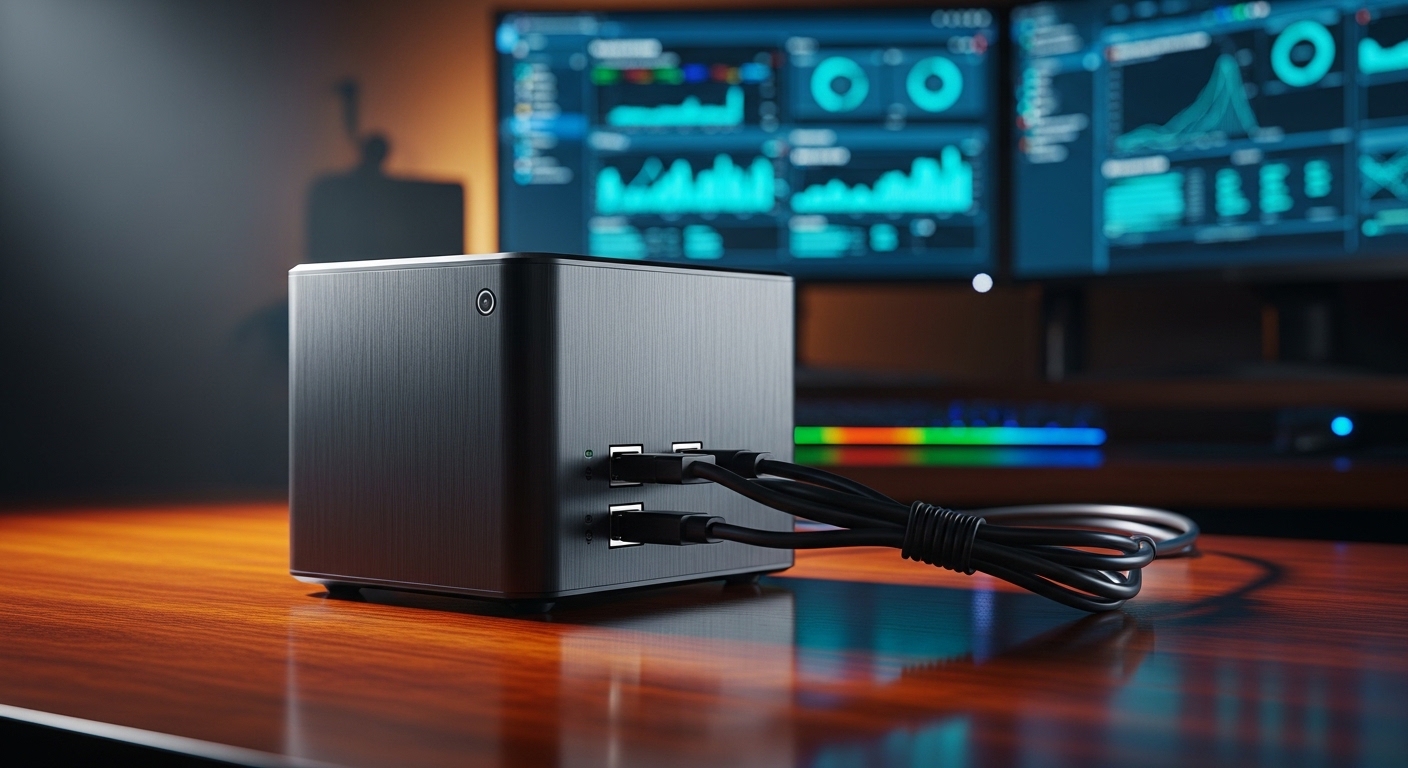
The traditional image of a home server setup often involves a towering rack unit humming loudly in a dark basement closet. While enterprise hardware certainly offers massive power, it also introduces substantial noise, heat, and electricity expenses to your home.
Fortunately, the landscape of personal servers has evolved dramatically over the last few years. Many self hosting enthusiasts now opt for compact, silent desktop nodes to handle their workloads.
These small computing platforms provide incredible computing density while consuming a fraction of the physical space of older servers. Learning how to choose a homelab mini pc allows you to build a highly efficient playground for testing software.
Why Choose a Mini PC for Your Homelab?
The primary advantage of these miniature platforms is their absolute spatial efficiency. They can sit unobtrusively on top of a desk, inside a television cabinet, or even mounted behind a computer monitor.
This compact size makes them accessible for apartment dwellers who simply do not have space for dedicated server furniture. You can easily build a powerful multi node cluster in a footprint smaller than a standard shoebox.
Additionally, modern compact computers operate with incredible thermal efficiency. They utilize advanced cooling solutions that remain completely silent during normal operation, ensuring a peaceful home work environment.
Defining Your Homelab Workloads
Before purchasing hardware, you must clearly define what services you plan to run. Different software packages place unique demands on your physical system resources.
If your primary goal is running lightweight containers, you will need a balanced system with moderate memory and storage. Those wanting to run multiple full virtual machines will require a much more robust configuration with abundant physical cores.
Media streaming, network routing, and automated backups all demand specific hardware capabilities that you must carefully evaluate. Designing your lab around your intended projects ensures you do not waste money on unnecessary processing power.
Key Hardware Criteria: Processing Power
The central processing unit serves as the absolute core of your miniature server node. It manages all the concurrent instructions from your virtual machines and operating systems.
Intel Quick Sync for Media
If you plan to run media servers, pay close attention to the integrated graphics capabilities. Intel chips feature a dedicated hardware core known as Intel Quick Sync.
This technology handles video transcoding with incredible speed and minimal processor utilization. It allows you to stream high definition content to various devices without overloading your primary system resources.
AMD Ryzen Multi Threaded Power
AMD processors are renowned for their exceptional core counts and multi threaded performance. This makes them highly suitable for compiling code, running databases, or managing heavy computational tasks.
They often offer superior graphics processing performance for computing tasks. However, ensure your chosen software fully supports the integrated AMD graphics hardware for specialized media workflows.
Hybrid Core Architectures
Modern processors frequently mix high performance cores with high efficiency cores. This architecture works beautifully on consumer desktops to save energy while maintaining snappy performance.
Some virtualization operating systems require manual tuning to handle this hybrid layout efficiently. Research your chosen hypervisor compatibility to ensure it distributes virtual machine workloads correctly across all cores.
Key Hardware Criteria: Memory (RAM)
System memory is almost always the first bottleneck you will encounter in your homelab. Running out of memory will cause your services to halt or crash completely.
DDR4 Versus DDR5
DDR5 memory is the modern standard, offering blazing fast transfer speeds and higher bandwidth. However, DDR4 memory remains incredibly popular due to its excellent affordability and stability.
For the vast majority of server workloads, the raw speed difference between memory generations is negligible. It is usually wiser to focus your budget on maximizing total capacity rather than chasing absolute speed.
SODIMM Slot Constraints
Miniature computers utilize smaller laptop style memory modules instead of full size desktop sticks. These modules are known as SODIMM memory cards.
Most compact systems contain only two physical memory slots, severely limiting your upgrade path. To avoid future headaches, we recommend buying a single large module rather than two smaller modules.
This strategy leaves a slot completely open for easy expansion when your lab requirements grow. Planning your memory upgrades early will save you money in the long run.
Determining Your RAM Ceiling
Always check the maximum memory limit supported by both the processor and the system motherboard. Many modern compact nodes can support up to ninety six gigabytes of total memory.
We highly recommend targeting a minimum of thirty two gigabytes for a versatile setup. This capacity provides plenty of overhead for running an operating system alongside several heavy application containers.
Key Hardware Criteria: Storage Configuration
Your server needs fast and reliable storage to ensure smooth application performance. The physical size of mini PCs presents distinct storage limitations that require planning.
NVMe Storage Slots
Solid state drives using the NVMe standard are essential for running virtualized environments. They offer speeds that completely eclipse traditional magnetic hard drives.
Look for a system that features at least two independent M2 NVMe slots. This dual configuration allows you to establish a mirrored storage pool for crucial data protection.
Running your primary operating system on one drive while dedicating the other to applications is an excellent way to maintain organization. It ensures that system updates do not interfere with your user data.
SATA Expansion Limits
Some larger mini PCs offer space for a single two point five inch solid state drive. This connection is ideal for adding high capacity storage at a lower price point.
These drives are excellent for storing large media libraries or archival backups that do not require maximum transfer speeds. Ensure the system includes the necessary internal cables to connect these traditional storage devices.
External Storage Integration
If your storage needs expand beyond the chassis, you must utilize external expansion methods. High speed USB ports can connect directly to multi bay drive enclosures.
Alternatively, many homelab builders separate compute resources from storage resources. They pair their compact server with a dedicated network attached storage system on their local network.
Key Hardware Criteria: Networking
A server cannot do its job without robust network connections to deliver data. Networking is an area where mini computers vary significantly in quality and capability.
Ethernet Port Speeds
Standard gigabit ports are rapidly becoming a major bottleneck for modern high speed local networks. You should prioritize systems that feature two point five gigabit Ethernet ports.
These faster ports allow you to move massive virtual machine images and backups across your network in a fraction of the time. They ensure your home server can keep pace with modern fiber internet speeds.
Dual LAN Configurations
Having two physical network ports on a single device opens up advanced networking capabilities. It allows you to run virtualized routers and custom firewalls directly on your mini PC.
You can dedicate one port to your incoming internet connection and the second port to your local switch. This physical separation is highly recommended for building a secure network sandbox environment.
Wireless Connectivity Considerations
While almost all modern mini computers include built in wireless chips, wired connections are highly preferred for servers. Wireless connections introduce latency and unpredictable speed fluctuations.
For maximum stability, always connect your server directly to your network switch using high quality copper cables. You can safely disable the integrated wireless cards in your system BIOS settings to save power.
Comparing Different Mini PC Categories
The market for compact computers is divided into three distinct categories. Understanding these options will help you make a wise purchasing decision.
Retired Enterprise Tiny Mini Micro PCs
Large corporations regularly upgrade their office computers and sell their older machines in bulk. These corporate surplus units are built with exceptionally high quality components designed for continuous operation.
They are widely available on online auction sites for incredibly affordable prices. While they may feature older processors, their durability and industry grade reliability make them legendary among homelab enthusiasts.
Consumer Brand Mini PCs
Several brands manufacture compact systems specifically tailored for home consumers and tech enthusiasts. These machines are packed with the latest processing units and multiple modern connectivity ports.
They frequently include dual ethernet ports and several NVMe slots right out of the box. While they offer excellent value, long term hardware support and frequent BIOS updates can sometimes be limited.
Premium Specialized Units
Some specialty manufacturers build rugged mini computers designed for industrial environments or advanced networking. These premium machines often feature passive cooling systems without moving fans.
They can also include specialized expansion cards for adding extra network interfaces. These models are ideal if you need absolute silence and extreme physical durability.
Pros and Cons Analysis
Weighing the advantages against the drawbacks will clarify if a mini PC is truly the right choice for your project. Let us examine the positive aspects first.
Advantages of Compact Nodes
- They consume very little electrical energy during daily operation.
- Their silent cooling systems prevent noisy household distractions.
- They require minimal physical space in your home office.
- Modern mobile chips offer outstanding multi core computing power.
Now let us evaluate the physical limitations of these small form factor systems. These factors may require you to adjust your deployment plans.
Limitations of Compact Nodes
- Internal expansion options for extra cards are highly limited.
- They do not feature redundant hot swappable power supplies.
- Small physical cases restrict maximum air circulation and cooling.
- Internal storage drive capacity is strictly capped.
Power Efficiency and Cooling
Operating a home server twenty four hours a day requires an understanding of energy use. These small machines excel at keeping your ongoing costs manageable.
Idle Power Draw Analysis
Most home servers spend the majority of their life cycle waiting for user requests. Therefore, low power consumption during idle states is highly critical.
Many modern compact computers draw less than ten watts when resting. This incredibly low draw ensures your monthly utility bill remains virtually unchanged, making it an environmentally friendly choice.
Thermal Management and Noise
Small cases mean limited space for moving heat away from sensitive electronic components. When under heavy computational loads, the internal fans will spin faster to keep the system cool.
Make sure to place your server in a well ventilated area with plenty of open space. Avoid stacking devices directly on top of each other to prevent heat buildup issues.
Budgeting Strategies for Beginners
Setting a smart budget is essential when building your system. Costs can rise quickly if you do not plan for additional hardware components.
Barebones Versus Completed Units
Barebone systems are sold without any memory, storage drives, or operating systems. This configuration allows you to select high quality components tailored to your exact needs.
Completed units come with everything preinstalled and ready to boot. If you want a quick setup without assembling physical parts, a completed system configuration is highly convenient.
Factor in Essential Accessories
Do not forget to budget for the peripheral hardware required to run your server safely. We strongly advise purchasing a dedicated battery backup unit.
An uninterruptible power supply prevents system data corruption during sudden electrical blackouts. Protecting your hardware investment is a critical aspect of smart homelab budgeting.
Step by Step Selection Framework
To make your final decision easier, follow this simple structured selection process. It will guide you to the perfect physical hardware match.
Step One Assess Your Space and Noise Tolerance
Determine where the server will physically reside in your home. If it will live in your bedroom, prioritize fanless designs or systems known for silent fan profiles.
Step Two Calculate Resource Requirements
Estimate the total memory and processing power your applications will consume. Add a thirty percent buffer to your estimates to allow for future lab growth.
Step Three Decide on Your Sourcing Strategy
Choose between buying a brand new consumer unit or finding a refurbished corporate surplus machine. Both approaches have distinct financial and performance trade offs.
Conclusion
Finding the right compact computer for your server projects is an incredibly rewarding process. By focusing on expandable memory, fast network interfaces, and low idle power draw, you can build a highly capable node.
These miniature powerhouses prove that you do not need massive, noisy server racks to learn advanced enterprise networking. Define your projects, establish your budget limits, and start building your ultimate home computing laboratory today.