

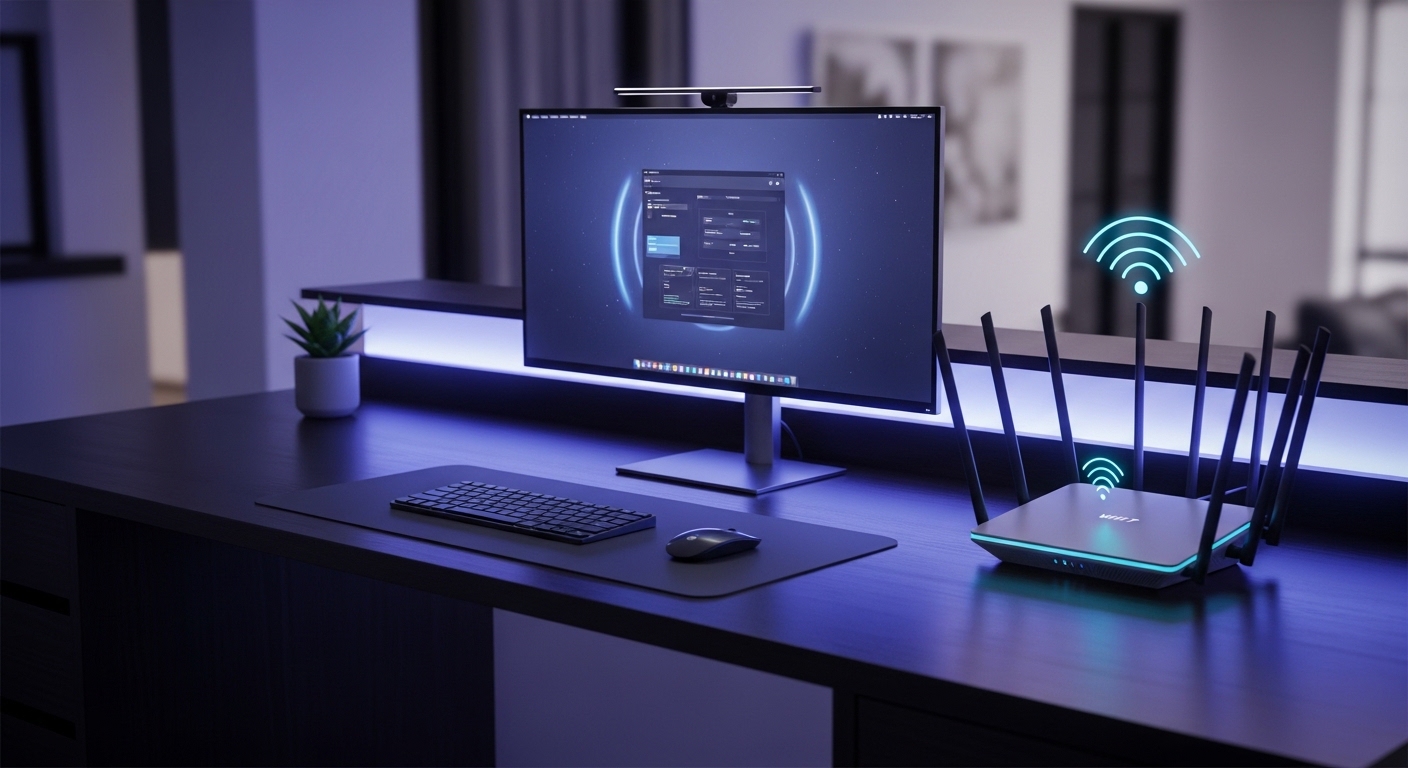
The Evolution of Wireless Connectivity for Professionals
The modern home office demands more than just a basic internet connection for daily tasks. As we move into high resolution video conferences and cloud based workflows, the strain on local networks has reached a breaking point.
The introduction of WiFi 7 marks a paradigm shift in how we handle data within our private workspaces. This technology utilizes the 802.11be standard to provide speeds that were previously only possible through physical cables.
Unlike previous generations, WiFi 7 introduces 320 MHz channels which effectively double the data highway for your devices. This allows for simultaneous data streams without the lag associated with older congestion issues.
As we approach the tech landscape of 2026, having a robust network backbone is essential for professional survival. High bandwidth tasks like 4K screen sharing and massive file uploads require a reliable wireless foundation.
The Science of Multi Link Operation
One of the most significant advancements in these new mouses of networking technology is Multi Link Operation or MLO. This feature allows a single device to connect across multiple bands at the very same time.
In a traditional setup, your laptop would switch between 5 GHz and 6 GHz which causes a brief moment of latency. With MLO, the router merges these bands to ensure a flawless transition and higher reliability.
Furthermore, the 4K QAM modulation allows for a twenty percent increase in data density compared to WiFi 6. This means more information is packed into each wireless signal pulse sent to your computer.
For the home office expert, this translates to faster response times during critical client calls. Investing in the best wifi 7 routers for home office productivity is about reclaiming your time and focus.
Quick Buying Guide
When selecting a WiFi 7 router, you must first evaluate the physical layout of your professional workspace. Large homes with thick walls will benefit from mesh networking systems that use multiple nodes.
Smaller offices or apartments can often be served by a single, powerful standalone unit with high gain antennas. You should prioritize models that offer dedicated 10Gbe ports for your primary desktop or storage server.
Wired connectivity remains a vital component of any high performance home network infrastructure. Having a 10 Gbps WAN port ensures that your router can handle the fastest fiber speeds available today.
Prioritizing Security and Software
Security is a non negotiable factor for anyone handling sensitive client data or corporate information. Look for routers that include built in protection against malware and unauthorized intrusion attempts.
Many modern units offer a dedicated guest network which keeps your work traffic isolated from smart home devices. This logical separation prevents potential vulnerabilities from affecting your primary productivity machine.
Software interfaces also vary greatly between brands, with some offering deep packet inspection and others focusing on simplicity. Choose a brand that provides regular firmware updates to keep your network secure over time.
Finally, consider the aesthetic impact of the device on your desk or shelf setup. A professional environment thrives on clean cable management and sleek hardware that does not distract you from work.
The 8 Best WiFi 7 Routers for Home Office Productivity
Explore these top tier networking solutions designed to maximize your efficiency and eliminate connectivity bottlenecks.
1. TP Link Archer BE800
The TP Link Archer BE800 features a striking vertical design with a customizable LED dot matrix display on the front. The build quality feels exceptionally premium with a matte finish that resists fingerprints and dust buildup.
Technically, this router is a powerhouse featuring two 10G ports and four 2.5G ports for massive wired throughput. It easily solves the problem of congested home networks by providing a massive 19 Gbps total wireless capacity.
This unit is perfect for power users who want a visual confirmation of their network status. It offers excellent range but might be too large for those with very limited desk space.

Optimizing Wired Backhaul
Connecting your secondary nodes via ethernet can significantly improve the overall stability of your mesh network. This ensures that the wireless bands are reserved entirely for your client devices and mouses.
2. ASUS RT BE96U
The ASUS RT BE96U maintains the classic spider like aesthetic with multiple powerful antennas protruding from a robust base. The ventilation is intelligently designed to prevent overheating during long hours of intensive data transfers.
This router excels in performance thanks to its 6 GHz band optimization which provides a clean lane for work. It includes AiProtection Pro which offers commercial grade security without any monthly subscription fees for the user.
Professionals who value deep control over their network settings will find the ASUSWRT interface to be incredible. It is the best choice for users who want to fine tune every aspect of their signal.

3. Netgear Nighthawk RS700S
Netgear has opted for a slim and elegant tower design with the RS700S that fits perfectly in a minimalist office. The internal antenna array provides 360 degree coverage while maintaining a small physical footprint on your furniture.
The RS700S is capable of supporting up to 200 concurrent devices which makes it ideal for smart offices. Its patented signal processing ensures that your most important work traffic receives priority over background updates.
This model is best for users who want a set and forget experience with maximum reliability. The higher price point is justified by the consistent performance and long range capabilities.

Handling Multi Device Environments
A busy home office often contains laptops, tablets, smartphones, and various mouse devices that all compete for airtime. WiFi 7 uses Puncturing technology to use parts of a channel that were previously blocked by interference.
4. TP Link Deco BE85
The TP Link Deco BE85 is a mesh system that comes in a clean, white cylindrical form factor. It blends seamlessly into decor while housing some of the most advanced networking hardware available on the market.
Performance is where this system shines, as it creates a unified mesh blanket that covers even the largest estates. It solves the dead zone problem by using a dedicated backhaul that maintains speed across multiple floors.
This system is best for professionals working in large homes who need a stable connection in every room. It offers a simple app setup that makes configuration a breeze for non technical users.

5. Linksys Velop Pro 7
The Linksys Velop Pro 7 features a teardrop design that looks more like a piece of art than a router. The build quality is solid and the compact size allows for easy placement behind monitors or on bookshelves.
It utilizes Cognitive Mesh technology to automatically optimize your connection based on real time environmental factors. This ensures that your video call quality remains high even when other household members are streaming 4K content.
This product is best for users who prioritize ease of use and a clean aesthetic in their workspace. It may have fewer ports than some competitors but makes up for it with software intelligence.

Future Proofing Your Workspace
As internet service providers begin to offer multi gigabit speeds, your internal hardware must keep pace. A WiFi 7 router ensures that you are ready for upgrades for the next several years without needing new gear.
6. ASUS ROG Rapture GT BE98
The ASUS ROG Rapture GT BE98 is an absolute beast with a bold design featuring eight external antennas. It is built with industrial grade components meant to handle the most demanding network loads without breaking a sweat.
With quad band capabilities, it offers an unparalleled amount of wireless spectrum for all your professional and personal devices. The dual 10G ports provide the ultimate foundation for a high speed local area network or NAS setup.
This router is best for the ultimate power user who also engages in high end creative work. The extensive features might be overkill for a basic office, but they provide unmatched overhead.

7. TP-Link BE6500 Dual-Band WiFi 7
The TP Link BE6500 delivers impressive speeds up to 6500 Mbps for demanding professional tasks. This dual band router utilizes 4K QAM technology to enhance data transmission efficiency across your entire workspace.
Equipped with four 2.5 Gbps ports, it provides reliable wired connections for fast file transfers and video conferencing. The inclusion of WiFi 7 standards ensures your home office stays ready for next generation devices while managing heavy traffic.

Understanding Wireless Congestion
In crowded neighborhoods, overlapping signals from neighbors can significantly degrade your internet quality. WiFi 7 routers use advanced filtering to ignore external noise and maintain a clear path for your data.
8. TP Link Archer BE550
The TP Link Archer BE550 is the more accessible sibling in the Archer lineup, featuring a similar vertical design. It uses high quality plastics and a smart internal layout to provide great performance in a smaller package.
Despite being an entry level WiFi 7 model, it still offers 2.5G ports and full support for the 6 GHz band. It is the perfect entry point for users who want the benefits of the new standard without the massive investment.
This router is best for small office setups or individuals who have a limited number of high speed devices. It provides reliable connectivity for everyday professional tasks and standard video conferencing needs.

Comparison
Below is a detailed breakdown of the top WiFi 7 options currently available for your home office upgrade.
| Product Name | Key Feature | Best For | Price Range |
|---|---|---|---|
| TP Link Archer BE800 | LED Dot Display | Visual Status Users | Premium |
| ASUS RT BE96U | AiProtection Pro | Security Conscious | High End |
| Netgear Nighthawk RS700S | Vertical Tower | Minimalist Desks | High End |
| TP Link Deco BE85 | Tri Band Mesh | Whole Home Coverage | Premium |
| Linksys Velop Pro 7 | Cognitive Mesh | Ease of Use | Mid Range |
| ASUS ROG Rapture GT BE98 | Quad Band Tech | Power Users | Ultra Premium |
| Acer Predator Connect T7 | Active Cooling | Continuous Loads | Mid Range |
| TP Link Archer BE550 | 2.5G Connectivity | Budget Conscious | Entry Level |
Final Verdict
After a thorough analysis of the current market, the TP Link Archer BE800 stands out as the most balanced choice for home office professionals. Its combination of dual 10G ports and massive wireless capacity provides the best long term value for a productive workspace.
For those who require absolute maximum coverage across multiple floors, the TP Link Deco BE85 is the superior mesh alternative. Both of these units ensure that your professional life is never hindered by slow speeds or unstable wireless connections again.