

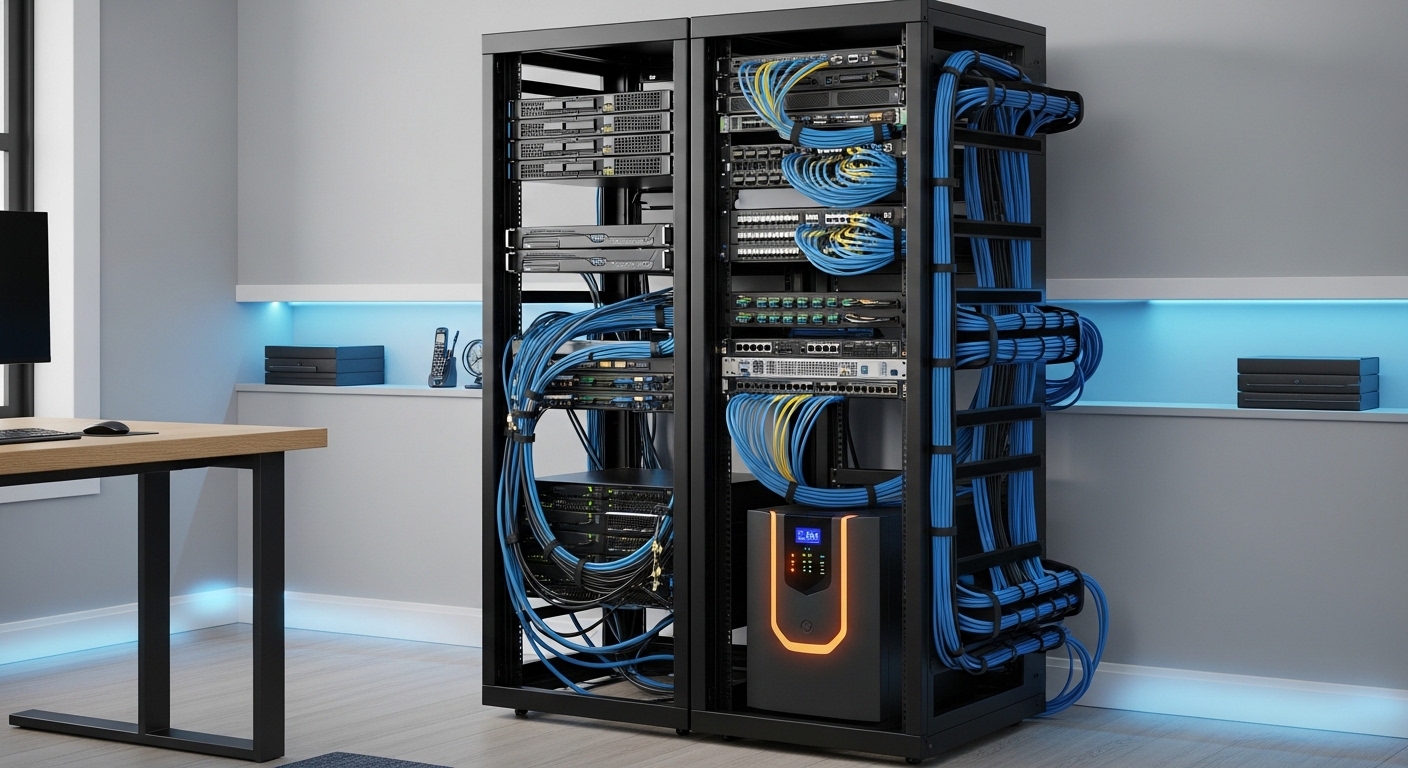
Building a home server environment is a significant investment in both time and money. Protecting your delicate hardware from electrical irregularities is a necessity rather than a luxury.
When you are choosing an uninterruptible power supply for home lab environments, the complexity of power management becomes apparent. A single power surge or unexpected outage can lead to catastrophic data loss or hardware failure.
Modern server components and storage arrays require a consistent and clean flow of electricity to function correctly. This guide provides a comprehensive overview of how to select the perfect backup power solution for your specific technical needs.
Understanding the Importance of Power Stability
Power stability is the foundation of any reliable server setup in a residential setting. Residential electrical grids are often subject to fluctuations that can affect sensitive electronic components over time.
An uninterruptible power supply acts as a buffer between the wall outlet and your expensive server hardware. It provides a bridge of power during outages and filters out dangerous electrical noise.
Without this protection, a sudden loss of power might cause a hard drive head crash. It could also lead to corrupted file systems that take hours or days to recover manually.
A high quality unit gives you the precious minutes needed to perform a graceful system shutdown. This process ensures that all data is written to disk before the power is completely exhausted.
Determining Your Total Power Requirements
Before purchasing any equipment, you must calculate the total energy consumption of your current setup. This involves adding up the maximum wattage of your servers, switches, and storage units.
Most manufacturers provide a maximum power rating on the back of their devices. However, using a dedicated power meter is the most accurate way to measure real world consumption.
You should aim for a unit that provides at least twenty percent more capacity than your peak load. This extra headroom allows for future expansion of your home lab without needing a new power unit.
Keep in mind that peak load occurs during system boot or under heavy computational stress. Your power solution must be able to handle these temporary spikes in demand effectively.
Deciphering VA and Wattage Ratings
Understanding the difference between Volt Amperes and Watts is essential for making an informed choice. Many users mistakenly believe these two measurements are identical when they represent different aspects of power.
Watts represent the actual power consumed by your equipment to perform work. The VA rating includes the apparent power which accounts for the efficiency of the electrical load.
The relationship between these two numbers is known as the power factor. Most modern computer power supplies have a power factor close to one, but older gear may differ significantly.
Always check the specific wattage rating of the device rather than just the VA number. A unit rated at fifteen hundred VA might only support nine hundred watts of actual load.
Failing to account for this difference can lead to an overloaded system. An overloaded unit will often shut down immediately when the main power fails, defeating its entire purpose.
Exploring Different UPS Topologies
There are three primary categories of backup power systems available for home users. Each topology offers a different level of protection and comes with its own set of trade offs.
The most basic type is the standby or offline system which remains idle until power is lost. When the voltage drops, a mechanical switch moves the load to the internal battery power source.
These units are typically the most affordable option for simple workstations. However, the momentary delay during the switch can cause some sensitive servers to reboot or crash.
Standby units provide minimal filtration and are best suited for non critical office equipment. They do not typically regulate voltage fluctuations like brownouts or overvoltages effectively.
Line Interactive Systems for Advanced Regulation
Line interactive systems are the most common choice for home lab enthusiasts. They feature an internal transformer that can adjust the incoming voltage without switching to the battery.
This capability allows the unit to handle minor power sags and surges continuously. By avoiding frequent battery usage, these systems extend the overall lifespan of the battery significantly.
The transition time for line interactive units is much faster than standby models. Most modern servers can easily handle this tiny gap in power without any operational interruptions.
They offer a perfect balance between cost and performance for a growing lab. You will find that these units are often quieter and more energy efficient than professional grade online models.
Online Double Conversion for Total Isolation
Online double conversion systems provide the highest level of protection available. They constantly convert incoming AC power into DC and then back into perfectly regulated AC power.
This process ensures that the connected equipment is completely isolated from any electrical issues on the grid. There is zero transfer time because the inverter is always providing power from the battery bus.
These units are ideal for environments with very poor power quality. They are also necessary for mission critical hardware that cannot tolerate even the smallest power interruption at all.
The downside to online units is their higher cost and increased noise levels. The internal fans run constantly to manage the heat generated by the continuous conversion process.
Waveform Quality and Pure Sine Wave Output
The shape of the electrical wave produced by the unit is a critical factor to consider. Standard utility power arrives in the form of a smooth, repeating pure sine wave pattern.
Lower cost backup units often produce a simulated or modified sine wave. This jagged, stepped wave can cause issues with high efficiency power supplies found in modern servers.
Equipment with Active Power Factor Correction may hum, vibrate, or shut down when running on a simulated wave. This can lead to long term damage to the internal components of your server.
For a reliable home lab, investing in a pure sine wave unit is highly recommended. It ensures total compatibility with all types of power supplies and sensitive networking gear.
While these units are slightly more expensive, the peace of mind they provide is invaluable. You will avoid the frustration of a server failing to stay powered on during a critical battery event.
Evaluating Battery Chemistry and Maintenance
The battery is the heart of any backup power system and requires careful consideration. Most consumer and prosumer units currently utilize sealed lead acid batteries for energy storage.
These batteries are cost effective and widely available for replacement when they eventually wear out. However, they are heavy and have a relatively short lifespan of three to five years.
Environment temperature plays a major role in how long these batteries will last. Keeping your power unit in a cool and ventilated area will maximize its operational life.
A newer alternative entering the market is the lithium ion battery system. These units offer a much higher energy density and can last for over a decade without replacement.
Lithium systems are lighter and charge much faster than their lead acid counterparts. They also handle deep discharges better, which is useful if your lab experiences frequent power outages regularly.
The initial purchase price for lithium units is significantly higher than traditional models. However, the total cost over ten years is often lower because you avoid multiple battery replacements.
The Importance of User Replaceable Batteries
When you are choosing an uninterruptible power supply for home lab use, check for battery accessibility. Some budget units are designed to be thrown away once the battery fails.
A premium unit will feature a hot swappable battery compartment. This allows you to replace the aging cells without turning off your connected server equipment.
Standardizing on units with common battery sizes can also simplify your maintenance routine. You can keep a spare set of batteries on hand for emergency replacement needs if required.
Physical Form Factor and Installation
Home labs come in various shapes, from small desktop clusters to full sized server racks. The physical design of your backup unit should match your existing lab infrastructure perfectly.
Tower models are designed to sit on the floor or a sturdy desk next to your equipment. They are usually quieter and easier to move around if you change your lab layout.
Rackmount units are specifically designed to be bolted into a standard nineteen inch server rack. These models save horizontal space but are often much deeper and heavier than tower versions.
Consider the weight of the unit before placing it on a shelf or in a rack. High capacity units can weigh over fifty pounds, requiring secure mounting brackets for safe installation.
If you have a mixed environment, some manufacturers offer convertible units. these can be used as a tower or mounted in a rack using included rail kits.
Management Features and Software Integration
A backup power unit is only useful if it can communicate with your servers during an outage. Basic units feature a USB port that connects directly to a single host machine for control.
For a home lab with multiple servers, a network management card is a superior option. This allows the unit to send shutdown signals over the network to all connected devices simultaneously.
You can configure specific shutdown sequences to ensure that storage arrays stay powered until the very end. This prevents data volume corruption by allowing the servers to unmount filesystems first.
Many open source tools like Network UPS Tools or Apcupsd are compatible with professional grade units. These allow for advanced monitoring of voltage, load, and battery health through a web interface.
Consider whether you need a unit with an integrated LCD screen on the front panel. This provides real time diagnostics without needing to log into a management console or computer.
Noise Levels and Thermal Management
The cooling fans inside a backup power unit can be surprisingly loud in a quiet home office. Higher capacity units require more airflow to keep the internal inverters cool during operation.
Online units are generally the loudest because their fans run at high speeds twenty four hours a day. Line interactive units are usually silent until they switch to battery power or a voltage regulation mode.
If your home lab is located in a bedroom or shared living space, noise becomes a primary concern. Look for units that feature variable speed fans that only ramp up when strictly necessary.
Thermal management is also vital for the longevity of the internal electronics. Ensure there is at least a few inches of clearance around the intake and exhaust vents of the unit.
Accumulated dust can cause the unit to overheat and shut down unexpectedly. Regular cleaning with compressed air is a simple way to maintain optimal cooling performance over many years.
Budget Considerations and Total Cost of Ownership
The purchase price of the unit is only the first part of the overall cost. You must also account for the electricity consumed by the unit itself through internal conversion losses.
Less efficient units can add a noticeable amount to your monthly utility bill over time. Choosing a high efficiency model can save you a significant amount of money throughout its operational lifespan.
In the year 2026, energy efficiency ratings have become a standard feature for most high end power equipment. Look for labels that certify the unit meets modern standards for low idle power consumption.
Don’t forget to budget for replacement batteries every few years if you choose a lead acid model. Factoring in these recurring costs will give you a clearer picture of the true price of the unit.
It is often better to spend more upfront for a high quality unit than to replace a cheap one every two years. A reliable power foundation is the best insurance policy for your data and hardware.
Making the Final Decision
Choosing the right power solution requires balancing technical specifications with your specific household constraints. Start by identifying your absolute must have features versus the optional luxury additions.
Prioritize pure sine wave output if you are running modern servers with sensitive power supplies. Ensure the capacity is sufficient for both your current load and any planned upgrades for the next year.
Check the warranty terms provided by the manufacturer. Some companies offer equipment protection policies that cover the cost of hardware damaged while connected to their units.
Read user reviews specifically regarding the noise levels if the lab is in a quiet room. A unit that is technically perfect but too loud will quickly become a source of frustration.
Verify that the unit has enough physical outlets for all your critical components. Using power strips with a backup unit is possible, but it can make load management calculations more difficult to track.
Conclusion
Successfully choosing an uninterruptible power supply for home lab environments is a milestone for any tech enthusiast. It transforms a collection of computers into a resilient and professional grade data center.
By focusing on capacity, topology, and management features, you ensure that your projects remain online during the worst weather. The time spent researching today will save you from the heartache of data loss tomorrow.
Invest in quality, plan for growth, and always keep your batteries fresh. Your home lab deserves a stable foundation to reach its full potential as a learning and hosting platform.