

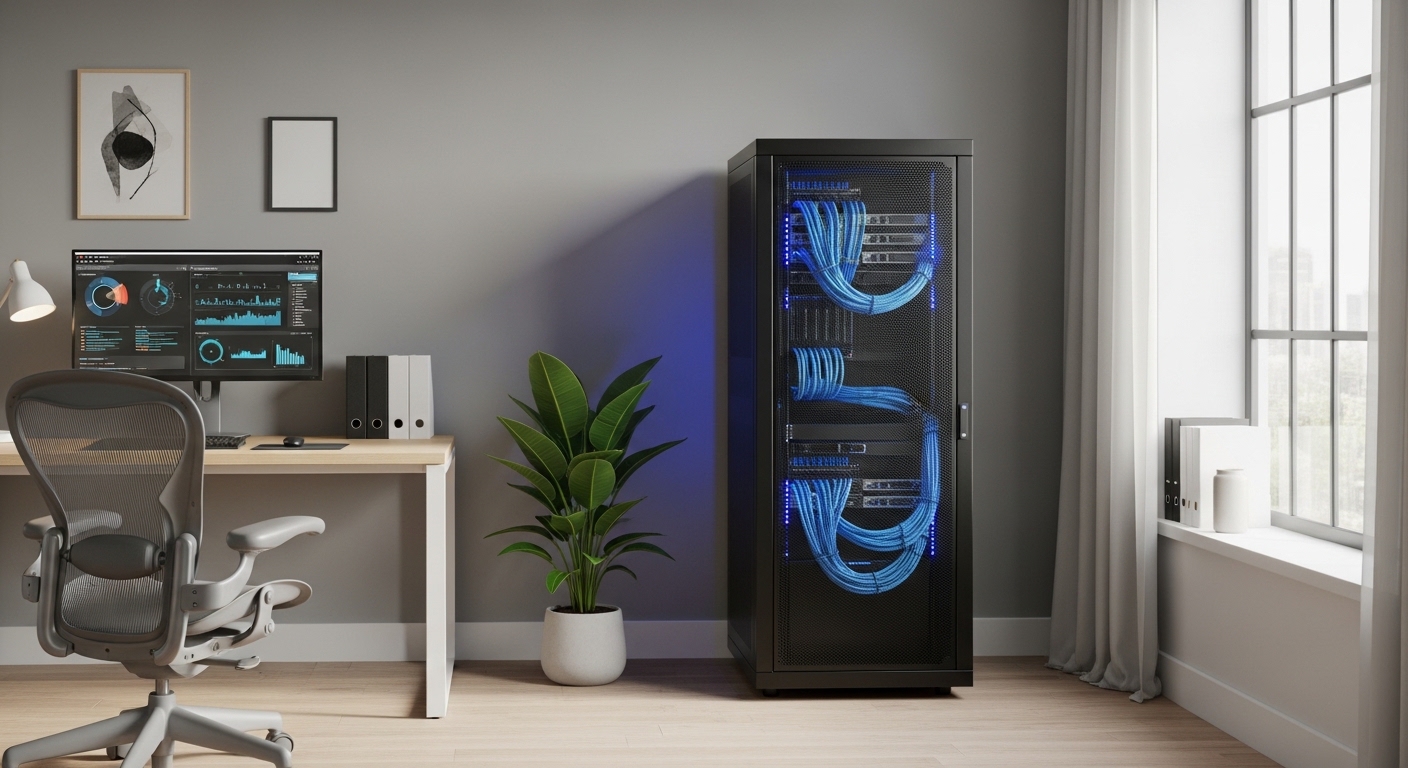
The Importance of a Solid Foundation
Every serious home lab requires a sturdy foundation to protect your hardware investments. Selecting the proper enclosure ensures your equipment remains safe and functional for years.
The process of choosing the right server rack involves many technical variables. You must balance physical space constraints with the cooling needs of your machines.
A rack is more than just a metal frame for your computers. it serves as the central nervous system for your entire networking infrastructure.
Proper housing prevents hardware damage from overheating or physical accidents. It also makes maintenance much easier when you need to swap components or upgrade parts.
Defining the Rack Unit Standard
Before purchasing any equipment, you must understand the standard measurement known as the Rack Unit or U. This vertical measurement determines how many devices can fit inside your cabinet.
One single rack unit is equivalent to 1.75 inches of vertical space. Most networking equipment like switches or patch panels occupy exactly one rack unit.
Enterprise servers often require two or four units depending on their internal cooling systems. You should always calculate your total height requirements before browsing for a specific cabinet model.
It is wise to leave at least twenty percent of your rack empty for future expansion. Planning for growth prevents the need to buy a larger rack in a few months.
Standard Height Categories
- Small desktop racks: 6U to 9U
- Medium height racks: 12U to 18U
- Half height racks: 22U to 27U
- Full height racks: 42U and above
Most home users find that a 12U or 15U rack provides the perfect balance. These sizes fit comfortably under a desk or in a utility closet without dominating the room.
Large 42U racks are usually reserved for those with dedicated basement spaces or massive storage arrays. Always measure the height of your ceiling before ordering a tall enclosure.
Choosing Between Open Frame and Enclosed Racks
One of the first decisions you will face is whether to buy an open frame rack or a fully enclosed cabinet. Both styles have significant advantages and distinct drawbacks for the home environment.
Open frame racks are generally more affordable and provide excellent access to your cables. They allow for maximum airflow because there are no walls to trap heat.
However, open racks offer zero noise dampening for loud server fans. They also leave your expensive hardware exposed to dust and pets.
Enclosed cabinets provide a much cleaner look and can help reduce the sound of spinning disks. They often include locking doors to keep curious children or guests away from your power buttons.
The main challenge with enclosed cabinets is managing the internal temperature. You will likely need to install active exhaust fans to pull hot air out of the enclosure.
Thermal management becomes critical when you pack multiple high performance servers into a tight space. Consider the ambient temperature of the room where the rack will reside.
Understanding Depth Requirements
Many beginners make the mistake of buying a rack that is too shallow for their servers. Rack depth is just as important as height when organizing your hardware.
Networking racks are often very shallow, measuring around 15 to 20 inches deep. These are perfect for switches but will not fit enterprise servers.
Full sized servers usually require a depth of at least 30 inches to accommodate the chassis and cable arms. You must also account for the protruding power cables at the rear.
Adjustable depth racks are a fantastic option for the home lab enthusiast. They allow you to expand the physical footprint of the frame to match your specific equipment list.
Always check the maximum rail to rail depth of the rack before checking out. This ensures your sliding rail kits will click into place securely.
Common Depth Benchmarks
- Networking depth: 15 to 20 inches
- Mid range depth: 24 to 28 inches
- Server depth: 30 to 36 inches
- Deep server depth: 40 inches and above
If you plan to use rack rails, ensure the rack is deep enough to house them fully. Short racks may leave your servers hanging out the back.
Cables also require a few inches of clearance to prevent tight bends. Excessive bending can damage fiber optic lines or copper ethernet strands over time.
Weight Capacity and Structural Integrity
Server equipment is surprisingly heavy once you start adding power supplies and hard drives. You must verify that your floor and your rack can support the load.
Steel is the preferred material for high capacity server racks due to its rigidity. Aluminum racks are lighter and easier to move but may flex under pressure.
Check the static load rating which describes how much weight the rack holds when stationary. Most quality racks can support hundreds of pounds of gear.
If you choose a rack with wheels, you must also check the dynamic load rating. This number tells you how much weight the casters can handle while the rack is moving.
In 2026, many modern home labs utilize high density storage arrays that weigh significantly more than traditional desktops. Always overbuild your support structure to be safe.
The Debate Between Two Post and Four Post Racks
Two post racks are common in telecommunications and lightweight networking setups. They are space efficient and very affordable for budget builds.
The primary issue with two post designs is their limited stability for deep equipment. Heavy servers will put too much torque on the mounting ears of a two post frame.
Four post racks are the gold standard for any serious home lab setup. They support the weight of the server at both the front and back.
This four point contact prevents sagging and allows for the use of sliding rails. Sliding rails make it simple to pull a server out for maintenance without unmounting it.
For most users, a four post open frame is the best starting point. It offers the most flexibility for mounting various hardware types safely.
Hole Types and Mounting Hardware
The vertical rails of a server rack come with different types of mounting holes. The most common varieties are square holes and threaded round holes.
Square holes are the industry standard for enterprise data centers. They use cage nuts which can be replaced if the threads become stripped or damaged.
Threaded holes are simpler because you do not need to install nuts. However, if you strip the threads in a threaded rail, the entire rail might need replacement.
Square holes offer more versatility for different types of mounting kits. Most modern toolless rail kits are designed specifically for square hole configurations.
If you purchase a rack with square holes, buy a high quality cage nut insertion tool. This will save your fingers from pain during the installation process.
Airflow Strategy for Home Environments
Managing heat is the biggest challenge when running servers in a residential setting. Most home rooms lack the industrial air conditioning found in data centers.
Ensure your rack is positioned to allow cool air to enter from the front. The hot exhaust should have a clear path to exit the rear of the machine.
Blanking panels are inexpensive plastic or metal inserts that fill empty rack spaces. They prevent hot air from recirculating back to the front of your equipment.
Using blanking panels can significantly lower the operating temperature of your chips. This extends the lifespan of your hardware and reduces fan noise.
Active cooling fans can be mounted to the top or bottom of enclosed cabinets. These fans help force ventilation when natural convection is not enough.
Cooling Best Practices
- Use blanking panels for empty spaces
- Maintain clear space behind exhaust fans
- Avoid placing racks in small closets without vents
- Monitor temperatures with digital sensors
Dust filters are a great addition for enclosed racks in carpeted rooms. They keep the internal components clean and reduce the need for manual vacuuming.
Check and clean your filters every few months to maintain proper air volume. Clogged filters can cause thermal throttling on your high end processors.
Cable Management and Organization
A messy rack is difficult to troubleshoot and can even block essential airflow. Investing in cable management accessories is a mandatory step for a professional lab.
Horizontal cable managers sit between your equipment to route patch cords neatly. They often feature fingers or rings to keep wires separated and organized.
Vertical cable managers run along the sides of the rack to handle power and data trunking. These are essential for keeping heavy power cables away from delicate data lines.
Velcro straps are much better than plastic zip ties for securing cables in a rack. They allow you to add new wires without cutting and replacing the fasteners.
Labeling every cable at both ends will save you hours of frustration later. Use a dedicated label maker to create clear and durable tags for your network.
Power Distribution and Protection
Your server rack needs a reliable way to distribute electricity to every device. A Power Distribution Unit or PDU is the standard tool for this task.
Rack mounted PDUs come in horizontal and vertical orientations. Vertical PDUs, also known as Zero U PDUs, do not take up any mounting space in your rack.
Surge protection is vital, but an Uninterruptible Power Supply is even more important. A rack mount UPS provides battery backup during unexpected power outages.
This allows your servers to shut down gracefully without corrupting data on your disks. Be aware that battery backups are extremely heavy and should be placed at the bottom.
Placing heavy items at the bottom of the rack lowers the center of gravity. This makes the entire structure more stable and less likely to tip over.
Aesthetics and Home Office Integration
If your home lab sits in a shared living space, appearance might be a priority. Some manufacturers offer wooden server cabinets that look like high end furniture.
These furniture style racks provide sound dampening and blend in with your decor. They are often more expensive than steel frames but keep the peace with family members.
Glass front doors allow you to see your glowing status lights without opening the cabinet. However, glass can restrict airflow more than mesh metal doors.
Lighting can also enhance the look of your lab during late night coding sessions. LED strips inside the rack frame can help you see your ports in the dark.
A well organized and well lit rack is a point of pride for many tech experts. It transforms a mess of wires into a professional piece of engineering.
Budget Considerations for the Lab Owner
The cost of a server rack can range from fifty dollars to over a thousand. You must decide where to allocate your budget effectively.
Used server racks are often available for very low prices on local marketplaces. Many businesses discard perfectly good racks when they move to the cloud.
Buying used can save you hundreds of dollars that you could spend on more RAM. Just ensure the used rack includes all the necessary side panels and doors.
Shipping a full sized rack is extremely expensive due to the size and weight. Try to find a local pickup option to avoid massive delivery fees.
If you buy new, look for flat pack racks that require assembly. These are cheaper to ship and can be easily moved through narrow doorways in your home.
Final Checklist for Your Purchase
Before you commit to a specific model, double check every measurement twice. Confirm that the rack will fit through your doors and hallways.
Verify that your deepest server will fit with the doors closed. Ensure you have purchased enough cage nuts and screws for all your gear.
Think about where the rack will sit and if the floor can support it. A fully loaded 24U rack can weigh several hundred pounds easily.
Consider the noise level of your equipment and if you need an enclosure. Your home lab journey should be rewarding, not an annoyance to your household.
Choosing the right server rack for home lab use is a long term investment. Take your time to evaluate every feature before making your final selection.
Conclusion
Building a home lab is a fantastic way to master new technologies and secure your data. The rack you choose will be the home for your creative and technical projects.
By focusing on height, depth, and cooling, you create an environment where hardware thrives. A well planned rack makes every future upgrade a simple and enjoyable task.
Remember that organization and safety are the two most important goals for any setup. With the right server rack, your home lab will reach professional levels of performance.