

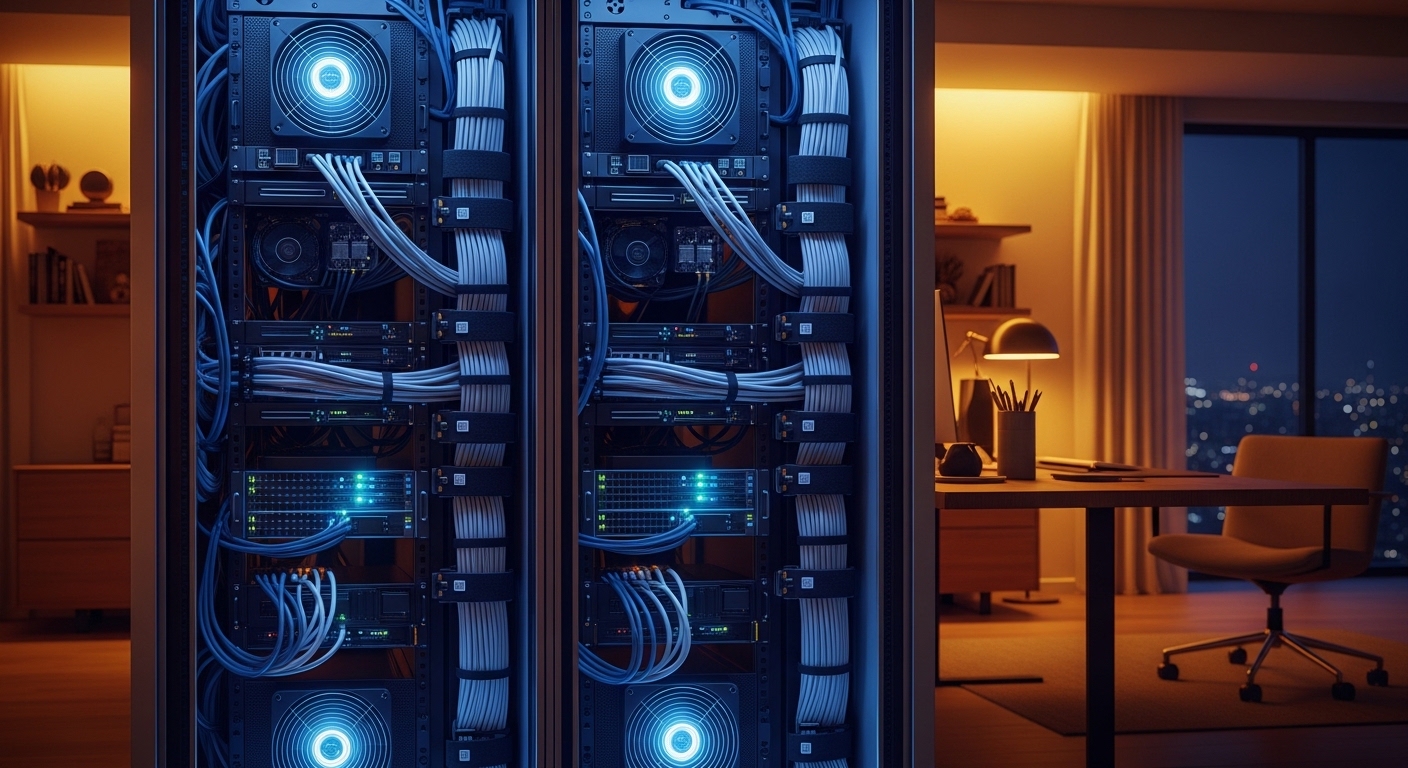
Understanding Thermal Management in Small Spaces
Managing heat is the single most important task for anyone running a home lab. When hardware is confined to a small space, temperature rises rapidly and can cause permanent damage to expensive computing components.
Many enthusiasts overlook the necessity of airflow until they experience system crashes or hardware failure. Knowing how to ventilate a home server closet properly is the foundation of a stable and reliable home network.
Servers generate heat as a natural byproduct of their electrical processing. Without a clear path for this heat to escape, the air inside a closet will eventually reach dangerous thermal levels.
This process is often called thermal runaway. It happens when the ambient air becomes so hot that the internal fans can no longer cool the internal processors effectively.
The Science of Convection and Airflow
Heat naturally rises due to a physical process called convection. In a server closet, this means the hottest air will always gather near the top ceiling.
To create effective movement, you must understand the relationship between intake and exhaust. You cannot move air out of a sealed box without allowing fresh air in.
Creating a pressure differential is key to moving air through your equipment. Without this pressure, air simply swirls around and recycles the heat.
Your goal is to create a constant stream of cool air that passes over the hot server heatsinks. This prevents hot spots from forming behind the rack where air often becomes stagnant.
Passive Ventilation Strategies for Low Power Labs
Passive ventilation relies on natural air movement rather than motorized fans. This is a silent and cheap way to manage small setups.
The most common passive method involves the use of louvered doors. These doors feature horizontal slats that allow air to pass through while maintaining privacy.
If you cannot replace the door, you can consider undercutting it. Increasing the gap between the door and the floor provides a natural intake path.
You can also install decorative grilles at the top and bottom of the door. This creates a natural chimney effect where cool air enters the bottom and hot air exits the top.
Limitations of Passive Cooling
Passive systems are only effective for very low power hardware. If you run multiple rack servers, passive air movement will likely fail.
A typical server closet requires a high volume of air exchange that natural convection cannot provide. You must monitor the ambient closet temperature constantly during the summer months.
By the year 2026, the power density of home hardware is expected to increase further. This makes passive cooling less viable long term for growing labs.
If your closet remains warm to the touch, you need to transition to active cooling. Stagnant air is the enemy of hardware longevity and performance.
Active Ventilation and Mechanical Airflow
Active ventilation involves using fans to force air through the closet. This is the most reliable cooling method for serious home server setups.
You must select fans based on their Cubic Feet per Minute rating. This rating tells you how much air the fan can move in sixty seconds.
Ideally, you want to replace the entire volume of air in the closet several times per minute. This ensures that heat never accumulates beyond a safe threshold.
Exhaust fans should be placed as high as possible in the room. This allows the fan to pull the warmest air out of the space efficiently.
Selecting the Right Fan Type
Standard computer fans are often too small for whole closet ventilation. You should look for larger industrial fans or dedicated architectural ventilation units.
High static pressure fans are excellent for pulling air through filters. These fans can overcome the resistance of obstacles like mesh or dust screens.
Variable speed controllers allow you to balance noise and performance. You can increase the speed during heavy compute loads and lower it at night.
Ensure the fans are rated for continuous operation. Cheap fans may burn out if they run twenty four hours a day for several months.
Strategic Intake and Exhaust Placement
The placement of your vents determines the efficiency of your cooling loop. Proper placement prevents recirculating hot air back into the server intakes.
Fresh air should always enter from the lowest possible point in the closet. Floor level air is typically the coolest air available in your home.
The exhaust should be positioned on the opposite wall or at the very top of the door. This creates a diagonal air path that covers all your equipment.
Avoid placing the intake and exhaust right next to each other. This causes the air to short circuit, meaning it bypasses the servers entirely.
Managing Air Pressure Dynamics
Positive pressure occurs when you push more air into the closet than you pull out. This helps keep dust out of the small cracks around the door.
Negative pressure occurs when the exhaust fan is stronger than the intake. This is very effective at removing heat but can pull dust through every available opening.
A balanced pressure system is often the hardest to achieve but offers the best overall results. You should experiment with fan speeds to find the right equilibrium.
Use a simple smoke pen or a light piece of tissue to test the direction of airflow. This visual check confirms that your vents are working as intended.
Monitoring and Automation for Stability
You cannot manage what you do not measure. Installing a digital thermometer with remote monitoring capabilities is highly recommended.
Smart sensors can send alerts to your phone if the temperature exceeds a certain limit. This gives you time to shut down hardware before damage occurs.
Automated fan controllers can adjust the RPM based on the current temperature. This saves electricity and reduces unnecessary noise during idle times.
Many modern controllers use pulse width modulation to provide precise speed adjustments. This ensures smooth fan transitions without annoying fluctuations in sound.
Setting Up Critical Alerts
Configure your server to send an email or text if internal temperatures spike. Most motherboards have built in sensors for the CPU and motherboard chipset.
Set a secondary alert for the ambient closet temperature. Sometimes a fan fails, and the closet heats up even if the server is not working hard.
Consider a physical siren or light that triggers if the closet gets too hot. This provides a visible warning sign for anyone in the house.
Early detection of cooling failure can save thousands of dollars in hardware replacement. Proactive monitoring saves your equipment from silent heat death.
Controlling Noise and Vibration
Powerful fans can be noisy, which is a major concern in a home environment. You must balance airflow and acoustics carefully.
Using larger fans at lower speeds is often quieter than small fans at high speeds. A 200mm fan moves significant air volume while remaining nearly silent.
Acoustic foam can be applied to the inside of the closet walls. This material absorbs high frequency sounds from spinning hard drives and fans.
Anti vibration mounts or rubber gaskets help decouple fans from the wall. This prevents the wall from acting like a sounding board for motor hum.
Soundproofing Without Blocking Air
Never cover your ventilation holes with soundproofing material. This will lead to immediate overheating issues in the closet.
Instead, use a staggered vent design, also known as a sound trap. This allows air to flow through a curved path that traps noise waves.
Insulated ducting can also reduce the sound of moving air. Ensure the ducting is wide enough to avoid restricting the airflow too much.
Silent fans designed for recording studios are a great choice for home labs. These fans prioritize blade geometry to minimize air turbulence noise.
Dust Management and Filtration
Moving air naturally brings dust into your server closet. Dust acts as an insulating blanket on your components, which traps heat.
You must install filters on your intake vents. These filters should be easy to remove and clean on a regular basis.
High efficiency particulate air filters provide the best protection but require strong fans. Standard mesh filters are easier on your fan motors but catch less dust.
Place your server rack on a raised platform if possible. This keeps the intake away from the dust that settles on the floor.
Cleaning Your Cooling System
Check your filters at least once every month. A clogged filter will starve your servers of much needed cool air.
Use compressed air to blow dust out of the server heatsinks and power supplies. Do this outside the closet to avoid recirculating the same dust.
Wipe down the fan blades occasionally to maintain their aerodynamic efficiency. Grime on the blades can cause vibrations and reduce the air volume moved.
Regular maintenance ensures that your ventilation system stays as effective as the day you installed it. Clean hardware runs much cooler than neglected systems.
Safety Considerations and Fire Hazards
Electrical equipment in a confined space always carries a small risk of fire. Proper ventilation reduces this risk by preventing extreme heat buildup.
Ensure that all your cables are rated for the power they carry. Overloaded cables can generate extra heat that adds to the closet’s thermal load.
Install a smart smoke detector inside the server closet. This is a critical safety step that every home lab owner should take.
Avoid placing flammable materials like paper or cardboard inside the server closet. Keep the space clear of everything except the computing equipment.
Compliance with Building Codes
When cutting holes in walls or doors, be aware of local fire codes. You may need to use fire rated dampers if you are cutting into a fire wall.
Check the electrical load of your circuit before adding more fans. Too many devices on one circuit can cause a breaker to trip or wires to overheat.
Always consult a professional if you are unsure about structural changes. Safety should never be sacrificed for cooling performance in your home.
Maintaining a safe environment protects your home and your family. A well ventilated closet is a much safer closet.
Practical Tips for Server Closet Layout
- Keep at least three inches of space between the server and the closet walls.
- Organize your cables using Velcro ties to prevent them from blocking the exhaust ports.
- Place the heaviest and hottest servers at the bottom of the rack.
- Use blanking panels to fill empty spaces in your rack and direct airflow through the equipment.
- Avoid stacking equipment directly on top of each other without air gaps.
Frequently Asked Questions
Can I just leave the closet door open?
Leaving the door open is a simple temporary fix for heat issues. However, it is not a permanent solution because it allows noise and dust to enter your living space.
How many fans do I really need?
The number of fans depends on the total wattage of your equipment. Usually, one high quality intake and one exhaust fan are enough for a standard home lab.
What is the ideal temperature for a server closet?
You should aim to keep the ambient temperature between sixty eight and seventy seven degrees Fahrenheit. Temperatures above eighty five degrees start to significantly reduce hardware lifespan.
Do I need an air conditioner for my closet?
Most home labs do not need a dedicated air conditioner if the ventilation is done right. Moving enough ambient house air through the closet is usually sufficient.
Conclusion
Learning how to ventilate a home server closet properly is a journey of balance and testing. By focusing on intake, exhaust, and monitoring, you can create a perfect environment for your hardware.
Start with the basics of airflow and gradually add more complex active cooling as your lab grows. Your servers will perform better and last much longer when they are kept cool and clean.
A well designed ventilation system provides peace of mind for every tech enthusiast. Take the time to optimize your space today for a more stable digital future.