

The Importance of Network Security
Building a personal server environment requires more than just high performance hardware. You must prioritize the security of your local network to protect your sensitive data.
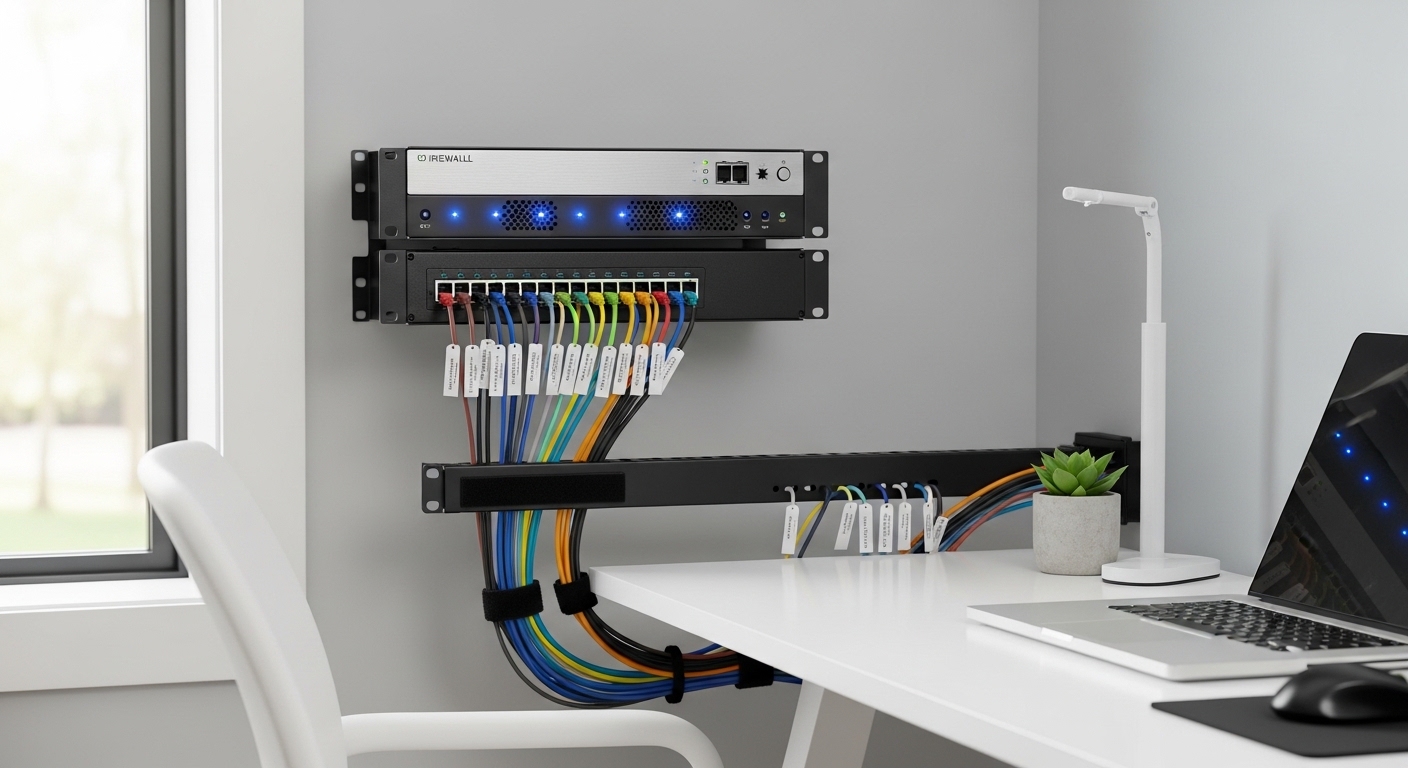
Learning how to choose a firewall for home lab setups is the first step toward a professional grade infrastructure. A dedicated firewall acts as a gatekeeper for every packet entering or leaving your digital space.
Standard consumer routers often lack the granular control needed for advanced lab experiments. These basic devices cannot handle complex routing rules or deep packet inspection effectively.
A professional firewall provides the visibility required to monitor traffic between your various virtual machines. It allows you to isolate testing environments from your primary home devices for better safety.
Understanding Your Network Requirements
Before purchasing any hardware, you need to evaluate the amount of traffic your network handles daily. Consider the number of active users and simultaneous connections that will pass through the gateway.
High speed internet connections require powerful processors to maintain full throughput during security scanning. If you have a gigabit fiber connection, a weak CPU will become a significant bottleneck.
Think about the specific services you plan to host within your local ecosystem. Hosting web servers or media platforms increases the demand for sophisticated traffic management.
You should also account for the growth of your lab over time. A device that works perfectly today might struggle when you add more servers or virtualized environments later.
Bandwidth and Throughput
Throughput refers to the actual data speed your firewall can process while security features are active. Many budget devices claim gigabit speeds but slow down when you enable deep packet inspection.
Check the technical specifications for performance metrics related to specific security services. This ensures your internet speed remains consistent even when the firewall is working hard.
Physical Hardware vs Virtual Appliances
One of the biggest decisions involves choosing between a physical appliance and a virtualized firewall. Each approach offers unique benefits depending on your specific goals and existing hardware.
A physical appliance is a dedicated device that only runs your firewall software. This provides the highest level of reliability because it operates independently of your other servers.
If your main server fails, a physical firewall keeps the rest of your network online. This is crucial for maintaining internet access for other household members during lab maintenance.
Virtual firewalls run as a virtual machine on a hypervisor like Proxmox or VMware. This method saves physical space and reduces the total number of devices in your rack.
The Case for Virtualization
Virtualization allows you to allocate resources dynamically based on your current needs. You can easily take snapshots of your firewall configuration before making major changes.
However, virtualizing your primary gateway can lead to complexity during a total system recovery. You might lose network connectivity if the host server experiences hardware issues.
Essential Hardware Specifications
When selecting hardware, the processor architecture is the most critical component to consider. Modern security software relies heavily on specific CPU instructions for efficient encryption and decryption.
Ensure the processor supports AES NI instructions for hardware accelerated encryption. This feature is vital for maintaining high speeds when using a virtual private network.
Memory capacity is another important factor for maintaining large state tables and logs. Aim for at least eight gigabytes of RAM to ensure smooth operation during heavy traffic spikes.
Storage requirements are generally modest for firewall OS installations. A small but reliable solid state drive is preferred over traditional hard drives for faster boot times.
Network Interface Controllers
The quality of your network interface cards significantly impacts stability and performance. Professional grade chips often provide better driver support and lower CPU overhead than cheap alternatives.
Intel network controllers are widely considered the gold standard for home lab firewalls. They offer excellent compatibility with most open source firewall operating systems available today.
Evaluating Connectivity and Ports
Modern home labs are quickly moving beyond standard one gigabit networking speeds. You should consider whether you need two point five gigabit or even ten gigabit ports for your setup.
Having multiple physical ports allows you to create separate physical networks for different purposes. This physical isolation adds an extra layer of security to your most sensitive data.
Small form factor PCs often come with multiple ethernet ports built directly into the motherboard. These compact units are popular choices for energy efficient firewall builds.
If you choose a larger server, you can add expansion cards to increase your port density. This flexibility is helpful if you plan to implement complex network segmentations.
The Role of SFP Plus Ports
SFP plus ports allow you to use fiber optic connections for high speed data transfer. This is useful for connecting your firewall directly to a core switch with low latency.
Fiber connections also provide electrical isolation between devices. This can protect your expensive lab equipment from power surges or lighting strikes entering through the cables.
Software and Operating System Choices
The software running on your firewall determines the features and user interface you will use daily. Many home lab enthusiasts prefer open source solutions because they offer professional features without licensing fees.
These platforms have large communities that provide extensive documentation and troubleshooting tips. You can find many tutorials online to help you configure advanced security rules.
Some users prefer commercial software that offers a more polished experience and dedicated support. These options often include automatic updates and integrated threat intelligence feeds for better protection.
Consider the learning curve associated with each software package. Some interfaces are very intuitive, while others require a deep understanding of networking concepts to navigate.
Customization and Plugins
A good firewall operating system should support plugins to extend its core functionality. You might want to add ad blocking or traffic monitoring tools to your gateway.
Check if the software supports the specific security services you intend to use. Flexibility is a key advantage when building a customized lab environment.
Advanced Security Features to Consider
A basic firewall only blocks ports, but modern threats require more advanced inspection techniques. Look for devices that support intrusion prevention systems to detect and block malicious activity.
These systems analyze the content of network packets to identify known attack patterns. This provides a much higher level of security than simple rule based filtering.
Virtual Private Network support is essential for accessing your home lab securely from remote locations. Ensure the firewall can act as a VPN server using modern protocols like WireGuard.
GeoIP blocking is another useful feature for reducing the attack surface of your network. It allows you to block traffic from specific countries where you do not expect any legitimate connections.
Layer Seven Filtering
Layer seven filtering allows the firewall to identify specific applications regardless of the port they use. This is helpful for managing bandwidth usage and blocking unwanted services effectively.
By inspecting the application layer, you can create very specific rules for your traffic. This level of control is a hallmark of a professional network setup.
Power Consumption and Noise Levels
Since a firewall runs twenty four hours a day, power efficiency is a major consideration for your budget. Small, fanless units are often the best choice for minimizing energy costs over time.
High performance enterprise servers can consume a significant amount of electricity. This adds up quickly and might significantly increase your monthly utility bills.
Noise is another factor if your lab is located in a living area or home office. Fanless designs are completely silent and prevent dust buildup inside the chassis.
Active cooling is necessary for high performance hardware but can be quite loud. Look for devices with high quality fans if you require a lot of processing power.
Thermal Management
Passive cooling relies on large heat sinks to dissipate heat without using moving parts. These systems are reliable because there are no mechanical fans that can fail over time.
Ensure the device has adequate airflow even if it is fanless. Proper placement in your rack or on your desk will prevent thermal throttling during heavy loads.
Budget Considerations for Your Lab
Setting a realistic budget is a vital part of knowing how to choose a firewall for home lab environments. You can find solutions ranging from affordable used hardware to expensive new appliances.
Used enterprise gear can offer incredible performance for a very low initial price. However, these older devices often consume more power and may be louder than modern units.
Investing in new hardware usually provides better energy efficiency and a longer lifespan. It also ensures you have access to the latest hardware features and security instructions.
Remember to account for the cost of any subscriptions or licenses required by the software. Many excellent open source options are free, but some specialized features might require a paid tier.
Long Term Value
A slightly more expensive device might save you money in the long run through lower power usage. High quality hardware also tends to have a better resale value if you decide to upgrade later.
Staying ahead of threats until 2026 and beyond requires foresight. Choosing a device with expandable memory and multiple ports ensures your investment stays relevant for several years.
Conclusion
Selecting the right firewall is a foundational step in building a secure and professional home lab. It provides the control and visibility needed to manage a complex network effectively.
Focus on hardware that offers a balance of performance, power efficiency, and port density. This ensures your gateway can handle modern security tasks without becoming a bottleneck.
Whether you choose a dedicated appliance or a virtualized solution, prioritize compatibility with your chosen software. A well configured firewall is the best defense for your digital assets and personal data.
Take the time to research different architectures and software ecosystems before making your final decision. Your home lab will benefit from a robust and reliable security perimeter for years to come.