

The Evolution of Desktop Real Estate
Modern professionals often find themselves limited by the physical boundaries of traditional screens. The shift toward digital workspaces requires a hardware solution that can accommodate multiple open applications simultaneously without the visual disruption of thick bezels.
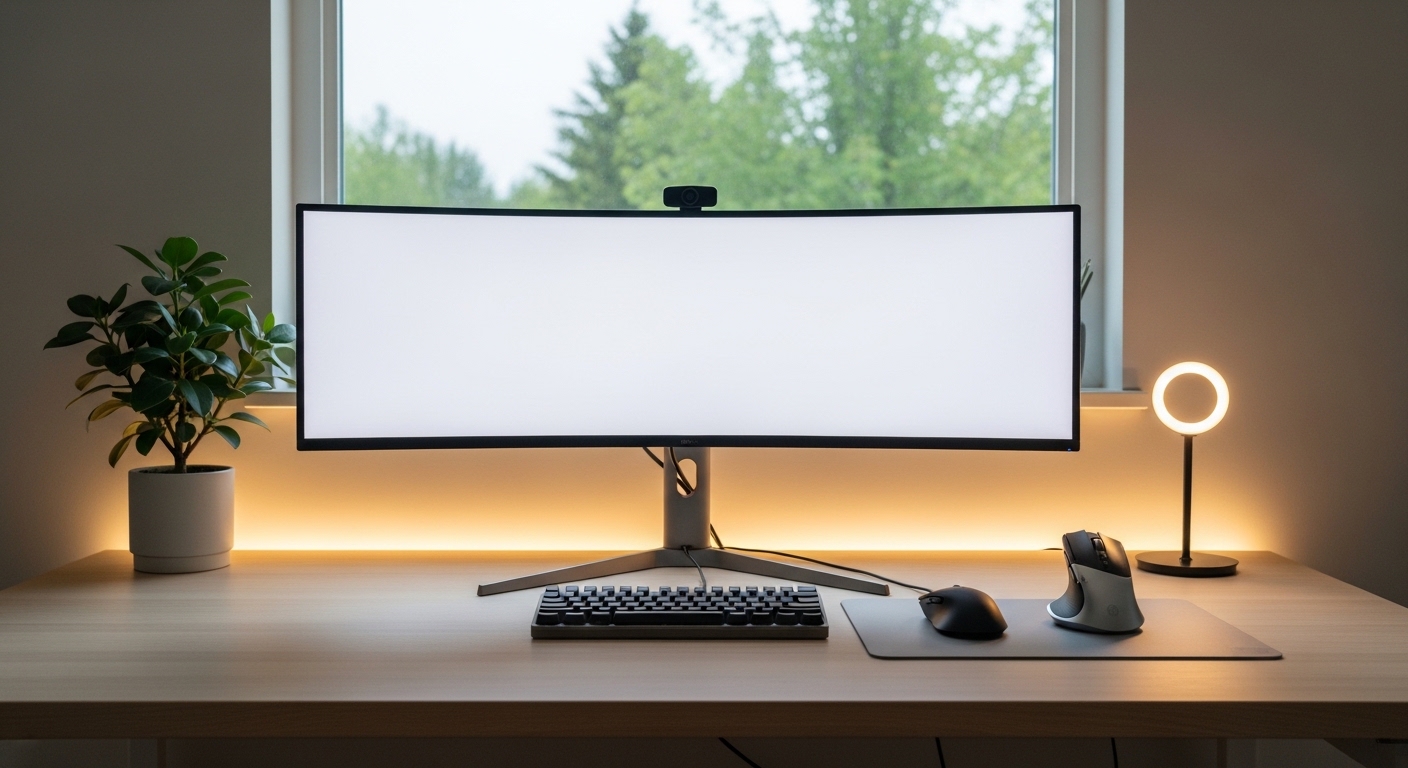
An ultrawide display offers a continuous canvas that replicates the natural field of human vision. By providing a wider aspect ratio, these devices allow for a more immersive workflow that reduces the cognitive load associated with switching between tabs.
The science of productivity suggests that minimizing context switching is essential for maintaining deep work states. Using one of the best ultrawide monitors for home office productivity ensures that your essential tools are always visible and accessible in a single glance.
This layout mirrors the way our brains process peripheral information in physical environments. Expanding your horizontal digital space is not just a luxury but a critical efficiency upgrade for the modern home lab.
By the year 2026, the standard for professional desks will likely revolve around these expansive panels. Investing in a high quality display now prepares your workspace for the future demands of complex software and remote collaboration tools.
Benefits of Single Panel Solutions
Choosing a single large screen over dual monitors eliminates the alignment issues and color shifts common in multi display setups. It also simplifies your cable management by requiring fewer power bricks and video connections to your computer or laptop dock.
Many users prefer the seamless aesthetic of a curved or flat ultrawide panel. This setup creates a centralized focal point that anchors the entire home office design around a sleek piece of technology.
Quick Buying Guide
When selecting a monitor, the panel technology should be your primary consideration. IPS panels offer superior color accuracy and wide viewing angles which are essential for professional design work and long hours at the desk.
Resolution plays a significant role in text clarity and total workspace volume. A resolution of 3440 by 1440 pixels is the standard for 34 inch models, while larger screens may require 5K2K or Dual QHD resolutions to maintain sharpness.
Connectivity is another pillar of a productive setup. Look for monitors that include USB C Power Delivery to charge your laptop while transmitting video and data through a single cable.
Integrated hubs can also host your peripheral mouses and keyboards. This streamlined connectivity reduces desk clutter and makes it easier to swap between different work machines during the day.
Understanding Monitor Curvature
Curvature is measured by a rating like 1800R or 1000R. A lower number indicates a more aggressive curve that can help bring the edges of a wide screen closer to your eyes.
This ergonomic design choice reduces the amount of neck rotation required to see the entire screen. For productivity, a subtle curvature usually provides the best balance between immersion and visual accuracy for straight lines.
The 8 Best Ultrawide Monitors for Home Office Productivity
Each of these selections has been chosen for its unique ability to enhance professional workflows and provide exceptional visual quality.
1. Sceptre 34-Inch Curved Ultrawide WQHD
The Sceptre 34 Inch Curved Ultrawide WQHD provides an expansive workspace with its 3440 by 1440 resolution. This monitor enhances efficiency by allowing users to view multiple windows side by side without a dual screen setup.
Productivity flourishes with the 1500R curvature that reduces eye strain during long work sessions. Professionals will appreciate the smooth motion provided by the high refresh rate and vibrant color reproduction.

Optimizing Your Viewing Experience
Placement of a 38 inch screen is vital for ergonomic health. Ensure the top third of the display is at eye level to prevent neck strain during intensive multitasking tasks.
2. Samsung Odyssey OLED G9 G95SC
The Samsung Odyssey OLED G9 G95SC is a massive 49 inch display that utilizes cutting edge OLED technology for infinite contrast ratios. Its ultra thin profile and futuristic silver finish make it a striking centerpiece for any modern home office lab.
With a 32:9 aspect ratio, this monitor is equivalent to having two 27 inch screens side by side without a bezel. It excels at complex multitasking where you need three or four full size application windows open at the exact same time.
This beast is best for users who demand the ultimate multitasking experience and perfect black levels for media consumption. While it is large, the 1800R curvature ensures that every corner of the screen remains visible without excessive head movement.

3. Dell UltraSharp U3423WE
The Dell UltraSharp U3423WE is a professional workhorse that prioritizes reliability and connectivity. Its matte silver finish and professional aesthetic blend perfectly into a corporate or dedicated home office environment.
This model features IPS Black technology which offers significantly deeper blacks and better contrast than standard IPS panels. The integrated USB C hub includes an ethernet port and 90W power delivery for comprehensive docking capabilities.
It is the perfect choice for office workers who need a reliable hub for all their peripherals. The KVM switch allows you to control two different computers using the same set of keyboards and mouses with seamless transitions.

Dell UltraSharp U3423WE 34.1″ WQHD Curved Screen WLED LCD Monitor – 21:9
Check Price on Amazon
The Importance of Color Consistency
Using a display with factory calibration ensures that the colors you see on your screen match the final output. This is vital for maintaining a professional standard in presentations and digital documents.
4. Gigabyte M34WQ
The Gigabyte M34WQ offers a flat panel design which is rare in the ultrawide category but preferred by many for geometric accuracy. Its construction is functional and robust with a focus on utility over flair.
It features a sharp 144Hz refresh rate and an integrated KVM switch for easy switching between work and personal machines. The IPS technology ensures that colors remain vibrant and consistent across the entire width of the flat display.
This monitor is the best value pick for those who want high performance without a premium price tag. It is especially suited for users who perform precision architectural work where a curved screen might distort straight lines.

5. LG 40WP95C W
The LG 40WP95C W provides a massive 5K2K resolution which offers significantly higher pixel density than standard ultrawide monitors. The 40 inch screen size is impressive and provides a professional grade workspace for high detail tasks.
With a resolution of 5120 by 2160 pixels, you can view 4K content natively while still having extra room for toolbars. The Thunderbolt 4 support ensures blazing fast data transfer speeds and daisy chaining capabilities for additional hardware.
This display is built specifically for content creators and engineers who require maximum clarity for small text and intricate designs. It is the ultimate resolution king for those who refuse to compromise on screen sharpness.

Choosing the Right Resolution
Higher resolution screens require more powerful graphics processing units to run smoothly. Always verify that your laptop or desktop can support 5K output before investing in a premium panel like this.
6. LG 34SR60QC-W 34-inch QHD
The LG 34SR60QC W delivers a spacious 34 inch display with a sharp QHD resolution of 3440 by 1440 pixels. This curved screen provides ample horizontal space for managing complex spreadsheets and multiple windows simultaneously.
Integrated webOS software allows you to stream content or use cloud apps without turning on a computer. The one hundred hertz refresh rate ensures that all transitions remain fluid during a busy workday.

7. ASUS ProArt PA348CGV
The ASUS ProArt PA348CGV combines a high 120Hz refresh rate with the precision of the ProArt series. Its design is clean and professional with a focus on ergonomic adjustments like height and tilt.
The display is Calman Verified which provides an industry standard level of color confidence right out of the box. It features comprehensive connectivity including USB C and DisplayPort to accommodate a wide variety of professional workstations.
This monitor is ideal for hybrid professionals who mix creative work with traditional productivity tasks. The high refresh rate makes even simple tasks like scrolling through spreadsheets feel much more fluid and responsive.

Improving Workflow with High Refresh Rates
While often associated with gaming, higher refresh rates significantly reduce motion blur in office applications. This leads to a more comfortable viewing experience that can decrease eye strain during long working hours.
8. Sceptre C355W 3440UN
The Sceptre C355W 3440UN is a 35 inch curved monitor that brings the ultrawide experience to a much broader audience. It features a sleek design with thin bezels and a space saving stand that works well in smaller home offices.
Despite its entry level pricing, it offers a solid 100Hz refresh rate and a VA panel with excellent contrast levels. The integrated speakers and multiple input ports provide a versatile solution for general office tasks and media consumption.
This model is the best choice for students or professionals on a budget who want to maximize their screen real estate. It provides the essential benefits of an ultrawide display without the high financial barrier of entry.

Comparison
Evaluating the different features of these monitors helps in selecting the perfect match for your specific home office needs and budget constraints.
| Product Name | Key Feature | Best For | Price Range |
|---|---|---|---|
| LG 38WN95C W | Thunderbolt 3 | MacBook Users | Premium |
| Samsung Odyssey OLED G9 G95SC | OLED Panel | Extreme Multitasking | Elite |
| Dell UltraSharp U3423WE | IPS Black | Corporate Office | High |
| Gigabyte M34WQ | KVM Switch | Value Flat Screen | Budget |
| LG 40WP95C W | 5K2K Resolution | High Detail Work | Ultra Premium |
| BenQ DesignVue PD3420UE | Color Accuracy | Graphic Design | Professional |
| ASUS ProArt PA348CGV | 120Hz ProArt | Creative Hybrid | Professional |
| Sceptre C355W 3440UN | Value Pricing | Budget Productivity | Entry Level |
Final Verdict
After a thorough analysis of the current market, the LG 38WN95C W stands out as the most balanced option for most professionals. Its 38 inch size provides a perfect middle ground between standard ultrawides and massive super ultrawide panels while offering exceptional connectivity for modern laptops.
If you require the absolute best in resolution and clarity for text heavy tasks, the LG 40WP95C W is the definitive choice. Its 5K2K resolution and Thunderbolt support create a seamless docking experience that elevates any home office productivity setup to a professional level.