

The Importance of Maintaining Quality Home Lab Records
Building a home server environment is a journey that often begins with a single machine and evolves into a complex ecosystem. As your infrastructure grows, remembering every static IP address and configuration detail becomes an impossible task for the human brain.
Learning how to create home lab documentation and diagrams is the most effective way to manage this complexity. It transforms a chaotic collection of hardware into a professional and manageable system.
Documentation serves as your primary defense against technical debt and unexpected failures. Without clear records, a simple power outage can turn into a multi hour troubleshooting session.
You might think you will remember how you configured that specific Docker container or firewall rule. Experience shows that memory fades quickly, especially when you are juggling multiple projects at once.
Structured notes provide a roadmap for future upgrades and migrations. They allow you to scale your lab without repeating past mistakes or losing critical data.
By following this guide, you will develop a system that grows alongside your technical skills. This process is not just about recording facts but about building a reliable knowledge base.
Why Documentation is Vital for Enthusiasts
The primary reason to document your lab is disaster recovery. When a drive fails or a configuration file becomes corrupt, having a guide to rebuild the service is invaluable.
Clear documentation significantly reduces your recovery time during critical outages. It allows you to follow a logical path rather than relying on guesswork and outdated forum posts.
Beyond recovery, documentation is a powerful learning tool. The act of writing down a process forces you to understand each step more deeply than if you simply followed a tutorial.
This practice mirrors professional environments where documentation is a strict requirement. Developing these habits at home will directly benefit your career in the technology sector.
Proper records also facilitate easier sharing with the community. If you want to show off your setup, having a clean diagram makes your explanation much more engaging.
Finally, documentation provides a sense of accomplishment. Seeing a complete visual map of your progress over time is incredibly rewarding for any lab owner.
Categorizing Your Hardware Inventory
Start by listing every physical device in your collection. Include details like serial numbers, purchase dates, and warranty status for every server and switch.
Knowing the exact hardware specifications helps when you need to order replacement parts or plan for future expansion. Keep track of CPU models, RAM capacity, and drive configurations in a central spreadsheet.
Designing Network Diagrams with Precision
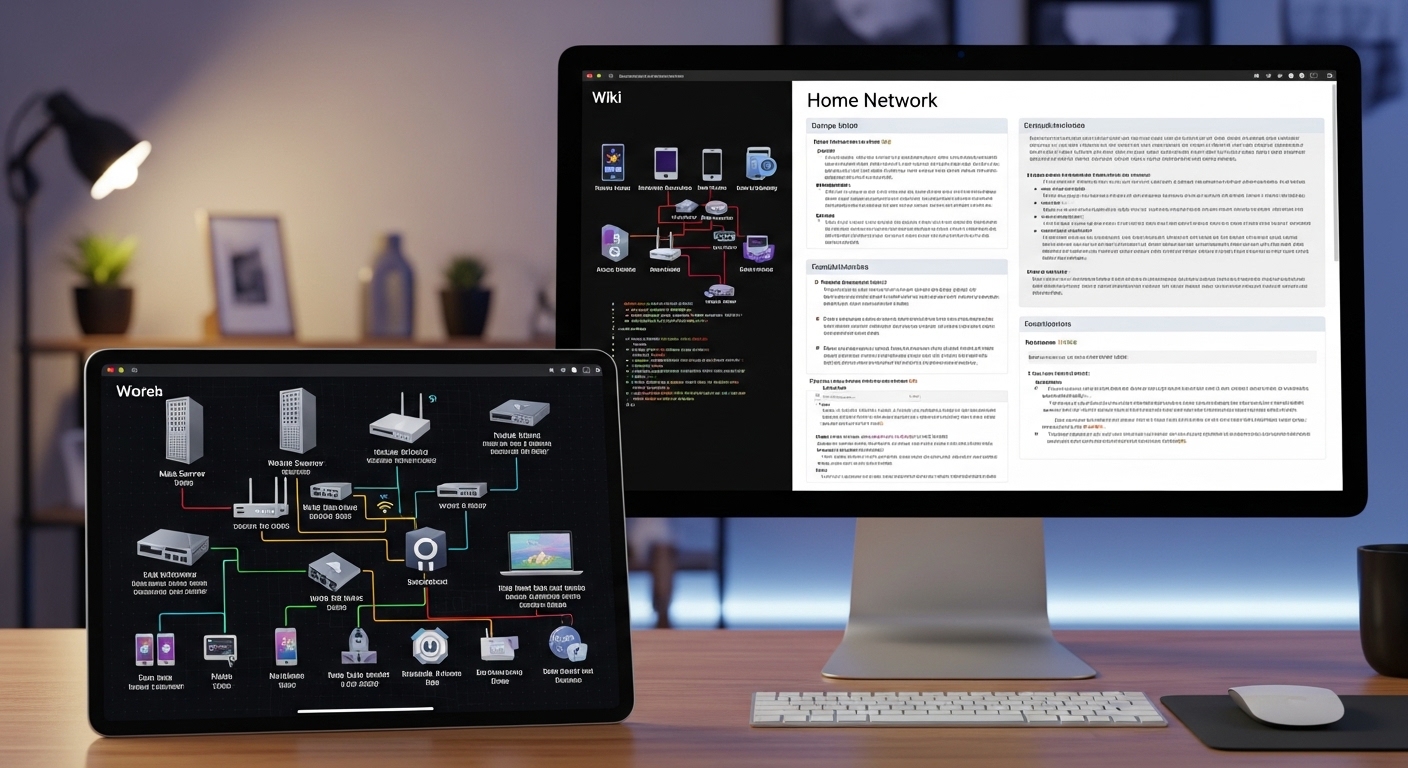
Network diagrams are the visual backbone of your home lab documentation. They provide an immediate overview of how data flows through your various subnets and switches.
A good diagram should illustrate the relationship between your router, core switches, and access points. It helps you visualize potential bottlenecks and security vulnerabilities within your local network.
Start with a high level overview before diving into the granular details. This approach ensures that the diagram remains readable even as your lab expands in size.
Use consistent symbols for routers, servers, and storage devices. Standardization makes it easier for you to interpret the map several months after you created it.
Include physical connections like ethernet cables and fiber optic links. Note the port numbers on your switches to make physical troubleshooting much faster during a crisis.
Labels are essential for clarity. Every line representing a connection should clearly state the link speed and media type being used.
Logical Flow and VLAN Isolation
Logical diagrams focus on the path of data rather than the physical location of hardware. They are crucial for understanding how your different virtual local area networks interact.
Map out your VLAN tags and subnets to ensure your firewall rules are performing as expected. This helps prevent accidental leaks between your guest network and your private server lab.
Logical vs Physical Documentation
It is important to distinguish between physical documentation and logical documentation. Physical records describe the tangible assets sitting in your server rack or on your desk.
This includes things like rack unit positioning and cable management paths. Physical documentation is your best friend during hardware upgrades or when you need to move equipment.
Logical documentation focuses on the software layer and the virtual environment. It covers IP address assignments, domain names, and the hierarchy of your virtualization cluster.
You should maintain both types of records for a complete picture. A logical diagram tells you where a service lives, while a physical diagram tells you where the server is located.
Many lab owners use a dedicated wiki for logical notes and a simple folder for physical diagrams. Choose a method that feels intuitive for your workflow and stick to it consistently.
Consistency is more important than using the most expensive tools available. Even a simple set of text files can be powerful if they are kept up to date regularly.
Documenting Power and Cooling
Do not forget to record your power consumption and cooling strategy. Note which outlets are connected to your uninterruptible power supply and how much load each battery can handle.
Tracking power draw and thermal limits ensures that your lab remains safe and efficient. This is especially important if you live in a region with high electricity costs or warm summers.
Choosing Your Documentation Platform
The platform you choose will determine how often you actually update your records. If the system is too complex, you will likely abandon it within a few weeks.
Many enthusiasts prefer using markdown files stored in a private git repository. This allows for version control and easy editing using any text editor on any operating system.
Others opt for self hosted wiki software that provides a more visual interface. These tools often support media uploads, making it easy to attach screenshots of configuration screens.
Cloud based notebooks are another popular option for those who want access from anywhere. However, remember that your lab documentation should be accessible even when your internet connection is down.
Consider keeping a local copy of your most critical records. This ensures offline accessibility during a total network failure when you need your notes the most.
Evaluate different tools based on their search capabilities. You want to be able to find a specific IP address or configuration command in seconds rather than minutes.
Static Sites and Local Wikis
Static site generators are an excellent middle ground for tech enthusiasts. They convert simple text files into a beautiful, searchable website that you can host internally.
This approach keeps your data in human readable formats while providing a professional interface for daily use. It also makes backing up your entire documentation library incredibly simple.
Essential Details for Software and Services
Once your hardware and network are documented, you must focus on the services running on your servers. Every virtual machine or container requires its own set of notes.
Record the base operating system, the version numbers of critical software, and any custom patches you applied. This level of detail prevents compatibility issues during future system updates.
Include a list of dependencies for each service. If a specific media server requires a database container to run, make sure that relationship is clearly documented.
Document the location of configuration files and log files. This saves you from hunting through the file system when you need to troubleshoot a minor error.
Backup schedules are another critical component of service documentation. Note what data is being backed up, where it is stored, and how often the process runs.
Use a standardized template for every new service you deploy. This ensures that you capture all necessary information every single time you build something new.
Environment Variables and Container Logic
For those using containerization, documenting your compose files and environment variables is mandatory. These files often contain the logic that makes your services function correctly.
Store your compose files in a central repo to maintain a single source of truth. This makes it easy to redeploy your entire stack on new hardware if the original server fails.
Managing Passwords and Secrets Safely
Security is a major concern when you are documenting your home lab. You must never store sensitive passwords or private keys in plain text within your general documentation.
Use a dedicated password manager to handle your credentials. You can then link to the password entry within your documentation without exposing the secret itself.
This approach keeps your wiki or text files safe to share or backup to the cloud. Only those with access to the encrypted vault can see the actual login details.
Document the existence of API keys and where they are used. Even if you do not record the key itself, knowing which services rely on it is vital for maintenance.
Consider using environment files that are excluded from your version control system. This is a standard security practice that translates well from professional software development.
Regularly audit your secrets to ensure no sensitive information has accidentally leaked into your public notes. Keeping your documentation secure is just as important as keeping your servers secure.
Managing SSH Keys and Certificates
Record which servers use SSH key authentication and where the public keys are stored. This helps you manage access across multiple machines without losing track of your security posture.
Track the expiration dates of SSL certificates for your internal services. This prevents unexpected browser warnings and service interruptions when a certificate quietly expires in the middle of the night.
Standardizing Your Naming Conventions
A consistent naming convention is the secret to a professional looking home lab. It makes your documentation easier to read and your network easier to navigate.
Decide on a theme for your hostnames, such as planets, fictional characters, or technical descriptors. A logical naming scheme allows you to identify a device’s function just by looking at its name.
Apply this same logic to your IP address management. You might reserve specific ranges for servers, another for networking gear, and a separate block for IoT devices.
Document these rules at the very beginning of your journey. It is much easier to follow a convention from day one than to rename fifty devices later on.
Use tags and descriptions in your virtualization platform to mirror your documentation. This creates a cohesive management experience across all your administrative tools.
Consistency reduces the cognitive load required to manage your lab. When every name follows a predictable pattern, you spend less time searching and more time building.
Standardized Port Assignments
If you host many web services, you will eventually run into port conflicts. Maintain a master list of every port being used by your various containers and virtual machines.
Mapping out port assignments in a central table prevents you from accidentally trying to assign the same port to two different services. This simple step saves hours of frustrating troubleshooting.
Automating Documentation Updates
Manual documentation is prone to human error and often becomes outdated as soon as you change a setting. Automation is the key to keeping your records accurate.
Use scripts to pull information directly from your virtualization host or network switch. You can automatically generate network maps using tools that scan your subnets for active devices.
Integrate your documentation into your deployment pipeline. If you use infrastructure as code, your configuration files essentially become a part of your documentation.
Set up reminders to review your notes every few months. Even with automation, some manual verification is required to ensure everything still matches the physical reality.
As we move into 2026, many new tools are making this process even easier for the average hobbyist. Automation reduces the burden of record keeping and ensures your diagrams are always current.
The goal is to have documentation that lives and breathes with your lab. It should never be a static monument to how your network looked three years ago.
Step by Step Guide to Your First Diagram
If you are starting from scratch, do not try to document everything in a single day. Begin with a simple physical map of your current hardware.
Draw a box for your modem, your router, and your main computer. Connect them with lines and label the physical ports used on each device.
Next, add your IP addresses to each box. This creates an immediate reference guide for your most important hardware components.
Once the physical layer is complete, create a second page for your virtual environment. List your main hypervisor and the virtual machines currently running on it.
Expand this over time by adding VLAN information and firewall rules. Taking small, incremental steps prevents you from feeling overwhelmed by the scale of the task.
Finally, choose a digital home for these diagrams. Whether it is a dedicated drawing tool or a simple image in a wiki, make sure it is easy to edit.
Review your work once a week during your lab maintenance window. Adjusting a line or updating a version number takes seconds but keeps your records pristine.
Frequently Asked Questions
- What is the best tool for diagrams? There is no single best tool, but many users enjoy browser based vector editors for their simplicity and professional results.
- How often should I update notes? You should ideally update your records every time you make a permanent change to your network or server configuration.
- Can I use pen and paper? While physical notebooks are great for brainstorming, digital records are much easier to search, edit, and backup for long term use.
- Should I document my failures? Yes, recording what did not work is just as important as recording your successes to avoid repeating mistakes in the future.
Summary of Documentation Success
Mastering how to create home lab documentation and diagrams is a transformative skill for any technology enthusiast. It moves you from a hobbyist mindset to a professional engineering approach.
By maintaining clear records, you protect your investment of time and money. You ensure that your lab remains a source of learning and joy rather than a source of stress.
Start small, be consistent, and choose tools that fit your personal workflow. Your future self will thank you the next time a critical system requires a quick and decisive fix.