

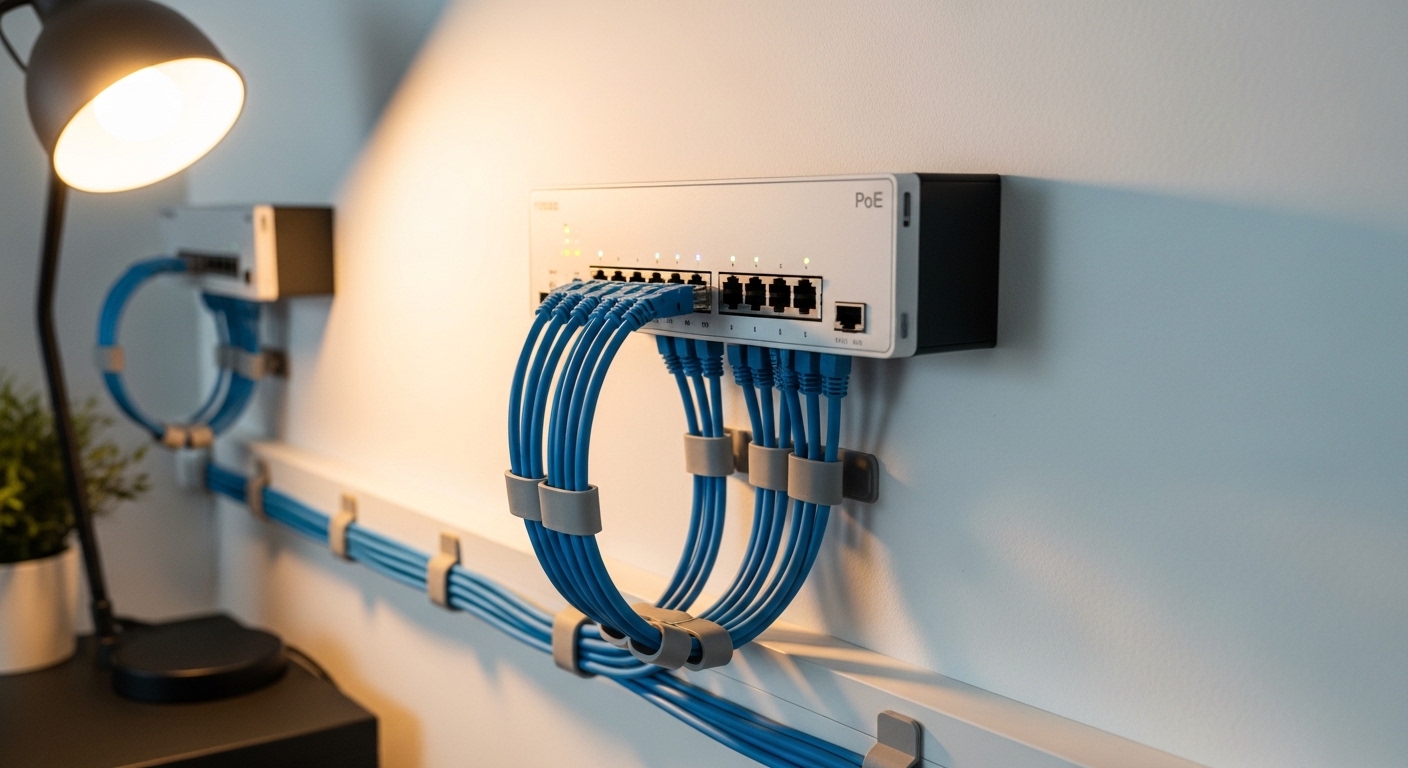
The Evolution of Home Office Connectivity
The modern workspace has transformed into a high tech hub that requires more than just basic internet. Professional remote workers now utilize a variety of devices that need both data and electricity to function.
Power over Ethernet technology has become the standard for simplifying these complex setups. It allows a single cable to provide everything a device needs for operation.
Knowing how to choose poe switches for home office environments is essential for building a reliable foundation. This guide will walk you through the technical nuances of selecting the best hardware for your specific needs.
By the end of this article, you will understand the difference between standards and power budgets. You will be ready to invest in a switch that grows with your professional lab.
What is Power over Ethernet Technology
Power over Ethernet is a method for delivering electrical power through standard copper network cables. It removes the clutter of numerous power adapters and wall outlets near your equipment.
This technology is primarily used for devices like security cameras, desk phones, and wireless access points. It makes installation much cleaner and more professional in appearance.
Using Power over Ethernet simplifies cable management significantly. It allows you to place devices in locations where electrical outlets are not available.
The system works by injecting a safe voltage onto the spare wires within an ethernet cable. The receiving device then extracts this power to run its internal components.
Understanding the Different PoE Standards
Not all PoE devices are created equal because technology has improved over the last two decades. There are three main standards you need to recognize when shopping.
The original 802.3af standard provides up to 15.4 watts of power per port. This is perfect for simple devices like basic IP phones or older sensors.
Modern power standards like 802.3at offer significantly more capacity for your equipment. This specific version is commonly known as PoE plus or PoE+.
It can deliver up to 30 watts per port which is necessary for high end cameras. Most modern home office gear will require at least this level of power.
Moving Toward High Power PoE
The newest standard is 802.3bt which is often referred to as PoE plus plus. This standard can provide 60 or even 90 watts of power to a single device.
You might need this for specialized equipment like motorized cameras or small monitors. It is the most future proof option currently available for home users.
Selecting high power PoE standards ensures that your switch can handle any future hardware. This is a vital consideration for the year 2026 and beyond as devices become more powerful.
Always check the requirements of your specific devices before making a purchase. This prevents buying a switch that cannot actually power your high tech tools.
The Importance of the Total Power Budget
The power budget is the most misunderstood specification in the world of networking. It represents the total amount of wattage the switch can distribute across all ports.
A switch might have eight ports but a total budget of only 60 watts. This means you cannot run eight 15 watt devices at the same time.
Calculating your total power consumption is a mandatory step in the buying process. You must add up the maximum draw of every piece of equipment you plan to connect.
If the total exceeds the switch capacity, the hardware will shut down or reboot randomly. This leads to frustrating downtime during important work hours.
Managing Your Power Calculations
Always leave a safety margin of at least twenty percent when calculating your budget. This accounts for power loss over long cable runs and sudden spikes in usage.
Some devices pull more power when they first start up or when they perform heavy tasks. A camera might use more electricity when its infrared lights turn on at night.
A well calculated budget ensures that your network remains stable under any condition. It is better to have extra capacity than to run your switch at its maximum limit.
Reliable power delivery is the hallmark of a professional home office lab. Do not cut corners on this specific technical requirement.
Managed vs Unmanaged Switches
The choice between managed and unmanaged hardware depends on your technical comfort level. Unmanaged switches are the simplest devices to integrate into a network.
They are plug and play meaning they require no software setup or configuration. You simply connect your cables and the devices start working immediately.
An unmanaged network switch is often the best choice for small offices. They are affordable and do not require ongoing maintenance or updates.
However, they offer no control over how data moves through your office. You cannot see which device is using the most bandwidth or set any restrictions.
The Advantages of Managed Hardware
Managed switches give you a web interface to control every aspect of your network. You can set priorities for certain ports to ensure your video calls are never interrupted.
These devices also allow you to create virtual networks to isolate different types of traffic. This is a massive benefit for those who handle sensitive work data at home.
Configurable managed switches provide the highest level of security for your professional environment. They allow you to disable unused ports to prevent unauthorized access.
While they are more expensive, the peace of mind they provide is often worth the extra cost. They are a staple in any advanced home office lab setup.
Port Count and Future Scalability
Deciding how many ports you need is a balance between current requirements and future growth. It is common for home offices to add more devices over time.
A four or five port switch might seem sufficient today for a basic setup. However, you will likely find yourself needing more space within a year or two.
Selecting future proof port counts is a smart financial move for any professional. An eight or sixteen port switch offers room to grow without needing a full replacement.
Consider that each connected computer, phone, and camera will occupy one port. You also need one port to connect the switch to your main internet router.
Planning for Growth
If you plan to add a network storage device or a home server, those will need ports too. It is always cheaper to buy one larger switch than two smaller ones later.
Having extra ports also makes troubleshooting much easier when things go wrong. You can move a cable to a different port to rule out hardware failure.
Large port capacity ensures that your physical infrastructure never becomes a bottleneck. It allows you to expand your lab whenever a new project arises.
Think about where you will be in three years before making your final decision. A little extra space now saves a lot of headache in the future.
Evaluating Data Transfer Speeds
Speed is just as important as power when it comes to professional networking. Most modern switches offer Gigabit speeds which are standard for almost all applications.
A Gigabit connection can handle high definition video streaming and large file transfers with ease. This is the baseline you should look for in any new hardware.
Gigabit ethernet speeds provide the reliable performance needed for remote work. They are a significant upgrade over older fast ethernet standards.
However, if you work with massive video files or high speed local servers, you might want more. This is where multi gigabit technology enters the picture.
Exploring Multi Gigabit Options
Multi gigabit switches support speeds of 2.5Gbps, 5Gbps, or even 10Gbps per port. These are becoming more common as home internet speeds continue to increase.
These switches are essential if you have a modern WiFi 6 or WiFi 7 access point. Those wireless devices can actually exceed the speed of a standard Gigabit port.
Investing in high speed ports ensures that your internal network never slows down your internet. It is the ultimate way to future proof your home office lab.
Keep in mind that your cables must also be capable of these speeds. Category 6 or higher is usually required for multi gigabit performance over long distances.
Cooling Mechanisms and Workspace Noise
Hardware generates heat when it processes data and distributes power. How a switch handles this heat will affect its lifespan and the noise in your room.
Many smaller PoE switches use passive cooling which means they have no moving parts. These devices are completely silent and perfect for a desk environment.
Passive fanless cooling is a top priority for users who record audio or participate in many calls. A loud humming fan in the background can be very distracting during meetings.
However, passive cooling limits the total power budget the switch can handle. More powerful switches usually require active cooling to stay safe.
Active Cooling and Fan Noise
Active cooling uses internal fans to pull heat away from the sensitive electronics. These switches can provide much higher wattage to your connected devices.
The downside is that fans create noise and can eventually fail over time. If you choose an actively cooled model, try to mount it away from your primary workspace.
Silent fan technology is available in some premium models but it often adds to the price. Check user reviews specifically for comments regarding fan noise levels.
A switch that runs too hot will eventually experience failures or shortened lifespan. Proper ventilation is key regardless of whether the device has a fan or not.
Physical Design and Mounting Options
Where you plan to put your switch will determine the physical form factor you need. Desktop switches are small and designed to sit on a flat surface like a shelf.
These often come with rubber feet to keep them stable and protect your furniture. They are easy to hide behind a monitor or under a desk.
Compact desktop models are the most popular choice for individual home offices. They are visually unobtrusive and easy to install without special tools.
If you have a dedicated server rack, you will need a rack mountable switch instead. These are wider and include metal brackets for secure installation.
Wall Mounting and Cable Orientation
Many switches also feature wall mounting holes on the bottom of the chassis. This allows you to hang the device on a wall to save desk space.
Consider where the ports are located on the device before you buy. Some switches have ports on the front while others have them on the back.
Versatile mounting options help you maintain a clean and organized cable setup. Front facing ports are better for rack installations where you need frequent access.
Back facing ports are often preferred for desktop use to keep the cables hidden. Choose the design that best fits your specific layout and cable management strategy.
Network Security and Professional Features
Security should never be an afterthought when building your home office. A PoE switch can be a powerful tool for protecting your professional data.
Managed switches offer features like port security which restricts access to specific hardware addresses. This prevents a stranger from plugging into your network and gaining access.
Advanced security protocols are essential if you handle confidential client information. These tools allow you to lock down your network at the hardware level.
You can also monitor for unusual traffic patterns that might indicate a compromised device. This level of visibility is not possible with basic unmanaged hardware.
Implementing Virtual LANs
Virtual LANs or VLANs allow you to split one physical switch into multiple logical networks. You can put your work computer on one VLAN and your smart home devices on another.
This prevents a security flaw in a smart light bulb from affecting your work laptop. It is one of the most effective ways to secure a modern home office.
Segmenting network traffic improves both security and overall efficiency. It ensures that heavy traffic on one part of your network does not slow down your work.
Most managed switches support VLANs but the configuration requires some technical knowledge. It is a worthwhile skill to learn for any serious home lab owner.
Quality of Service and Traffic Prioritization
Quality of Service or QoS is a feature that allows you to tell the switch which traffic is most important. In a home office, video calls and voice data are usually the top priority.
Without QoS, a large file download in another room could cause your Zoom call to lag or drop. The switch would treat all data packets as equal by default.
Prioritizing voice traffic ensures that your professional communication remains clear at all times. This feature is particularly useful in households with multiple heavy internet users.
Most managed switches allow you to configure these rules with just a few clicks. Some even have preconfigured settings for popular communication apps.
Budget Considerations for Home Users
The price of PoE switches varies significantly based on the features and port counts. You can find entry level unmanaged switches for a very small investment.
As you move into managed multi gigabit models, the price can increase quite rapidly. It is important to decide which features are mandatory for your specific job.
Balancing cost and features is the key to making a smart purchase. Do not pay for advanced features like Layer 3 routing if you only need to power two cameras.
However, do not buy the cheapest possible option if you rely on your network for your income. Reliability and support have a value that exceeds the initial purchase price.
Long Term Value and Warranty
A high quality switch can last for many years without needing to be replaced. Enterprise grade brands often provide much better warranties than consumer focused companies.
Some even offer lifetime replacement warranties which protect your investment indefinitely. This is a huge advantage for a critical piece of office infrastructure.
Extended warranty coverage is a sign of a manufacturer that stands behind their engineering. It ensures you will not have to buy a new switch if the power supply fails.
Always factor in the cost of potential downtime when looking at the price tag. A more expensive but reliable switch is cheaper than losing a day of work.
The Role of SFP Ports in Modern Networks
You might notice small rectangular slots on some switches called SFP ports. These are designed for modular transceivers that allow for different types of connections.
SFP ports are most commonly used for fiber optic uplinks to other switches or servers. Fiber is immune to electrical interference and can travel much longer distances.
Fiber optic connectivity is useful if your home office is in a separate building like a garage. It provides a lightning fast link back to your main house router.
These ports can also be used for high speed copper connections between two switches. They provide flexibility that standard ethernet ports simply cannot match.
Environmental Impact and Energy Efficiency
Running a network switch 24 hours a day can add up on your electricity bill. Many modern manufacturers focus on energy efficiency to reduce this impact.
Look for switches that support the Energy Efficient Ethernet standard. This technology reduces power consumption during periods of low data activity.
Energy efficient networking gear is better for both the environment and your wallet. Some switches can even detect the length of the connected cable to adjust power.
They also turn off power to ports that are not currently in use. Small savings across many ports can make a noticeable difference over a year of operation.
Reliability and Brand Reputation
When your livelihood depends on your internet connection, reliability is your top priority. Not all brands follow the same quality control standards during manufacturing.
Research the reputation of the manufacturer before you commit to a purchase. Look for companies that are known for stable firmware and regular security updates.
Choosing reputable brands reduces the likelihood of strange bugs or hardware failures. Popular brands also have larger communities for troubleshooting and advice.
Check online forums and technical reviews to see how a switch performs over several months. Initial reviews often miss long term stability issues or heat problems.
Conclusion and Final Recommendations
Choosing the right PoE switch is a fundamental step in building a professional home office lab. It requires a clear understanding of your power needs and data requirements.
Start by calculating your total power budget and deciding on a port count that allows for growth. Decide if you need the control of a managed switch or the simplicity of an unmanaged one.
Building a robust network is an investment in your productivity and professional image. A stable connection ensures that you are always ready for the next big project.
Take your time to compare specifications and read the technical details. Your future self will thank you for the reliable foundation you have built today.
Understanding how to choose poe switches for home office setups will give you the confidence to expand your hardware. Your home office lab is now ready for any challenge.