

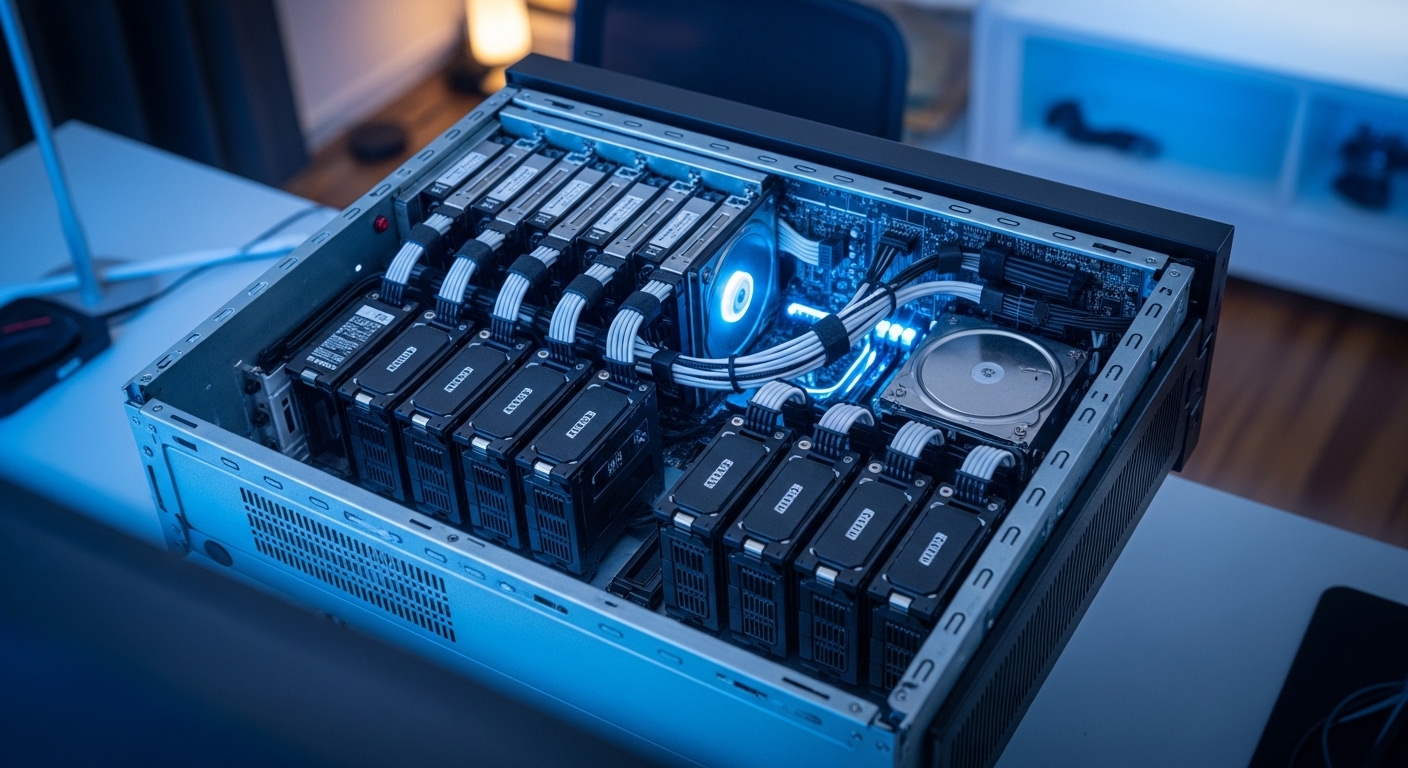
Introduction to Storage in the Home Lab
Building a home lab is an exciting journey that often starts with a single computer or server. As your needs grow, you will eventually face the challenge of managing multiple storage drives effectively.
Choosing the right configuration for these disks determines how fast your system performs and how safe your data remains. This guide focuses on choosing the right raid level for home lab environments to ensure your projects stay online.
Why Storage Architecture Matters
In a professional setting, storage is often managed by dedicated teams using expensive equipment. For the home lab enthusiast, the responsibility of preventing data loss falls entirely on your shoulders.
A single drive failure can destroy months of work if you do not have a redundant setup. This is why understanding Redundant Arrays of Independent Disks, or RAID, is essential for every builder today.
Defining RAID for the Modern Home Lab
RAID is a technology that combines multiple physical disk drives into a single logical unit. This setup allows your operating system to see several disks as one large storage pool or volume.
The primary goals of RAID are to increase performance through parallel processing or to provide redundancy. Redundancy means that if one drive fails, your data remains accessible from the others.
Understanding the Stripe
Striping is a technique where data is split into chunks and written across multiple disks. This method improves speed because the system can read or write data to several disks simultaneously.
However, striping alone offers no protection against hardware failure. If one disk in a striped set breaks, the entire volume becomes corrupted and unreadable.
Understanding the Mirror
Mirroring creates an exact copy of data from one disk onto another. This is the simplest form of redundancy because it maintains a complete clone of your files.
While mirroring provides excellent protection, it is less efficient in terms of cost. You effectively lose half of your total raw storage capacity to the mirror process.
RAID 0: The Pursuit of Raw Performance
RAID 0 uses striping to maximize the speed of your storage subsystem. It requires at least two disks and provides the fastest possible read speeds for your home lab tasks.
You get to use the full capacity of all drives in the array. This makes it popular for temporary scratch space or non critical cache drives.
When to Use Striping
You should only use RAID 0 for data that you can afford to lose at any moment. It is perfect for video editing cache or temporary compilation directories in development environments.
Never store your only copy of family photos or system backups on a RAID 0 volume. The risk of total data loss is too high for important files.
RAID 1: Simple Redundancy Through Mirroring
RAID 1 is the most common starting point for home lab users. It mirrors data across two or more disks to ensure high availability for your services.
If one drive dies, the system continues to run from the surviving drive. This setup is incredibly easy to recover because the data is not striped.
The Costs of Mirroring
The main downside of RAID 1 is the high cost per gigabyte of usable space. Since every byte is written twice, you only get fifty percent usable capacity from your hardware.
Despite the cost, it remains the best choice for boot drives in servers. It ensures that your operating system stays online even during a hardware failure.
RAID 5: Balancing Capacity and Protection
RAID 5 is a popular choice for large media collections and file servers. It uses striping with parity to protect against one failure while maximizing space.
It requires at least three disks and provides a good balance between speed and efficiency. The capacity of one disk is dedicated to storing parity information.
The Write Penalty Explained
While RAID 5 is fast for reading data, it suffers from a write penalty. The system must calculate parity data every time you save a new file to the array.
This can slow down performance during heavy write operations like database logging. For most home lab users, this performance impact is negligible compared to the storage gains.
RAID 6: Enhanced Protection for Large Arrays
RAID 6 is an evolution of RAID 5 that uses two parity blocks instead of one. This allows the array to survive two simultaneous failures without losing any data.
As hard drives become larger, the time required to rebuild an array increases significantly. RAID 6 provides critical peace of mind during these long rebuild windows.
Dealing with Drive Failures
When a drive fails in a RAID 5 array, the remaining drives are under extreme stress. If a second drive fails during the rebuild, all data is lost forever.
RAID 6 prevents this catastrophic scenario by maintaining an extra layer of safety. It is the recommended level for arrays using disks larger than eight terabytes.
RAID 10: Combining Speed and Safety
RAID 10 is a nested level that combines the speed of RAID 0 with the safety of RAID 1. It is often referred to as a stripe of mirrors configuration.
You need at least four disks to create a RAID 10 volume. It offers the best performance for databases and virtual machine storage in a lab.
Nested RAID Complexity
The complexity of RAID 10 is higher than simple levels but the recovery is faster. Since there is no parity calculation, rebuilds do not tax the processor heavily.
You still lose half of your total capacity to redundancy in this setup. However, the superior input output performance justifies the cost for many power users.
Software RAID versus Hardware Controllers
In the past, hardware RAID controllers were necessary to handle parity calculations. Modern processors are so fast that software RAID is now the preferred method for home labs.
Software solutions are more flexible and easier to move between different computers. If a hardware card fails, you often need the exact model to recover your data.
The Rise of ZFS and RAIDZ
ZFS is a combined file system and logical volume manager that has revolutionized home storage. It uses RAIDZ levels that mirror traditional RAID but with added data integrity features.
ZFS protects against bit rot by using checksums to verify every block of data. This makes it the gold standard for long term data preservation in your lab.
Benefits of Unraid for Beginners
Unraid is another popular software solution that allows you to mix drives of different sizes. It does not use traditional RAID but offers parity based protection with great flexibility.
This is ideal for hobbyists who want to expand their storage one drive at a time. It is a very approachable starting point for those new to server management.
The Critical Importance of Rebuild Times
When you replace a failed drive, the array must rebuild the missing data from the remaining disks. This process can take several days for large capacity drives.
During this time, the array is in a degraded state and performance is significantly lower. Large drives increase the risk of unrecoverable errors during the reconstruction process.
Disk Stress During Recovery
Rebuilding an array requires reading every bit of data from the surviving disks. This intensive activity can sometimes trigger a second failure in older drives.
Choosing a RAID level with higher redundancy helps mitigate this risk significantly. Always consider the age of your drives when planning your storage strategy for the future.
Practical Tips for Home Lab Enthusiasts
Before buying disks, determine exactly what kind of data you will be storing. High performance virtual machines require different configurations than cold storage for movies.
Always buy drives from different batches or different retailers if possible. This reduces the chance of simultaneous manufacturing defects causing multiple failures in your array.
Choosing Drives for Your Array
Look for drives specifically designed for NAS or server use rather than cheap desktop drives. These disks are built to handle vibration from multiple drives spinning in close proximity.
Check the warranty and workload ratings to ensure the hardware fits your needs. Reliability is more important than saving a few dollars on the initial purchase price.
Matching RAID Levels to Specific Workloads
If your home lab focuses on media streaming with Plex, RAID 5 or RAID 6 is usually best. These levels offer high capacity for large video files without sacrificing too much space.
For those running dozens of Docker containers, RAID 10 provides the low latency needed. Fast random access is vital for smooth application performance in a busy lab.
Virtualization and Proxmox
Proxmox and other hypervisors benefit greatly from ZFS based storage pools. Using a mirrored VDEV configuration in ZFS provides speed similar to RAID 10.
This allows you to take snapshots and replicate data easily between different servers. Modern lab builders find that ZFS offers the most advanced features for virtualization tasks.
RAID Is Not a Backup Solution
One of the most important lessons in choosing the right raid level for home lab is that RAID is not a backup. RAID protects against hardware failure but not against accidental file deletion or ransomware.
A power surge or a fire could still destroy your entire server and all its disks. You must always maintain a separate copy of your most important data elsewhere.
Implementing Proper Data Protection
Follow the 3-2-1 backup rule by keeping three copies of your data on two different media types. At least one of these copies should be offsite or in the cloud.
Automate your backups so they happen without your manual intervention every single day. This ensures that a catastrophic storage failure is only a minor inconvenience.
Frequently Asked Questions
Can I mix drive sizes in a RAID array? Most traditional RAID levels require all drives to be the same size for efficiency and stability.
Is RAID 5 safe for 20TB drives? Many experts suggest avoiding RAID 5 with very large drives due to the high risk of failure during rebuilds.
Can I change my RAID level later? Migrating from one level to another is often difficult and requires moving all data to a temporary location first.
Does RAID improve my internet speed? No, RAID only improves the internal data transfer speed between your disks and the server processor.
Should I use SSDs for RAID? Yes, SSDs in RAID provide incredible performance for operating systems and active databases in a lab environment.
Final Thoughts on Storage Design
In the year 2026, storage technology continues to evolve with faster interfaces and larger capacities. However, the principles of data redundancy remain a constant requirement for any serious home lab builder.
By carefully choosing the right raid level for home lab needs, you create a solid foundation for all your technical experiments. Take the time to plan your storage today to protect your digital assets for many years to come.