

The Importance of Centralized Data Management
Modern professionals generate a staggering amount of data during their daily operations. This complete guide to choosing home office network storage aims to simplify your path toward data security.
Whether you handle high resolution video or simple spreadsheets, your storage solution defines your efficiency. Local drives often fail to provide the collaborative features required for modern remote work.
Investing in a network system ensures that your files remain accessible from any device in your house. It also provides a safety net against hardware failure and accidental deletion.
As we move through 2026, the demand for high speed local access is higher than ever. Proper planning now will save you from expensive data recovery services later.
Understanding Your Specific Storage Capacity Needs
The first step in your journey involves calculating exactly how much space you currently consume. Look at your existing internal drives and external portable units to find a total.
It is wise to choose a system that offers at least double your current requirements. This future proofing strategy allows for several years of growth without needing a hardware refresh.
Digital files like professional photography or raw video footage occupy massive amounts of space. Even standard office documents accumulate over time to create significant storage pressure.
Consider the types of files you store most frequently to determine your growth rate. A graphic designer will need more room than a software developer or a writer.
Estimating Annual Data Growth
Most home users see their data footprint grow by twenty percent every single year. Professionals often see much higher rates due to project archives and high quality backups.
Choosing a system with multiple drive bays allows you to add more capacity later. This flexibility is the primary reason why network storage is superior to fixed external drives.
- Identify current total data usage across all office devices
- Multiply that number by two for immediate overhead
- Add a buffer for planned high resolution projects
- Consider the impact of system backups and versioning
Comparing NAS versus DAS for Your Workspace
Network Attached Storage connects directly to your router or switch. This makes the files available to every device on your local network simultaneously.
Direct Attached Storage connects via a USB or Thunderbolt cable to a single computer. This direct connection method offers the fastest possible speeds for specialized tasks like 4K video editing.
While DAS is faster for one person, it limits the ability to share files with other machines. You cannot easily access a DAS unit from a laptop while sitting in a different room.
NAS systems offer a dedicated operating system that runs various useful applications. These machines function as small private servers for your home office environment.
For most remote workers, the NAS approach provides the best balance of features. It allows for automated backups from multiple computers without any manual cable swapping.
If you prioritize speed above all else for a single workstation, DAS might be the right choice. However, the versatility of network storage usually wins for comprehensive home office setups.
The Role of Hard Drive Bays and Scalability
A drive bay is the physical slot where you insert a hard disk or solid state drive. Units typically come with anywhere from two to eight bays for home use.
Two bay units are compact and affordable for basic backup needs. They allow you to mirror one drive to another for basic redundancy.
Four bay units represent the sweet spot for many professionals. They provide a perfect balance of capacity and data protection through advanced configurations.
More bays mean you can use smaller, cheaper drives to reach your total capacity goal. This can sometimes be more cost effective than buying two massive, expensive drives.
Choosing the Right Number of Slots
Think about how often you want to touch your hardware once it is installed. A larger unit stays relevant for a much longer period of time.
Scaling up later often requires replacing all existing drives if you lack empty bays. Starting with an extra slot or two saves a lot of technical headaches.
- Two bays for basic document storage and mirroring
- Four bays for creative professionals and media archives
- Six or more bays for massive data sets and virtualization
- Empty bays allow for easy expansion in the future
Internal Hardware Specifications and Performance
A network storage device is essentially a specialized computer. It contains a processor, memory, and a network interface that dictate how fast it operates.
Basic models use energy efficient chips that handle simple file transfers well. These entry level processors struggle when you try to run multiple applications at once.
Higher performance models feature powerful quad core processors. These are necessary if you plan to stream media or run a personal cloud server.
Random Access Memory is another critical component for system responsiveness. More RAM allows the device to handle more simultaneous connections from different devices.
Check if the model you like allows for memory upgrades. Being able to add a cheap stick of RAM can breathe new life into an older machine.
The network port speed is the final piece of the performance puzzle. Standard units have gigabit ports, but ten gigabit networking is becoming more common for power users.
Selecting Reliable Hard Drives for 24/7 Operation
Standard desktop drives are not designed to run constantly inside a hot enclosure. You should specifically look for drives rated for network storage environments.
These specialized drives feature vibrations sensors that protect the platters from damage. They are built for longevity in multi drive configurations where heat is a factor.
Solid state drives are becoming more popular for network storage as prices drop. They offer silent operation and incredible speed for frequently accessed files.
Most users find a hybrid approach works best for their budget. They use a small SSD for the system operating system and large mechanical drives for mass storage.
The Benefits of NAS Rated Drives
NAS drives typically come with longer warranties and better support. They are tested to ensure compatibility with the hardware controllers in modern storage units.
Avoid using drives designed for surveillance or simple desktop tasks. These often lack the error recovery controls needed for healthy network storage arrays.
- Look for drives with high mean time between failures
- Check for compatibility lists provided by the manufacturer
- Consider the noise level if the unit sits on your desk
- Prioritize energy efficiency to lower your monthly power bill
Exploring RAID for Data Protection
RAID stands for a redundant array of independent disks. This technology distributes your data across multiple drives to prevent loss if one drive fails.
The most common setup for home offices is known as RAID one. This simple mirroring technique creates an exact copy of your data on two separate disks.
RAID five is popular for units with three or more drives. It provides a good mix of fast performance and reliable protection with more usable space.
Understand that redundancy is not the same thing as a backup. A robust protection plan still requires an offsite copy of your most important information.
Some manufacturers offer proprietary versions of these configurations. These often allow you to mix drives of different sizes which is very helpful for upgrades.
Always research how a specific setup handles drive failure and recovery. The goal is to keep your home office running even when a hardware component dies.
Networking Integration and Speed Optimization
The performance of your storage is often limited by your home network. A slow router will make even the most expensive storage unit feel sluggish.
Using a wired ethernet connection is always the best choice for maximum stability. This ensures a consistent flow of data without the interference found in wireless signals.
If you must use wireless, ensure you have one of the latest mesh wifi systems for stability throughout your home. This technology helps maintain high speeds even when you are far from the main router.
Consider upgrading to a switch that supports link aggregation. This allows the storage unit to use two cables at once for doubled bandwidth.
Optimizing Your Home Network Architecture
Keep your storage unit in a well ventilated area near your main networking hub. This reduces the length of cable runs and keeps the hardware cool.
Label your cables clearly so you can troubleshoot connection issues quickly. Proper network path planning ensures that your storage remains a reliable asset for years.
- Use Cat6 or Cat6a ethernet cables for all connections
- Enable jumbo frames if your entire network supports them
- Place the storage unit on a dedicated surge protector
- Check for firmware updates regularly to maintain security
Software Features and User Ecosystems
The operating system on your storage unit is just as important as the hardware. Modern interfaces look like a desktop and are very easy to navigate.
You can install applications for various tasks like photo management or media streaming. These integrated software suites turn a simple drive into a powerful productivity hub.
Remote access is a vital feature for those who travel for work. It allows you to download or upload files from anywhere in the world using a secure link.
Look for mobile apps that allow you to manage your data from a phone. This level of convenience and accessibility is a major selling point for modern units.
Security Protocols and Data Encryption
Storing your entire professional life in one place requires serious security measures. Your storage unit should offer strong encryption for all your sensitive files.
Two factor authentication is a mandatory feature for preventing unauthorized access. This vital security layer protects your data even if someone learns your password.
Set up different user accounts with specific permissions for everyone in your house. This prevents children or guests from accidentally deleting your important work files.
Firewalls and automated security scans help keep hackers away from your private cloud. Most reputable brands include these tools as part of their standard software package.
Maintaining a Secure Digital Environment
Regularly auditing who has access to your folders is a great habit. You should also change your administrative passwords at least twice per year.
Disable any services or ports that you do not actively use. This minimizes the attack surface of your network storage device against potential threats.
- Always enable hardware encryption for sensitive volumes
- Set up automatic email alerts for system health warnings
- Use a strong and unique password for the admin account
- Back up your system configuration settings regularly
Ergonomics and Workspace Organization
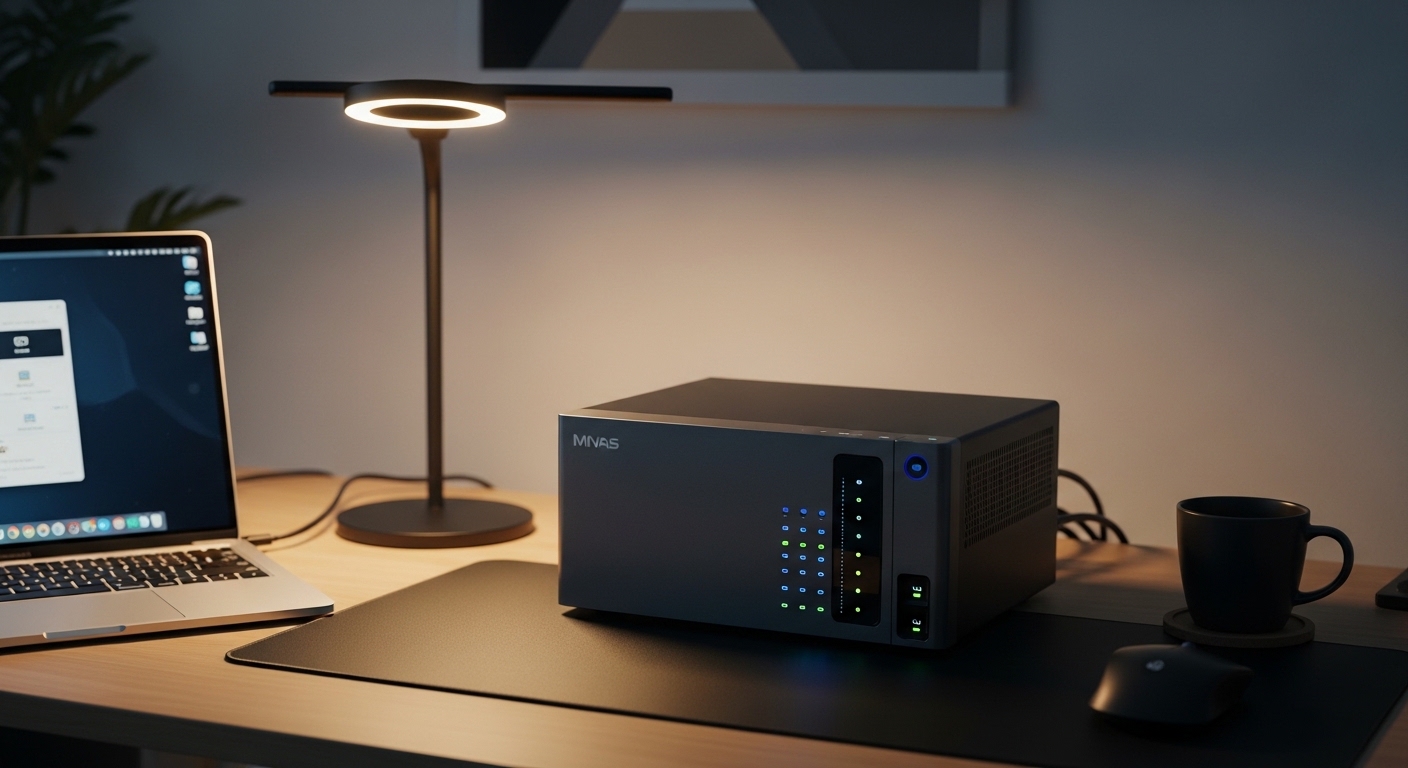
A network storage unit can be noisy due to spinning drives and cooling fans. Placing it inside a cabinet or in a different room can improve your concentration.
If you keep it on your desk, ensure it does not contribute to a cluttered environment. Managing your setup involves more than just buying the right tech.
Properly managing the many wires behind your desk is essential for a clean look. You can find excellent cable management solutions to hide the power and data lines.
A tidy desk promotes a clear mind and better work results. Do not let your new storage hardware become a source of visual stress in your office.
Visual workspace quality also depends on the screens you use to view your data. Choosing the ideal monitor dimensions ensures you can manage your files effectively.
High resolution displays make it easier to navigate complex folder structures and photo libraries. Your storage and your display work together to form a cohesive digital workspace.
Budget Considerations and Long Term Value
Setting a budget for network storage requires looking at the total cost of ownership. You must pay for the enclosure and the hard drives separately in most cases.
Entry level units are affordable but may lack the power to handle future software updates. A mid range investment usually provides the best value over a five year period.
Factor in the cost of electricity, as these devices run all day and night. Energy efficient models might cost more upfront but save money on your utility bills.
Do not skimp on the quality of your hard drives to save a few dollars. Reliable disks are the most important component of your entire data security plan.
Finding the Right Price Point
Compare the cost per terabyte across different drive sizes to find the best deal. Sometimes the largest drives have a significant premium that is not worth the extra space.
Wait for seasonal sales if you are not in an immediate rush to buy. Most major manufacturers offer deep discounts during holiday shopping events.
- Calculate the price of the enclosure plus all drives
- Include the cost of an uninterruptible power supply
- Set aside funds for a cloud backup subscription service
- Check for refurbished units from the manufacturer for savings
Final Thoughts on Choosing Your Storage Solution
Selecting the right network storage is a defining moment for any home office. It represents a commitment to professional data management and peace of mind.
Take your time to compare the different operating systems and hardware designs. Read user reviews to see how specific models perform in real world home environments.
Once your system is running, you will wonder how you ever managed without it. The seamless file access and automated protection transform your daily workflow for the better.
Remember that the best storage system is the one you actually use and maintain. Stay consistent with your backups and keep your software updated to ensure long term success.